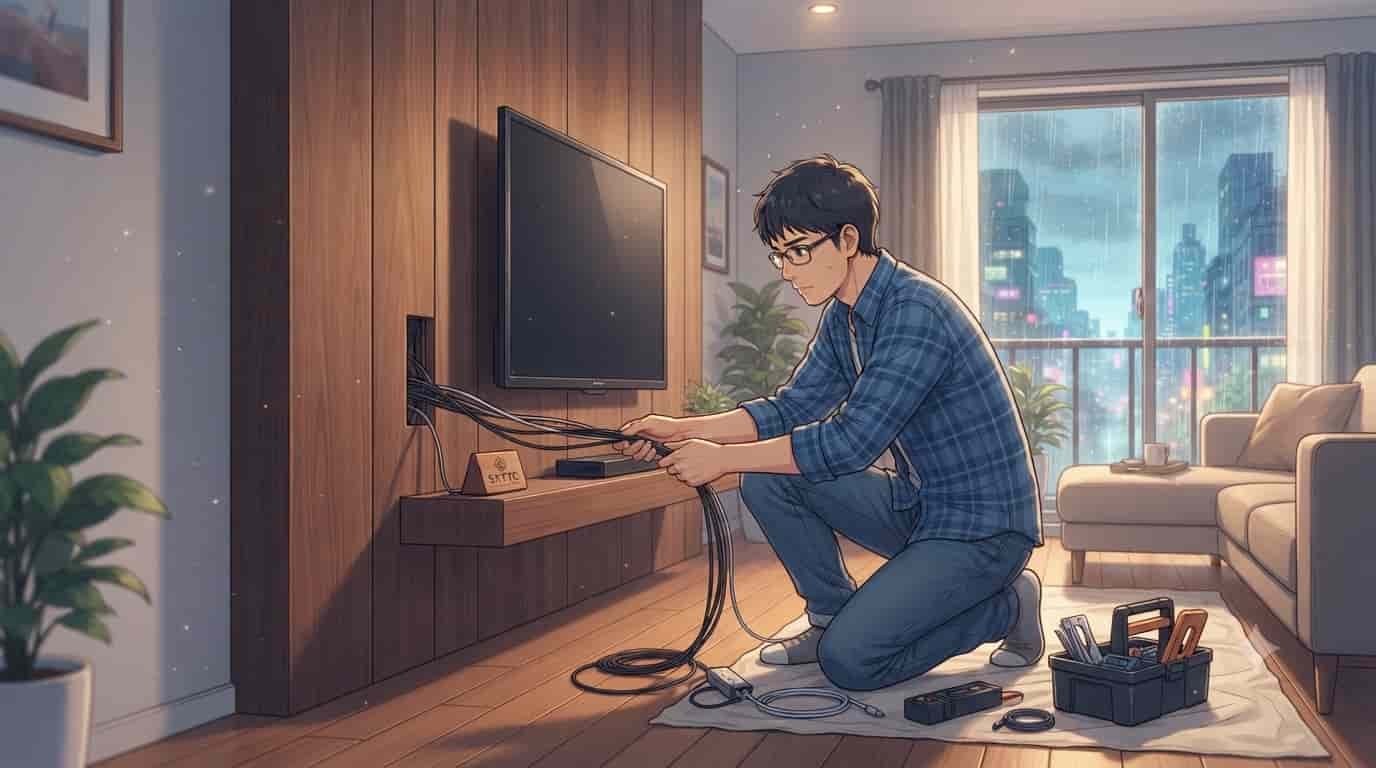
You spent a small fortune on a gorgeous, high-end smart TV and a premium set of wooden wall slats to build your dream home office or living room setup. You mount the TV, step back to admire your hard work, and… bam. A chaotic, ugly waterfall of thick black cords dangling straight down your beautiful timber panels completely ruins the entire clean aesthetic.
If you are a productive minimalist, a gamer, or a remote worker trying to stay focused in a home office, those messy wires are a constant psychological distraction. The good news is that you do not need to hire a pricey custom contractor or burn through your entire weekend to fix this issue. When you want to hide smart TV wires inside wood wall panels, you simply need to approach the project with a mix of basic cable safety and simple woodworking logic.
As a guy who spent 25 years in professional woodworking and a couple of years dealing with the microscopic tolerances of dental prosthetics, I can tell you that hiding cables in wood requires a clean, calculated plan. My team at skytc and I have hands-on tested dozens of these setups, and we have learned the hard way how to run cables without setting your wall on fire or ruining your premium wood panels. Getting your cable management sorted means you won’t have to stare at a spiderweb of ugly black cords during your stressful work hours, giving you a completely peaceful, clutter-free workspace that actually boosts your daily productivity.
In 30 Seconds
- The Core Issue: Running high-voltage power cords directly behind wood panels is a dangerous fire hazard that can also easily void your home insurance.
- The Real Fix: Install an in-wall power extension kit to run the low-voltage cables (HDMI, optical) through the panel gap while keeping the actual power connection safe and code-compliant.
- The Final Verdict: Do not glue or staple your cables directly to the wood; instead, use low-voltage brush plates and routing conduits to keep your cords accessible and perfectly hidden.
The Battlefield Reality
Slim adhesive plastic raceways are technically brilliant for routing cords quickly along painted plaster walls; however, their cheap adhesive backing easily peels off under the constant dry heat radiated from a large smart TV, leaving a sticky, sagging mess on your premium wood panels.
Furthermore, even though magnetic cable clips are incredibly convenient for organizing lighter cords along metal desk frames, their weak magnetic pull often fails to hold heavy-duty HDMI 2.1 cables, causing your carefully hidden wires to drop behind your TV when you least expect it.
Another massive trap is pre-packaged wood panel kits that promise “easy-routing channels” built into the backing. Even though wooden slat panels are incredibly lightweight and gorgeous, their thin backing material makes it extremely easy to accidentally drill straight through your electrical wiring if you are not paying attention. Many of these kits use cheap MDF that swells and warps if your room gets humid, squeezing your hidden cables and making them virtually impossible to pull out later.
A Classic Rodrigo Mistake
Let me tell you about my buddy Rodrigo, a digital nomad who set up his home office in a beautiful apartment in São Paulo. Rodrigo wanted a stunning, warm wooden background for his video calls. He bought some gorgeous louvers, glued them tightly to the drywall with liquid nails, and then realized he forgot to run his HDMI cables first.
Instead of removing the panels, Rodrigo took a heavy-duty spade drill bit and forced a massive hole straight through the center of his decorative wood. He did not check what was behind the drywall, accidentally nicked his internet fiber line, and ended up without Wi-Fi for three days. On top of that, he stuffed his high-voltage TV power cord directly into the tight wooden gap, creating a massive, hot fire hazard. Rodrigo had to dismantle the entire wall, costing him twice as much money and endless hours of stress, all because he rushed the planning stage.
Why Wood Panels and TV Cables Need Special Care
Wood is a natural thermal insulator, which means it retains heat extremely well. Modern smart TVs also produce a surprising amount of heat from their back ventilation grills. If you pack too many high-voltage power lines and low-voltage data cables tightly together in a confined space behind wood panels, you create a thermal trap.
Over time, this trapped heat can degrade the rubber casing of your cables, potentially causing a short circuit. This is why we never run standard power cords directly through walls. We must use code-compliant, in-wall rated cables (like CL2 or CL3 rated HDMI cables) and proper power pass-through kits.
My years in dental prosthetics taught me that when two parts do not meet with absolute, microscopic precision, the entire system fails under stress. A tooth crown that is off by a fraction of a millimeter will ruin your bite; a deadbolt or an HDMI channel that is off by the same tiny margin will pinch your cables and ruin your signal.
Step-by-Step Guide to Hide Smart TV Wires Inside Wood Wall Panels
Here is how we get our hands dirty and route these cables cleanly. Follow these steps in order, and do not skip the preparation phase.
Step 1: Mapping the Panel Clearance and Studs
Before you mount a single piece of wood, you need to know what lies behind the wall. Use a reliable stud finder to locate the wooden or metal framing studs.
If your wood slats are mounted on furring strips (wooden spacer strips), you have a natural, beautiful 0.75-inch gap behind the panels to run cables; however, this gap can be a tight squeeze for thick power bricks unless you plan an recessed outlet box.
Step 2: Preparing the In-Wall Power Kit
To stay fully compliant with local building codes, you cannot run your TV’s flexible power cord through the wall. You need an in-wall power extension kit. These kits include an inlet and outlet box connected by code-compliant Romex wire.
Even though these kits are lightweight and incredibly simple to install, they still require you to cut two holes in your drywall behind where the TV and media console will sit. This ensures your high-voltage power stays safely inside the wall cavity, while your low-voltage cords can slide through cleanly.
Step 3: Installing the Brush Plates and Cable Conduits
Once your power kit is in place, you need a pathway for your HDMI, Ethernet, and optical cables. Install low-voltage brush plates directly on the wood panels.
A brush plate keeps the opening looking tidy and prevents dust from escaping; however, the bristles can easily catch on bulky cable heads unless you feed them through slowly. Use a flexible plastic split-loom tubing or cable conduit behind the panels to group your wires together, preventing them from snagging on the rough back of the wood slats.
Step 4: Mounting the Wood Panels and TV
With the cables safely routed through your conduits and the power kit fully installed, you can now secure your wood panels to the wall.
A heavy-duty tilting TV mount is fantastic for adjusting your screen’s angle to reduce glare; however, the bulky metal arm can easily pinch your newly hidden cables if you push the TV too close to the wall. Leave a tiny bit of slack in your cables near the TV connection to allow for easy movement without straining the delicate ports.
👇 Looking for more performance cheats? Check out our field-tested tactical blueprints:
Essential DIY Troubleshooting Guides
How to Fix Smart Lock Jammed Wooden Door Jamb Error
Stop your deadbolt motor from straining when wooden frames shift with climate changes.
How to Hide Smart TV Wires Inside Wood Wall Panels
Learn clean woodworking methods to route, mask, and clean up complex home theater clutter.
How to Fix Smart Home Device Unresponsive Wi-Fi Bug
Fix network drops, device timeouts, and broken automation routines inside your home local system.
Cable Hiding Methods Compared
| Cable Hiding Method | Aesthetics | Safety Rating | Reusability | Major Downside |
|---|---|---|---|---|
| In-Wall Power Kit & Conduit | Outstanding | Maximum | Excellent | Requires cutting drywall and drilling panels |
| Behind-Panel Gap Routing | Great | Medium | High | Can trap heat if cables are bundled too tightly |
| External Adhesive Raceway | Poor | High | Low | Plastic strips peel off and look incredibly cheap |
| Behind-Slat Stapling | Medium | Low | Zero | Stapling can puncture insulation and ruin cords |
Checklist for Perfect Cable Management
- Ensure you map out where to hide smart TV wires inside wood wall panels before mounting any timber to the wall. (Real experience: Planning the path first saves you from having to rip down beautiful wood slats later; however, rushing this step will almost always result in off-center holes.)
- Use only in-wall rated CL2 or CL3 HDMI cables for routing behind panels. (Real experience: Standard cheap cables can degrade over time due to heat buildup; however, high-quality rated cables will last for years without signal loss.)
- Install a certified in-wall power extension kit instead of running standard power cords through the wall. (Real experience: Power kits are incredibly safe and code-compliant; however, they require cutting slightly larger holes in your drywall.)
- Anchor your TV mount directly into structural wall studs. (Real experience: Stud mounting ensures your heavy smart TV never sags or pulls the wood panels off the wall; however, finding the studs through thick wood panels requires a deep-scanning stud finder.)
- Group your low-voltage cables inside a flexible plastic split-loom conduit. (Real experience: Conduit makes swapping or adding an HDMI cable incredibly smooth in the future; however, the plastic tubing can be bulky to route through narrow panel gaps.)
- Choose low-voltage brush plates that match the color of your wood panels. (Real experience: Colored brush plates blend seamlessly into your wood slats for a premium finish; however, they can be difficult to locate in local hardware stores.)
- Leave at least three inches of slack on all cable ends near the TV ports. (Real experience: Cable slack prevents physical strain on your TV’s delicate HDMI inputs; however, too much loose cable can hang down and ruin your minimalist look.)
- Avoid using heavy liquid glues or construction adhesives to secure cables directly to the wood. (Real experience: Glues are highly effective for quick mounting; however, they permanently bond the wires, making future repairs a complete nightmare.)
- Keep high-voltage power lines physically separated from low-voltage data lines inside the wall. (Real experience: Physical separation prevents annoying electromagnetic interference on your screen; however, it requires routing cables through two separate paths.)
- Vacuum all sawdust and wood shavings out of your cable routing channels before closing the wall. (Real experience: Clean channels prevent dust from gumming up your TV’s internal cooling fans; however, vacuuming tight gaps can be incredibly tedious without a thin crevice tool.)
- Double-check your HDMI cable lengths before feeding them through the wood. (Real experience: Longer cables ensure you have plenty of room to connect your media devices; however, buying cheap, unshielded long cables can cause annoying screen flickering.)
- Use premium lithium batteries in your TV remote to avoid frequent battery swaps. (Real experience: Lithium batteries last much longer and won’t leak inside your expensive controllers; however, they cost slightly more than standard alkaline options.)
FAQ
Is it safe to run my TV’s power cord directly behind wood wall panels?
Absolutely not. Standard power cords are not rated for enclosed, in-wall spaces. They lack the heavy-duty insulation required to prevent fire hazards if they overheat or get pinched by a wood panel. Running a regular power cord through a wall is a major fire hazard and will easily void your home insurance policy if something goes wrong. Always use an in-wall power extension kit instead.
Can I use a cheap plastic surface raceway on my wood wall?
You can, but it will look terrible. Plastic raceways are designed to blend in with flat drywall. When you stick them onto textured, premium wood panels, they stand out like a sore thumb. On top of that, the adhesive backing on cheap raceways often fails when exposed to the heat radiating from the back of your TV, causing the plastic strip to peel off and hang loosely.
Do wood wall slats trap heat and damage hidden TV cables?
Yes, wood is a natural thermal insulator and will trap heat if you do not leave enough breathing room. If you bundle too many wires tightly together behind the panels, the heat can cause the cable insulation to degrade over time. To prevent this, always leave a small gap between your cables and use high-quality, in-wall rated cords that can handle warmer temperatures.
What is the easiest way to feed an HDMI cable through a wood panel?
The smartest hack is to use a flexible plastic split-loom conduit. Feed the conduit behind your wood panels first, then slide your HDMI cables through the smooth plastic tube. This prevents the bulky HDMI connector from getting snagged on the rough back of the wood slats, saving you from a frustrating battle during installation.
Should I glue my cables to the back of the wood panels?
Never do this. Gluing cables might seem like an easy shortcut, but it permanently bonds the wires to your panels. If an HDMI cable breaks or you need to upgrade to a newer cable standard, you will have to rip down your entire wood wall. Always use loose routing conduits or cable clips that allow you to slide cables in and out easily.
How do I swap out a broken HDMI cable once the wood panels are installed?
If you installed a flexible cable conduit behind your panels, swapping a cable is simple. Just tape the connector of your new HDMI cable to the end of the old one, and pull the old cable out from the bottom. The old cable will smoothly pull the new one through the conduit. If you did not install a conduit, you may have to remove several panels to access the broken wire.
Do I need an electrician to install an in-wall TV power kit?
No, you do not need a professional electrician. Modern in-wall power kits are designed for DIY installation and do not require you to touch any live wiring. They use pre-wired, plug-and-play connectors that connect the upper outlet to a lower inlet on your wall. You simply plug the lower inlet into your existing wall outlet using a standard extension cord.
Can I mount a heavy TV directly to the wood panels themselves?
Never mount a heavy smart TV directly to decorative wood panels or slats. Most panels are made of thin MDF or light timber that cannot support the weight of a large TV. The weight will eventually pull the panels off the wall, causing your expensive TV to crash to the floor. Always use long lag bolts to anchor your TV mount directly into the structural wall studs behind the wood.
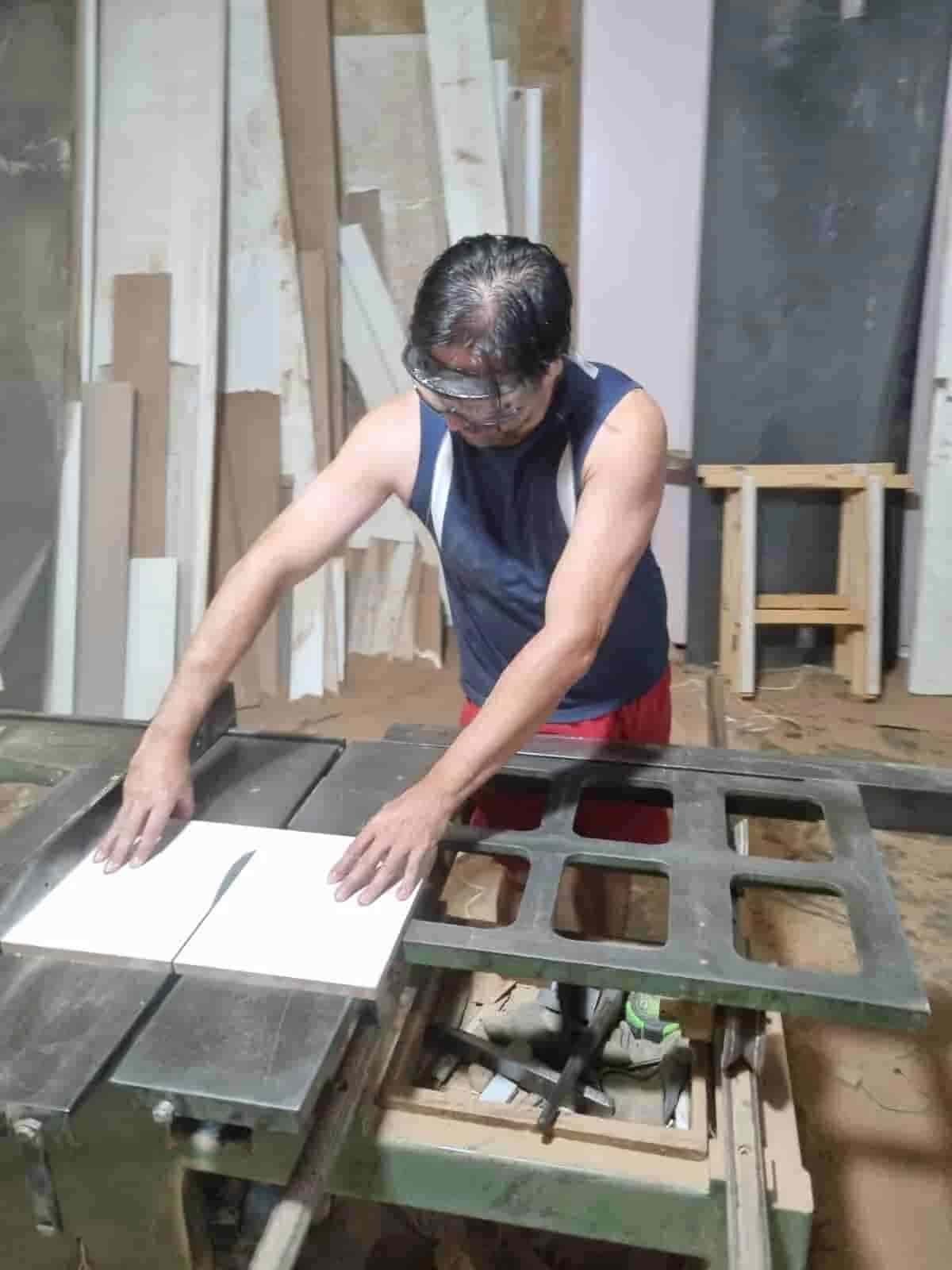
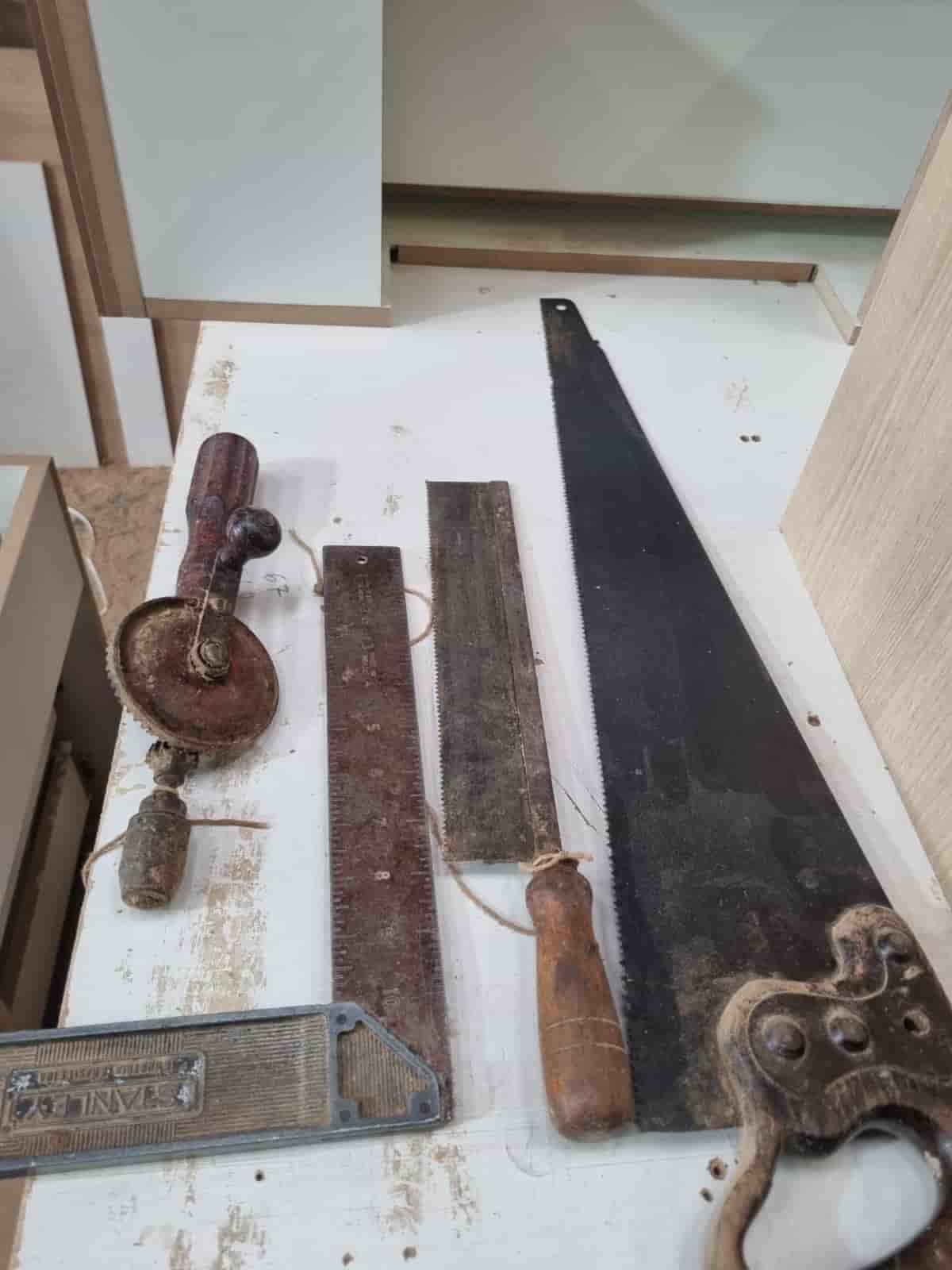
Real World Experience. Engineering Precision.
At SkyTC, technology is never just theoretical—it is driven by practical execution, structural integrity, and strict diagnostic standards. Founded by Valtersky, a tech speaker and seasoned professional, every single guide published here is backed by an authentic multidisciplinary background that bridges the gap between hardware structures and advanced software ecosystems.
Generational Craftsmanship
With 25 years of professional woodworking experience inherited through generations, he masterfully handles smart home mounting, wire routing, and physical hardware adjustments.
Medical Diagnostic Standards
An active career as a licensed X-ray technologist and dental prosthetics practitioner injects rigorous clinical precision, micro-detailed testing, and data integrity into tech evaluations.
Endurance Field Testing
As a competitive mountain ultramarathon runner, he takes every consumer wearable, smart sensor, and GPS watch out into extreme raw environments to test real-world durability boundaries.