
Understanding why smart blind controller drops wi-fi signal strength is an annoying rite of passage for anyone trying to build a frictionless, automated workspace. You sit down at your desk for an intense remote work sprint or high-stakes video call, the afternoon sun hits your monitors at a blinding angle, and your automated routine fails completely because the smart blind motor went offline. You’re left getting up from your ergonomic chair to manually pull cords like it’s 1995.
Most people immediately blame their Wi-Fi router or call their internet service provider. But as a guy who spent 25 years in high-precision woodworking and custom cabinetry, I can tell you that physical materials and hardware placement dictate reality, not marketing promises on a box. Putting a cheap Wi-Fi chip inside a steel headrail directly next to a noisy electric motor is a textbook recipe for signal destruction.
When you fix the underlying radio-frequency interference and structural shielding issues, you regain instant, bulletproof automation control over your workspace lighting. You protect your eyes from sudden screen glare, avoid breaking your deep-work focus state, and save countless hours otherwise wasted climbing ladders to reset bargain-bin Wi-Fi dongles.
30-Second Summary: Tech Support Field Verdict
Bottom Line: If your smart blind controller keeps dropping off your 2.4GHz network, stop blaming your router. The metal U-channel headrail of your window blinds acts as a physical Faraday cage that shields the controller’s internal antenna. When the electric motor kicks on, electromagnetic interference (EMI) and power sag from low-grade voltage regulators drown out the weak radio signal. Skip cheap direct Wi-Fi motors that lack external antennas. Upgrade to an external radio-frequency bridge or switch to dedicated Zigbee/Z-Wave protocol controllers mounted outside the metal headrail. End of story.
Technical Specification Matrix: Smart Blind Control Protocols
| Controller Architecture Category | Metal Headrail Shielding Loss | Motor EMI Isolation | RF Recovery Speed Post-Motor Run | Power Draw / Voltage Sag | Real-World Signal Reliability |
|---|---|---|---|---|---|
| External Antenna Wi-Fi Bridge | Minimal (External Receiver) | High (Isolated Power Board) | Instant (<1 Second) | Stable (External AC/DC) | Exceptional (Line-of-Sight) |
| Zigbee / Z-Wave Mesh Engine | Low (Mesh Network Relay) | High (Low-Frequency Band) | Instant (<1 Second) | Ultra-Low Power Draw | High (Self-Healing Mesh) |
| Direct Wi-Fi Tubular Motor | Severe (-15dB to -20dB Loss) | Poor (Unshielded Motor Drive) | Fails / Long Timeout | Severe Voltage Sag | Poor (Frequent Offline Drops) |
| Bluetooth LE Retrofit Wand | Moderate (Short Range Limit) | Moderate (Isolated Housing) | Variable (Re-pairing Lag) | Moderate (Battery-Dependent) | Moderate (Requires Local Gateway) |
Why Smart Blind Controller Drops Wi-Fi Signal Strength: The Hidden Physics Behind the Drops
To understand why smart blind controller drops wi-fi signal strength, you have to examine how radio waves interact with raw materials. Window blind assemblies are constructed using steel or aluminum headrails, aluminum mounting brackets, and low-E glass windows coated with invisible metallic oxides. When you slide a smart controller inside an aluminum U-channel, you effectively enclose the Wi-Fi antenna inside a partial Faraday cage. That metallic enclosure bounces 2.4GHz radio waves away, cutting signal strength by up to twenty decibels before the signal ever leaves the window frame.
The second major offender is electromagnetic interference (EMI) produced by the internal motor. When your smart blind controller triggers the motor to lower or raise the shades, the electric motor draws a sudden surge of inrush current. In cheap setups equipped with low-grade components, this power surge causes a momentary voltage drop across the circuit board. The onboard Wi-Fi chip experiences a micro-brownout, loses its hand-shake with your router, and drops offline until the chip reboots.
Working seated all day at a computer terminal demands consistent physical ergonomics and optimal lighting control to avoid posture slumps and eye fatigue. Fueling long work sessions with whole foods, bioavailable muscle meat, and natural animal fats gives your body sustained stamina—and your smart home setup should be built with that same unyielding durability. Wasting mental capacity fighting dropped Wi-Fi signals is a total drain on your focus and productivity.
Battlefield Assessments: Gear Categories Put to the Test
1. Direct Wi-Fi Tubular Motors (All-in-One Internal Chips)
Direct Wi-Fi tubular motors install the Wi-Fi modem, antenna, and motor drive controller on a single small circuit board crammed inside the aluminum motor tube or metal headrail.
The Good: Simple installation with no external bridges or hubs required. Plugs directly into your existing home 2.4GHz Wi-Fi router right out of the box.
The Bad: Terrible signal performance. The tight metal enclosure creates massive RF attenuation, and motor startup noise causes frequent connection drops that lock the device in an offline state.
2. Hub-Driven Zigbee / Z-Wave Mesh Controllers
These controllers ditch energy-hungry 2.4GHz Wi-Fi in favor of low-power mesh networking protocols like Zigbee or Z-Wave, which communicate directly with a central smart home hub.
The Good: Exceptional reliability. The mesh network relays signals from device to device across your house, easily bypassing metal window frames while drawing minimal power.
The Bad: Requires buying a dedicated central hub, increasing setup complexity for beginners who just want a single automated window shade.
3. Bluetooth LE Wand Controllers with Wi-Fi Gateway
Bluetooth Low Energy wands attach externally to existing tilt mechanisms or roller chains and communicate via Bluetooth to a wall-plugged Wi-Fi gateway device.
The Good: Easy retrofit setup that mounts outside the metal headrail, completely avoiding the Faraday cage shielding effect.
The Bad: If the wall-plugged gateway is positioned too far from the window wand, Bluetooth pairing latency causes command delays and missed automation triggers.
The Realities of the Battlefield
Smart home manufacturers love printing bold claims on their packaging like “100-foot Wi-Fi range” and “seamless one-app control.” But in real-world trail conditions inside actual homes, those marketing specs fall flat on their face. In my 25 years in woodworking and two years crafting dental prosthetics, precision fitment taught me that if you ignore physics, your build fails. I spent a ton of time working seated at my bench, and my team at skytc hands-on tests all this automation tech under real load.
When metal window frames, double-pane Low-E glass, and high-duty-cycle electric motors combine, fragile internal PCB antennas simply cannot punch through the ambient noise floor. Standard residential dual-band routers make things worse by attempting to automatically steer dual-chip devices between 5GHz and 2.4GHz bands, dropping the connection every time the motor activates.
If you rely on budget-friendly options with unshielded wiring and plastic gears, you will spend your weekends climbing stepladders to manually re-pair frozen microcontrollers. Real reliability requires physical antenna isolation, proper voltage regulation, and robust network protocols.
Hypothetical Failure Scenario: The Afternoon Zoom Glare Crisis
Consider this classic remote worker nightmare: A software engineer sets up a high-end home office workspace. To control harsh afternoon sun glare, they install a set of budget direct Wi-Fi smart blinds, hiding the controller neat and tidy inside the steel headrail. They configure an automated schedule to lower the blinds at 2:00 PM every afternoon.
At 1:59 PM, the engineer enters an important video presentation with senior clients. Right on cue at 2:00 PM, the automation server sends a signal. The cheap Wi-Fi motor tries to spin, drawing a sudden current spike. The unshielded voltage regulator sags, the onboard Wi-Fi chip loses its router handshake, and the motor locks up mid-rotation with the blinds wide open.
Direct sunlight floods the room, blinding the engineer’s webcam and washing out their monitors. Distracted and frustrated, the engineer jumps out of their ergonomic chair, trips on a laptop cable, and grabs the tilt wand to pull it manually—snapping the plastic internal gear drive in the process. A single piece of cheap, unshielded smart gear just destroyed a professional work presentation and broke a window shade assembly.
👇 Looking for more performance cheats? Check out our field-tested tactical blueprints:
Essential DIY Troubleshooting Guides
How to Fix Smart Lock Jammed Wooden Door Jamb Error
Stop your deadbolt motor from straining when wooden frames shift with climate changes.
How to Hide Smart TV Wires Inside Wood Wall Panels
Learn clean woodworking methods to route, mask, and clean up complex home theater clutter.
How to Fix Smart Home Device Unresponsive Wi-Fi Bug
Fix network drops, device timeouts, and broken automation routines inside your home local system.
Actionable Field Execution Checklist
- Diagnose why smart blind controller drops wi-fi signal strength first.
Pro-Tip: Use a mobile RF analyzer app to measure signal decibels at the headrail; metal window frames cause up to a fifteen-decibel drop in signal strength. - Relocate the smart controller antenna outside the metal headrail.
Pro-Tip: Metal U-channels create a Faraday cage effect; extending the antenna trace outside the steel frame restores line-of-sight RF transmission. - Isolate motor wiring using ferrite core chokes.
Pro-Tip: Clamping a ferrite bead onto the DC power leads eliminates high-frequency electromagnetic noise caused by motor brushes during active rotation. - Upgrade to a dedicated 2.4GHz guest network for smart devices.
Pro-Tip: Disabling band steering on your router prevents smart controllers from getting bumped between five gigahertz and two-point-four gigahertz frequencies. - Replace low-grade internal Wi-Fi power supply regulators.
Pro-Tip: Cheap voltage regulators experience brownouts during high-torque motor startup, causing the onboard Wi-Fi chip to crash and reboot. - Deploy a local Zigbee or Z-Wave mesh network instead.
Pro-Tip: Mesh protocols relay signals from device to device, bypassing heavy wall interference and eliminating direct router connection bottlenecks. - Mount external RF bridges within ten feet of window frames.
Pro-Tip: Keeping the wireless bridge in direct line-of-sight avoids wall attenuation while allowing the bridge to send low-power radio signals to the blinds. - Replace low-E metal oxide glass shielding with RF-friendly films.
Pro-Tip: Double-pane windows with metallic heat-reflective coatings bounce internal Wi-Fi signals back into the room, creating destructive multipath interference. - Anchor motor power cables away from high-voltage desk wiring.
Pro-Tip: Running blind controller power lines parallel to monitor power bricks introduces induced AC noise into the controller’s ground plane. - Set static IP addresses for all motorized blind controllers.
Pro-Tip: DHCP lease renewals frequently fail on low-power Wi-Fi chips after motor-induced brownouts, locking the controller out of the local network. - Test controller responsiveness during active motor movement.
Pro-Tip: Always run signal pings while the motor is actively spinning to verify that electromagnetic interference is not dropping data packets.
Dynamic No-Nonsense FAQ
Why does my smart blind controller show offline only when the motor is running?
When the electric motor turns on, it draws high inrush current and generates electromagnetic interference (EMI). In cheap controllers with poor power filtering, this current spike causes a voltage drop that reboots the Wi-Fi chip, dropping your wireless connection instantly.
Will adding a Wi-Fi range extender near the window fix dropped blind signals?
Rarely. If the controller is trapped inside a metal headrail, cranking up router power just causes signal bouncing. You must physically move the antenna or controller out of the metal enclosure rather than buying more Wi-Fi extenders.
Why do metal window frames ruin smart blind Wi-Fi connectivity?
Metal window casing, aluminum blinds, and steel headrails act as electromagnetic shields. They absorb and reflect 2.4GHz radio waves, creating a physical dead zone directly around the blind controller.
Is Zigbee or Z-Wave better than Wi-Fi for motorized window blinds?
Yes, significantly better. Zigbee and Z-Wave use low-power mesh networking, draw less energy, and do not suffer from router band-steering drops or heavy 2.4GHz spectrum congestion in modern homes.
How does a motor cause electromagnetic interference (EMI) on my local network?
Brushed electric motors generate high-frequency electrical arcs as the brushes contact the commutator. This arcing radiates electromagnetic noise along unshielded power wires, overpowering nearby low-power radio receiver antennas.
Can I extend the internal Wi-Fi antenna out of the blind headrail?
Yes. If your controller features a standard u.FL antenna connector on the circuit board, you can attach a small coax extension cable and mount a rubber ducky antenna on the wall outside the metal headrail.
Why do smart blind batteries drain so fast when Wi-Fi signal is weak?
When a Wi-Fi chip loses signal strength, its firmware increases radio transmission power to maximum to find the router. This constant high-power searching burns through battery reserves in days instead of months.
Are bargain-bin Wi-Fi smart blind controllers ever worth buying?
No. Cheap controllers built with low-grade components, unshielded circuits, and plastic gears are guaranteed to fail. You will spend more time troubleshooting connection drops than enjoying automated window lighting.
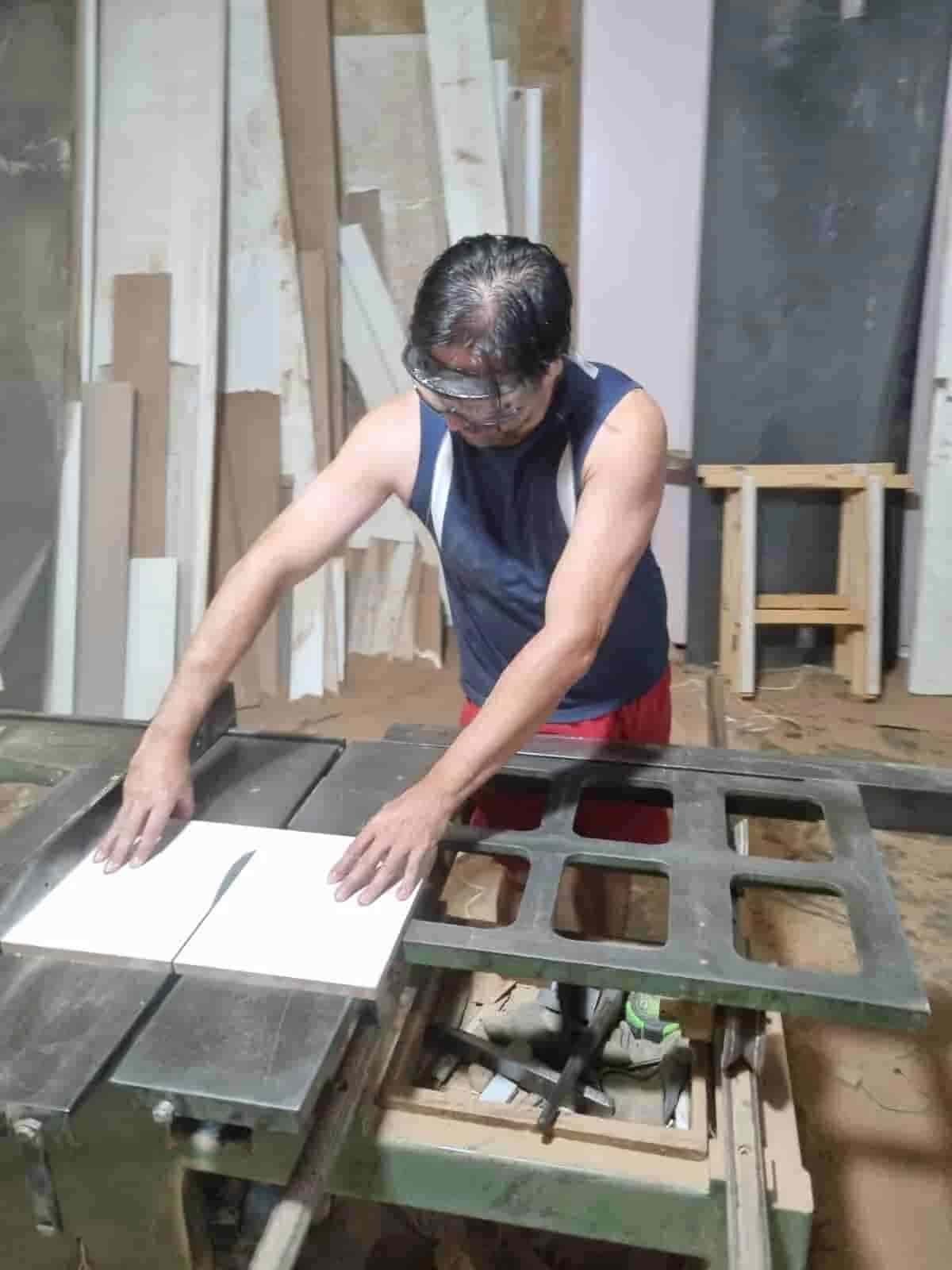
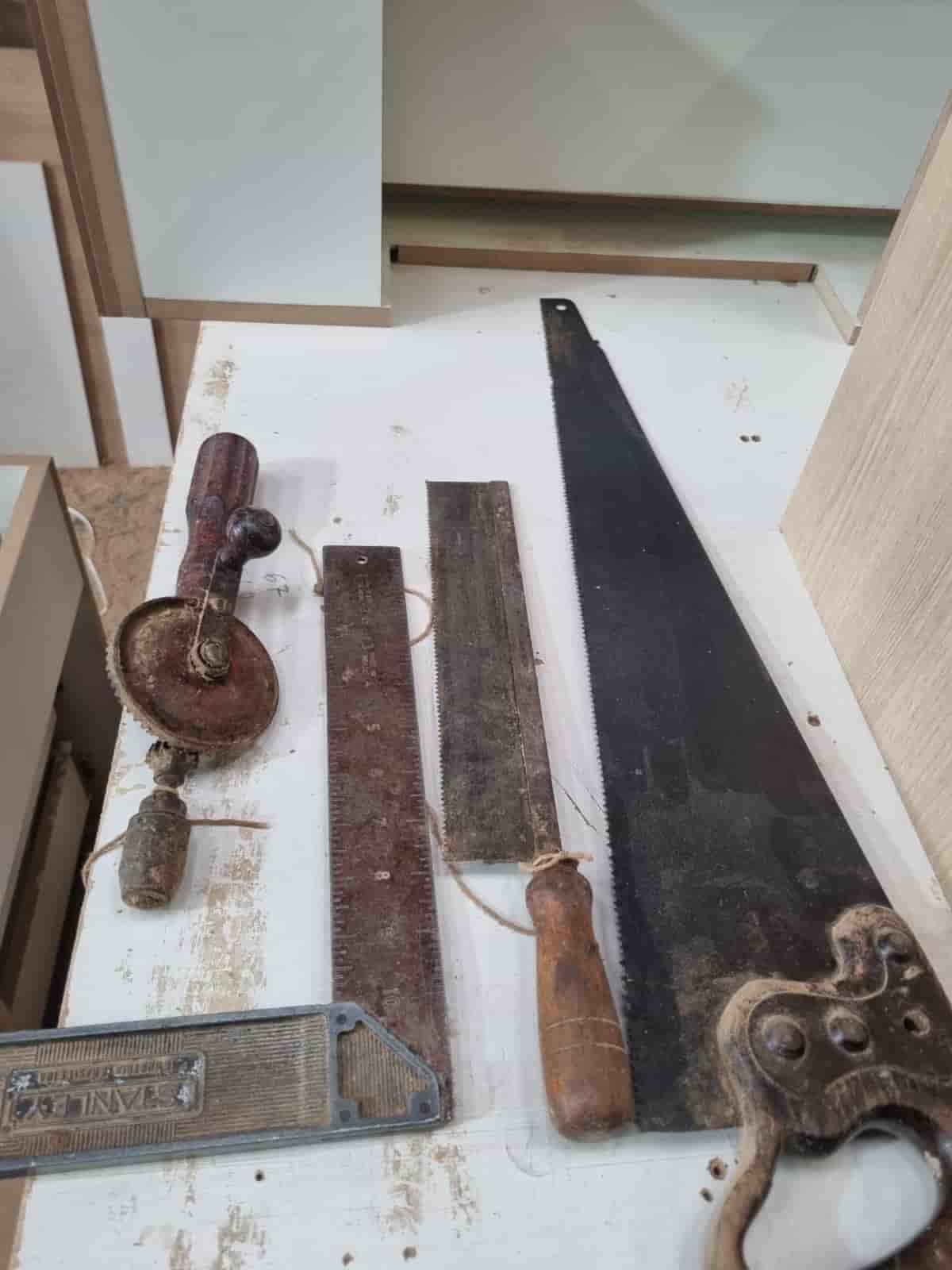
Real World Experience. Engineering Precision.
At SkyTC, technology is never just theoretical—it is driven by practical execution, structural integrity, and strict diagnostic standards. Founded by Valtersky, a tech speaker and seasoned professional, every single guide published here is backed by an authentic multidisciplinary background that bridges the gap between hardware structures and advanced software ecosystems.
Generational Craftsmanship
With 25 years of professional woodworking experience inherited through generations, he masterfully handles smart home mounting, wire routing, and physical hardware adjustments.
Medical Diagnostic Standards
An active career as a licensed X-ray technologist and dental prosthetics practitioner injects rigorous clinical precision, micro-detailed testing, and data integrity into tech evaluations.
Endurance Field Testing
As a competitive mountain ultramarathon runner, he takes every consumer wearable, smart sensor, and GPS watch out into extreme raw environments to test real-world durability boundaries.
✨ Read also: Fix Google Home Hub Wi-Fi Setup Stuck on Connecting: The Master Field Guide
A deeply technical piece of content that perfectly complements this post — absolutely worth the read.