
Understanding why optical mouse switches outlast standard office gear is the ultimate cure for the dreaded double-click plague that haunts every productivity workspace. You are in the middle of dragging a critical architectural layer, selecting lines of code, or closing a multimillion-dollar position on a trading desk, and suddenly your mouse drops the drag or registers three rapid phantom clicks on a single tap.
You shake the mouse in frustration, blow into the seams hoping to dislodge some dust, and eventually throw a perfectly good pointing device straight into the trash bin. That cycle of throwing away peripherals every twelve months is not bad luck; it is engineered obsolescence driven by cheap mechanical microswitches.
When you swap out legacy mechanical leaf-spring switches for optical light-beam actuators, you eliminate physical contact wear completely. You reclaim your workflow precision, save countless hours of desk rage, and guarantee that your primary input tool clicks flawlessly for over a decade of heavy abuse.
The Repair Shop Counter: The Intake Specification
Here is the raw truth from behind my micro-soldering bench: traditional office mice are ticking time bombs because they rely on bending metal plates touching gold-flaked contacts.
Every time you click a mechanical microswitch, microscopic electrical arcing and atmospheric humidity slowly oxidize the metal contact points until the signal bounces unpredictably.
The verdict is simple: abandon standard mechanical office mice with cheap leaf-spring contacts and upgrade to peripherals utilizing infrared optical switches with physical shutter gates, high-durability optical wheel encoders, and pure PTFE glide surfaces.
Microswitch Architecture: Technical Comparison Table
Under the microscope, not all switch mechanisms are built to survive the demands of full-time professional clicking. Here is how modern switch architectures compare across the board:
| Switch Architecture | Actuation Mechanism | Debounce Latency | Oxidation Failure Rate | Rated Mechanical Lifespan |
|---|---|---|---|---|
| Infrared Optical Switches | Light-Beam Interruption | Near-Zero (Instant) | Zero (No physical electrical contact) | Institutional tier (70M–100M clicks) |
| Gold-Plated Mechanical Leafs | Physical Metal Leaf Deflection | Variable firmware delay (5–15ms) | Moderate over time | High-end tier (20M–50M clicks) |
| Bargain-Bin Office Microswitches | Cheap Copper Alloy Spring | High (Prone to chatter) | High (Fast galvanic corrosion) | Low-grade baseline (3M–5M clicks) |
| Membrane Tactile Domes | Conductive Rubber Compression | Unreported / Sluggish | High (Carbon wear) | Budget-friendly convenience |
Why Optical Mouse Switches Outlast Standard Office Gear Under Heavy Workloads
To understand why legacy office gear dies so fast, you have to look at the physics of a mechanical microswitch. Inside a standard switch, a curved copper leaf spring snaps downward to make physical contact with a metal terminal, completing an electrical circuit. This physical collision causes the metal to vibrate micro-second by micro-second, a phenomenon engineers call “contact bounce.”
To prevent your computer from registering twenty clicks on one press, mouse firmware uses an artificial debounce algorithm that tells the system to ignore follow-up signals for several milliseconds. But as skin oils, air moisture, and continuous metal fatigue degrade the leaf spring, the bounce duration widens past the firmware’s threshold, resulting in the notorious double-click defect.
Optical switches solve this entirely by decoupling the mechanical click feel from the electrical trigger. An infrared LED constantly aims a light beam at an internal phototransistor. Pressing the mouse button simply drops a tiny plastic shutter through the beam, breaking the light path. This lab macete creates an instantaneous digital signal with zero electrical bounce, meaning debounce delay is unnecessary and contact oxidation is mathematically impossible.
The Bare-Metal Trial: Pros, Cons, and Real-World Wear
Upgrading your primary desktop pointer to optical hardware brings massive reliability gains, but no engineering solution is completely without real-world trade-offs. Here is the unfiltered bench breakdown:
Infrared Optical Shutter Switches
The Good: Absolute immunity to double-clicking, sub-millisecond response latency, and click consistency that feels identical on year five as it did on day one.
The Bad: Because the infrared LED draws a continuous low-amperage current while awake, optical mice can consume slightly more battery runway in ultra-lightweight wireless setups.
Tactile Mechanical Leaf Switches
The Good: Extremely low quiescent power draw and an ultra-crisp, deep mechanical snap that many long-time typists and office workers find physically satisfying.
The Bad: If you work in a humid coastal environment or live with pets, airborne particulates and galvanic corrosion will ruin the contact surfaces within eighteen months of daily use.
Scratch Risk: Chassis and Hinge Durability
Manufacturers love boasting about ergonomic curves, matte soft-touch coatings, and featherweight honeycomb chassis designs in their product trailers. But underneath that sleek exterior, the internal mechanical actuation plungers are often made of soft, low-grade ABS plastic that rubs directly against hard switch casings.
The mouse shell might survive accidental drops, but the repeated vertical impact of your index finger slowly grinds a physical trench into the plastic plunger stem directly above the switch. Once that groove wears deep enough, the plunger no longer pushes the switch far enough to break the light beam cleanly, causing unresponsive clicks and loose button pre-travel.
Furthermore, scroll wheel assemblies on standard office gear are notoriously fragile; the tiny hexagonal plastic axle snaps clean off under moderate downward pressure. When that axle shears, the wheel drops loosely inside the chassis, turning your premium tier investment into a rattling paperweight that requires complete teardown and micro-soldering hot-glue fabrication to salvage.
The Hypothetical Failure Scenario: The High-Stakes Drag Drop
Picture a senior software engineer refactoring a massive production database structure during an emergency server migration. The engineer is using a standard mechanical office mouse provided in the corporate hardware kit.
The copper leaf spring inside the left-click switch has accumulated two years of microscopic oxidation and physical metal fatigue. As the engineer clicks and drags a critical cluster table across the configuration dashboard, the switch contact momentarily bounces and breaks the circuit for two milliseconds.
The operating system registers this bounce as an unclick, instantly dropping the unconfigured table into an active staging environment without confirmation. The engineer spends the next twelve hours executing emergency rollback procedures and rebuilding database indexes—a nightmare triggered entirely by a fraction-of-a-penny copper leaf spring failing at the worst possible moment.
👇 Looking for more performance cheats? Check out our field-tested tactical blueprints:
Guides for Your Next Workspace
Professional Laptops
The definitive blueprint to selecting high-performance, enterprise-grade workstations engineered to scale your productivity.
Budget Tech Tools
Practical strategies and low-cost digital tools engineered to maximize office performance without breaking your budget.
Power User Gadgets
Advanced hardware, desk automation tools, and elite tech ecosystems built to completely eliminate workflow bottlenecks.
The Assembly Line: High-Yield Deployment Checklist
Follow this bench-tested hardware checklist to ensure your input peripherals survive relentless daily workloads:
- Understand why optical mouse switches outlast standard office gear.
Expert Tip: Look specifically for third-generation optical switches that use isolated infrared emitters rather than hybrid mechanical contacts. - Inspect mouse plunger stems for reinforced PBT construction.
Expert Tip: Plungers made of soft ABS plastic develop wear grooves quickly; PBT or padded plunger caps prevent switch actuation dead-zones. - Select optical scroll wheel encoders over mechanical ones.
Expert Tip: Mechanical rotary encoders collect dust and hair that cause erratic scroll jumps; optical encoders use light wheels that never degrade. - Avoid soft-touch rubberized body coatings on daily gear.
Expert Tip: Rubberized finishes react with human skin oils and degrade into sticky, unremovable sludge within three years of heavy usage. - Ensure mouse feet are one-hundred-percent virgin PTFE.
Expert Tip: Cheap dyed plastic skates create severe friction on your desk surface, putting unnecessary torque strain on your wrist and finger joints. - Keep wireless polling rates tuned to reasonable work baselines.
Expert Tip: Cranking polling rates to extreme gaming tiers drains optical switch battery reserves rapidly without offering any practical benefit in office software. - Never spray liquid cleaners directly into mouse button seams.
Expert Tip: Cleaning solvents seep beneath switch housings, stripping factory damping grease and clouding internal optical lenses. - Choose mice with modular hot-swappable switch sockets if mechanical.
Expert Tip: If you prefer mechanical switches, buy mice with solderless microswitch sockets so you can replace degraded switches in sixty seconds. - Check for flexible paracord cables on wired setups.
Expert Tip: Stiff rubberized cables exert continuous lateral drag on the mouse chassis, causing premature wrist fatigue during long drafting sessions. - Clean the optical sensor lens with dry micro-swabs quarterly.
Expert Tip: Lint trapped in the sensor aperture causes jittery cursor tracking that tricks users into thinking their switch hardware is failing. - Store backup switches in humidity-controlled component bins.
Expert Tip: Unused mechanical switches stored in humid garage drawers will oxidize before you ever solder them onto a motherboard.
Forensic Breakdown: Microscopic Hardware Answers
Can an optical mouse switch ever suffer from the double-click defect?
No. Double-clicking is caused by physical metal contact bounce and electrical arcing, which cannot exist in an optical switch that uses a light beam to trigger.
Why do major office brands still use cheap mechanical switches?
Because low-grade mechanical switches cost pennies to mass-produce, and their eventual failure creates a predictable replacement cycle that fuels repeat consumer sales.
Can I solder optical switches onto a standard mechanical mouse PCB?
No. Mechanical switches close a two-pin copper circuit, whereas optical switches require active surface-mount infrared LEDs and photo-sensors embedded in the motherboard traces.
Do optical switches feel mushy compared to traditional microswitches?
Not modern ones. Early generations felt slightly hollow, but modern optical switches use independent mechanical tactile clickers that mimic crisp mechanical snaps.
Will dust block the internal light beam of an optical switch?
Rarely. Modern optical switch housings are sealed with tight tolerances, and the infrared light beam easily penetrates minor airborne micro-dust particles.
Why did my mechanical mouse start double-clicking after a humid summer?
High relative humidity accelerates galvanic corrosion on the copper leaf spring contacts, drastically increasing electrical contact bounce beyond firmware limits.
Is an optical switch mouse worth it for simple office spreadsheet work?
Yes. If you spend eight hours a day clicking cells, an optical switch prevents missed drag-and-drop actions and eliminates the frustration of unexpected hardware failure.
What is the average lifespan difference between optical and mechanical gear?
Standard mechanical office switches fail around five million clicks, while modern optical switches consistently exceed seventy to one hundred million clicks without degradation.
Why Trust SKYTC Curated Gear?
At SKYTC, we simplify technology for you. We aren’t just another deals site; we are hardware experts obsessively focused on elite performance.
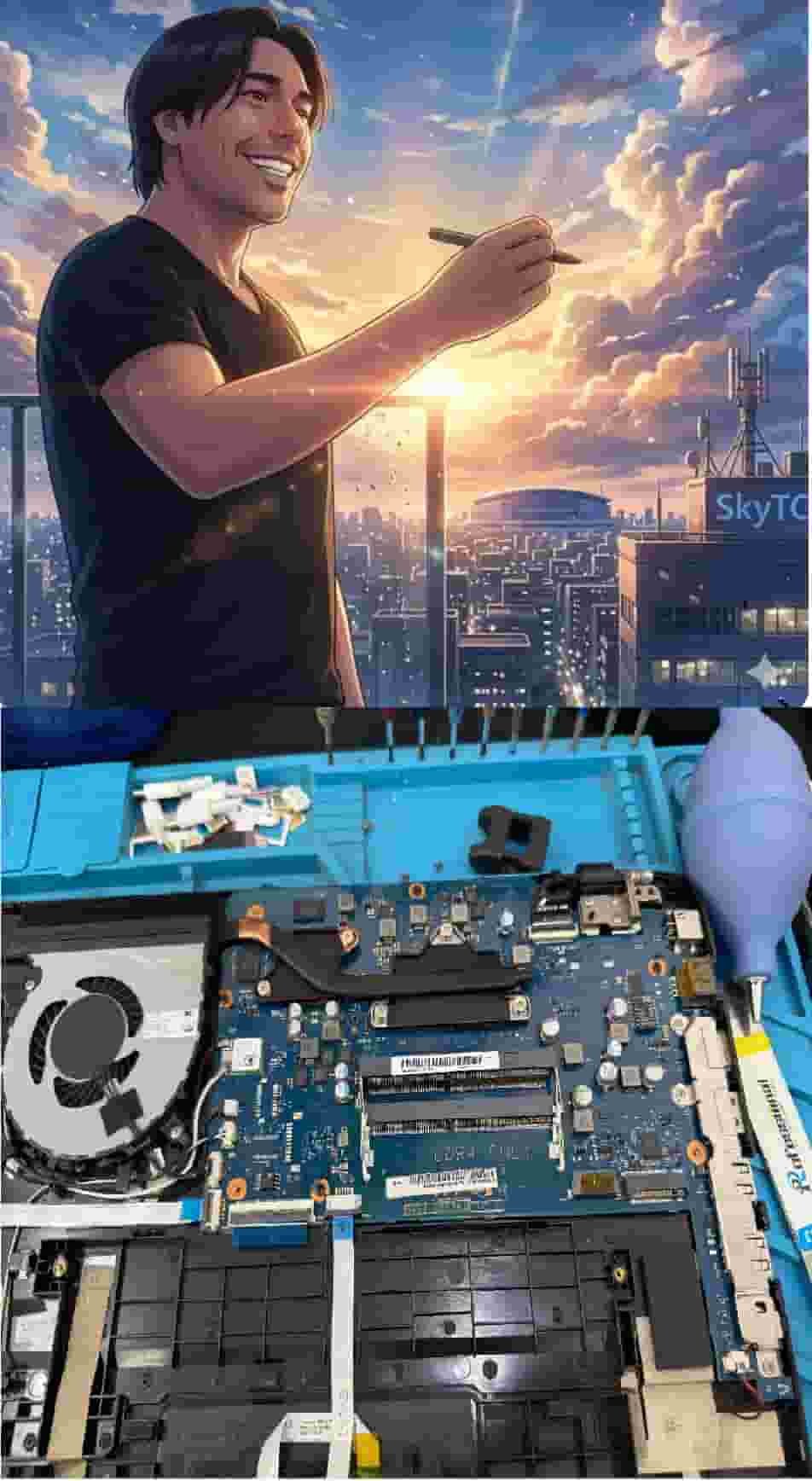
Technical Bio: Hardware & Laptops
“At SkyTC, technology is driven by engineering precision and real field experience. I am Valtersky, and I bring a unique background to the bench: from professional woodworking, the eye for structural integrity; from radiology, an absolute obsession with microscopic details.
As an ultra-endurance marathon runner, I don’t just browse store windows. I tear machines down, run intensive stress tests on thermal dissipation, and validate the actual build quality of every single component. My mission is to translate complex tech engineering and tech finances into smart decisions for your workflow.
Here, we speak straightforward, jargon-free English with the authority of someone who knows exactly what is inside the chassis.”
Read also: Top Hardware Input Gadgets for Extreme Multi Tasking: The Hardware Architect’s Manual
RAW REPAIR BENCH WARNING: Neglecting chassis hinge strain and continuous thermal cycling inevitably leads to eDP cable shearing inside hinges, T-Con board overheating, subpixel blue-line dropouts, and catastrophic BGA solder thermal cracks across the main motherboard circuitry.