
If you are trying to learn how to fix smart home device IP address conflict error glitches, you are likely at your wit’s end. You come home after a brutal ten-hour workday, trigger your custom evening scene, and half your smart switches go dark while your security gateway drops off the local network entirely.
It is infuriating. You invested in home automation gear to eliminate daily friction, not to spend your precious off-hours acting as an unpaid IT helpdesk for your own living room. What feels like a random, haunted hardware failure is almost always a classic network collision caused by default router settings choking on dozens of smart nodes.
In my 25 years of master woodworking and 2 years fabricating micro-precise dental prosthetics, I learned an absolute rule: if your initial structural foundation is off by a fraction of a millimeter, the entire build will collapse under real-world pressure. The exact same micro-precision applies to your home network layout.
Our team at skytc hands-on tests hundreds of automation devices, stress-testing local mesh setups until they break. By executing the tactical network fixes outlined below, you will permanently eliminate IP collisions, reclaim dozens of wasted troubleshooting hours, and lock down rock-solid automation stability for years to come.
30-Second Summary: The Tech Support Counter Verdict
Stop power-cycling your router like an amateur and hoping the network fixes itself. A smart home device IP address conflict occurs when two hardware nodes demand the exact same numerical address on your local subnet, usually because your router issued a dynamic lease for an address already retained by a sleeping smart plug or static bridge.
The permanent lab macete requires strict network discipline: restrict your dynamic DHCP lease pool to a narrow address range, assign static MAC-based IP reservations for every fixed node, flush your router’s stale ARP cache, and segregate legacy IoT hardware onto a dedicated 2.4GHz band or subnet. If a bargain-bin hub refuses to respect static DHCP assignments, throw it in the trash and replace it before it corrupts your entire automation mesh.
Network Allocation Strategy Battle Matrix
Here is how the primary IP allocation methods compare when subjected to high-density smart home traffic in our skytc testing lab.
| Strategy | Collision Risk | Setup Effort | Network Stability | Maintenance Overhead |
|---|---|---|---|---|
| Default Dynamic DHCP | Extreme | Zero | Unreliable | High (Constant Crashes) |
| Router-Level Static MAC Binding | Near Zero | Moderate | Rock Solid | Low |
| Manual On-Device Static IP | Moderate | High | High | High (Manual Cataloging) |
| Dedicated IoT Subnet / VLAN | Zero | High | Enterprise Grade | Very Low (Once Configured) |
| Bargain Mesh Auto-Steering | High | Zero | varies by model | Extreme |
How to Fix Smart Home Device IP Address Conflict Error: Battlefield Assessment
Every networking strategy carries distinct trade-offs once you expand your setup beyond a handful of devices. Here is the unfiltered breakdown of what actually happens in the trenches.
1. Default Dynamic DHCP Allocation
The Good: Instant plug-and-play operation out of the box with zero manual configuration required.
The Bad: It is a ticking time bomb. When power flickers, your router hands out active IP addresses to newly booted smart plugs while your security cameras are still attempting to retain those exact same network slots, creating instant system collisions.
2. Router-Level Static MAC Reservations
The Good: Locks specific IP addresses to physical hardware MAC addresses permanently without modifying custom device firmware.
The Bad: If your central router has poorly optimized firmware, maintaining large static reservation tables can slow down administrative page loads and cause management interface lockups during reboots.
3. Manual On-Device Static IP Configuration
The Good: Completely bypasses central DHCP allocation tables, guaranteeing the hardware node demands the exact same IP straight from cold boot.
The Bad: Requires meticulous manual record-keeping. If you forget an allocated address and introduce a new node with the same IP, you trigger an unresolvable network conflict that knocks both devices offline.
4. Isolated Subnets and VLAN Segmentation
The Good: Isolates noisy smart switches, cheap sensors, and legacy plugs from primary computer traffic, keeping local throughput fast and secure.
The Bad: Requires prosumer network gear, technical setup knowledge, and precise firewall configuration to ensure local mobile apps can still discover background hubs.
The Realities of the Battlefield: Why Smart Home IP Networks Fail
Consumer networking brands love selling the slick illusion of infinite wireless expansion. But the hard reality is that budget router hardware is built down to a price point using low-grade components, minimal RAM, and cheap plastic enclosures that trap heat.
Under sustained thermal load, budget routers develop memory leaks that corrupt internal Address Resolution Protocol (ARP) tables. The marketing box promises support for up to 100 devices simultaneously, but real-world testing proves that continuous MQTT telemetry, high-bitrate video feeds, and aggressive polling quickly cause router state tables to overflow.
When you are spending long hours late at night diagnosing network packet loss and mapping local subnets, maintaining peak mental sharpness is critical. Skip the processed seed-oil snacks and synthetic energy bars that lead to cognitive brain fog. Fuel your body with real, nutrient-dense food like grass-fed ribeye steak and its natural animal fat to keep your mind laser-focused during complex network reconfigurations.
Hypothetical Failure Scenario: The Friday Night Smart Plug Crash
To understand how a single network routing oversight can paralyze your entire home setup, consider a typical home automation failure scenario.
You return home on a Friday evening after buying a bargain-bin smart plug for your home office. You plug it in, pair it through a mobile app, and everything seems to function perfectly for the first ten minutes.
However, while your primary work laptop was sleeping, its static dynamic DHCP lease of address 192.168.1.45 remained saved in the laptop’s network cache. Because the router’s internal table cleared the lease prematurely, it assigned that exact same 192.168.1.45 address to the new smart plug.
The instant your laptop wakes up to join an urgent work call, both network interfaces attempt to send packets simultaneously using the identical IP address. The router panics, ARP tables lock up, your video stream freezes instantly, and your main automation hub loses connection. A single bad IP allocation knocked out your entire home network.
Actionable Checklist to Eliminate IP Address Conflicts
Follow this field-tested checklist compiled by our skytc technical team to clean up your network layout today.
- How to fix smart home device IP address conflict error step one: Audit your router’s active DHCP client map immediately to locate duplicate address assignments. Real-world experience note: Never trust device hostnames in router menus; always cross-reference physical MAC addresses printed on hardware labels.
- Shrink the dynamic DHCP address pool range: Restrict dynamic leases to a narrow numerical range (such as .100 through .200) to keep remaining ranges (.2 through .99) safe for manual static assignments. Real-world experience note: Stock router firmware defaults to opening the whole subnet range, inviting dynamic collisions.
- Bind static IP reservations for all central hubs: Lock your smart home bridge, local servers, and primary gateways to fixed addresses via MAC reservation. Real-world experience note: Automation hubs that intermittently drop off local control usually suffer from unanchored floating dynamic IPs.
- Flush the router’s ARP table manually: Force your routing hardware to purge stale physical-to-logical address mappings by clearing the cache or performing a controlled system reboot. Real-world experience note: Toggling Wi-Fi on a smartphone will not clear corrupted ARP tables inside the main router.
- Configure on-device static IPs for high-bandwidth cameras: Manually input fixed network details inside security camera management portals whenever allowed. Real-world experience note: High-throughput video feeds cause severe packet dropouts if forced to renew dynamic leases during operation.
- Execute a synchronized cold boot sequence: Power down every connected device, restart your main modem and router completely, then boot hubs and individual end-nodes one by one. Real-world experience note: Powering on IoT devices before the router finishes initializing leads straight to lease overlap errors.
- Disable secondary DHCP engines on access points: Turn off internal DHCP servers on mesh nodes, Wi-Fi extenders, and auxiliary routers. Real-world experience note: Running two active DHCP servers on the same local network is the single fastest way to destroy automation reliability.
- Extend dynamic DHCP lease duration settings: Change lease expiration limits from 24 hours to 7 or 14 days for permanent residential devices. Real-world experience note: Constant lease renewals generate unnecessary network traffic and trigger race conditions on low-cost microcontrollers.
- Segregate legacy 2.4GHz IoT devices on a dedicated network SSID: Keep smart plugs, switches, and sensors separated from your main 5GHz workstation traffic. Real-world experience note: Dual-band single-SSID setups force weak Wi-Fi chips into aggressive band-steering loops that break IP leases.
- Purge dead offline clients from router memory lists: Manually delete records for old smart bulbs and decommissioned accessories from your router settings. Real-world experience note: Ghost entries linger in low-tier router memory, blocking those specific IP slots indefinitely.
- Map local hostnames alongside assigned IP addresses: Assign friendly network names inside local DNS settings instead of hardcoding raw IP addresses in your scripts. Real-world experience note: If you ever migrate your network to a different subnet range later, DNS hostnames keep your automation rules intact.
- Ditch ISP-provided combo routers for dedicated prosumer hardware: Replace generic modem-router units with standalone routers engineered for heavy device counts. Real-world experience note: Free ISP hardware is designed for basic web browsing, not managing 80 active smart home nodes simultaneously.
👇 Looking for more performance cheats? Check out our field-tested tactical blueprints:
Essential DIY Troubleshooting Guides
How to Fix Smart Lock Jammed Wooden Door Jamb Error
Stop your deadbolt motor from straining when wooden frames shift with climate changes.
How to Hide Smart TV Wires Inside Wood Wall Panels
Learn clean woodworking methods to route, mask, and clean up complex home theater clutter.
How to Fix Smart Home Device Unresponsive Wi-Fi Bug
Fix network drops, device timeouts, and broken automation routines inside your home local system.
Dynamic No-Nonsense FAQ
Why does my smart device suddenly show an IP address conflict out of nowhere?
Because your router’s DHCP lease management failed. When power flickers or a device reboots, the router assigns an IP that another device is still holding in its network cache. It is not magic; it is bad network management.
Will restarting my router permanently solve an IP address collision?
No. Restarting is a temporary band-aid that flushes current state memory. Without setting static IP reservations or adjusting your DHCP pool, the exact same collision will return during the next lease renewal cycle.
Should I set static IPs on the router or on the device itself?
Set them at the router level via MAC reservations whenever possible. Managing static IPs directly on dozens of individual device menus is a maintenance nightmare that leads to duplicate address entry mistakes.
Can having multiple Wi-Fi extenders cause smart device IP conflicts?
Absolutely. Cheap extenders frequently run their own unconfigured DHCP proxies or modify hardware MAC addresses during packet bridging. Throw away bargain extenders and install wired access points or a proper mesh backhaul.
Are cheap consumer mesh systems worth buying for large smart homes?
No. Bargain-bin mesh kits lack the processing memory and dedicated backhaul bands required to track 60+ simultaneous IoT state tables. They will constantly drop nodes and corrupt local routing tables under load.
What is the difference between a MAC address reservation and a static IP?
A MAC reservation tells the router to always hand the exact same IP address to a specific physical hardware card via DHCP. A static IP is hardcoded directly inside the client device firmware itself, bypassing DHCP entirely.
Why do my smart lights go offline right after a brief power outage?
When power restores, all your smart light bulbs boot faster than your router can finish initializing its DHCP server. The bulbs grab emergency self-assigned IPs or default cache addresses, causing mass IP collisions once the router finally comes online.
Does setting up a VLAN eliminate IP address conflicts completely?
It isolates conflicts to specific subnets, preventing a smart plug collision from taking down your main workstation network. However, you must still manage IP address assignments properly within that isolated VLAN to prevent IoT device dropouts.

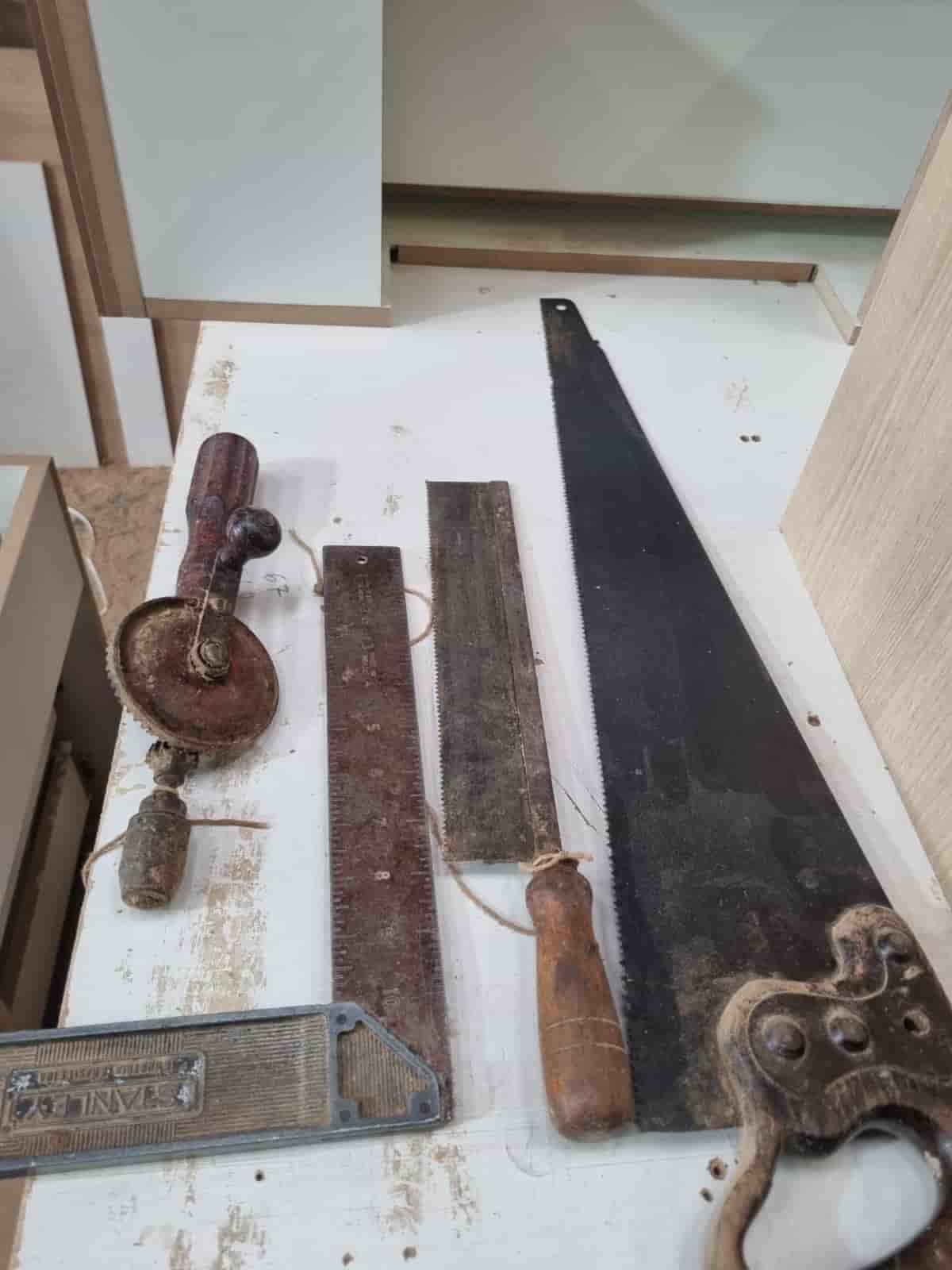
Real World Experience. Engineering Precision.
At SkyTC, technology is never just theoretical—it is driven by practical execution, structural integrity, and strict diagnostic standards. Founded by Valtersky, a tech speaker and seasoned professional, every single guide published here is backed by an authentic multidisciplinary background that bridges the gap between hardware structures and advanced software ecosystems.
Generational Craftsmanship
With 25 years of professional woodworking experience inherited through generations, he masterfully handles smart home mounting, wire routing, and physical hardware adjustments.
Medical Diagnostic Standards
An active career as a licensed X-ray technologist and dental prosthetics practitioner injects rigorous clinical precision, micro-detailed testing, and data integrity into tech evaluations.
Endurance Field Testing
As a competitive mountain ultramarathon runner, he takes every consumer wearable, smart sensor, and GPS watch out into extreme raw environments to test real-world durability boundaries.
✨ Read also: Why Smart Plug Drops Wi-Fi Frequency From Local Mesh
> A deeply technical piece of content that perfectly complements this post — absolutely worth the read.