
Selecting the best secured laptops for corporate data protection is the single hardest boundary between defending your organization’s mission-critical intellectual property or handing your trade secrets to industrial espionage rings on a silver platter. Most corporate procurement officers look at shiny magnesium lids, featherweight chassis specs, and vendor discount sheets while completely ignoring the silicon-level attack surfaces beneath the keyboard.
You pack your executive machine into a carry-on, rush through international border checkpoints, or leave your workstation asleep in a hotel room, completely oblivious to physical cold-boot attacks and direct-memory-access bus snooping. When an unauthorized actor gets sixty seconds of physical access to an unsecured machine, software firewalls and cloud-managed endpoint agents become completely useless.
When you deploy hardware-hardened corporate workstations engineered with true cryptographic isolation, you eliminate bare-metal vulnerability vectors entirely. You protect your enterprise from catastrophic compliance penalties, prevent catastrophic intellectual property exfiltration, and ensure that stolen hardware yields nothing more than an encrypted, unusable brick of scrap metal.
The Repair Shop Counter: The Intake Specification
Here is the brutal truth from behind my diagnostic bench: consumer-grade laptops rebranded with a “Pro” sticker are corporate security liabilities.
If a machine lacks a discrete hardware cryptographic processor, total memory bus encryption, hardware-enforced chassis intrusion switches, and automated out-of-band firmware verification, your corporate data is essentially floating in the clear.
The final intake verdict is non-negotiable: ditch off-the-shelf consumer ultra-portables and standardize your fleet exclusively on dedicated enterprise-tier hardware featuring Secured-Core architecture, hardware-anchored Root of Trust, and physically shielded motherboard traces.
Secured Laptop Hardware Matrix: Technical Comparison Table
Under the microscope, real enterprise workstations differ wildly from standard consumer laptops. Here is how modern hardware security tiers compare in the field:
| Chassis & Platform Tier | Hardware Security Architecture | Full Memory Encryption (TME/SME) | Physical Chassis Intrusion Switch | Tamper Resistance Tier |
|---|---|---|---|---|
| Secured-Core Enterprise Workstations | Silicon Root of Trust + Discrete TPM 2.0 | Hardware-enforced (Active) | Physical microswitch trigger | Institutional tier |
| Hardened Rugged Field Laptops | Isolated TPM + Encrypted Quick-Release Caddy | Supported by platform | Mechanical key-lock cage | Maximum physical defense |
| Commercial Flagship Ultrabooks | Integrated Firmware TPM (fTPM) | Varies by model | Unreported / Rare | Moderate / Consumer baseline |
| Budget Corporate Rebrands | Basic Legacy BIOS / Unsigned Boot | None (Zero bus protection) | None | Low-grade tier (Vulnerable) |
Why the Best Secured Laptops for Corporate Data Protection Require Silicon-Level Defense
Most corporate data breaches do not happen through dramatic cinematic hacking; they happen when a laptop is briefly lost, stolen, or intercepted, and the attacker directly targets the hardware communication buses. On standard machines, an attacker can attach an inexpensive hardware interposer to the motherboard’s SPI lines or sniff the unencrypted traces between the processor and the RAM chips.
True corporate data defense mandates Total Memory Encryption (TME) or Secure Memory Encryption (SME) running directly on the CPU memory controller. This hardware feature encrypts every single byte of data moving between the system memory and the processor using dynamic, ephemeral keys generated at boot.
Even if an attacker freezes the memory chips with liquid nitrogen for a physical cold-boot attack, or hooks up a logic analyzer directly to the high-speed traces on the PCB, they extract pure cryptographic noise. This lab macete guarantees that sensitive decryption keys, active database sessions, and proprietary algorithms never exist in plaintext anywhere on the physical motherboard.
The Bare-Metal Trial: Pros, Cons, and Real-World Wear
Hardening physical hardware against sophisticated adversaries introduces operational trade-offs that every systems architect must calculate. Here is the unfiltered bench reality:
Enterprise-Grade Secured-Core Workstations
The Good: Absolute bare-metal protection against rogue Option ROMs, continuous Direct Memory Access (DMA) attack blocking on all external ports, and seamless zero-touch out-of-band remote wiping.
The Bad: If a motherboard power delivery IC fails or an internal tamper-switch trips from an accidental chassis drop, the cryptographic fuse blows permanently, requiring a total system board replacement.
Removable Encrypted NVMe Drive Bays
The Good: Instant zero-tool physical data destruction or secure vaulting before passing through hostile border checkpoints, leaving the chassis completely sterile.
The Bad: The mechanical drive-caddy latches and internal high-speed flex connectors wear down and introduce signal attenuation after repeated daily insertions.
Scratch Risk: Chassis and Hinge Durability
Marketing departments love to brag about CNC-milled aerospace aluminum shells and ultra-slim bezels in glossy corporate brochures. But on the repair bench, we see how those razor-thin metal casings flex under real-world torque, pressing the underside of the keyboard directly against the delicate surface-mount chips on the motherboard.
The structural disaster is especially glaring around the display hinges: manufacturers anchor high-torque steel hinge brackets into paper-thin, low-grade plastic ribs inside the palmrest. Over months of rapid open-and-close cycles in airport lounges, those plastic screw bosses crack, allowing the hinge to shift laterally inside the chassis.
When the hinge shifts, its sharp internal metal corners pinch the delicate 40-pin eDP display cable and the adjacent biometric fingerprint reader flex harness against the sharp edge of the magnesium frame. This mechanical pinch causes immediate dead short-circuits that bridge high-voltage backlight power rails directly into low-voltage sensor communication buses, instantly frying the CPU’s internal platform controller hub and permanently disabling your biometric hardware security.
The Hypothetical Failure Scenario: The Airport Lounge Sleep-Mode Exfiltration
Picture a chief technology officer waiting at an international airline lounge with a premium tier investment ultrabook. The laptop is placed into modern standby sleep mode, and the executive steps away to grab a coffee, leaving the machine unattended in a private booth for three minutes.
An opportunistic threat actor casually sits at the adjacent table, uncoils a compact direct-memory-access (DMA) penetration tool hidden inside a standard portable battery pack, and plugs the high-speed cable into the laptop’s exposed, unshielded Thunderbolt port.
Because the laptop’s UEFI firmware lacked hardware-enforced Kernel DMA Protection, the external device instantly bypasses operating system security, reads the volatile system memory in milliseconds, and dumps the active corporate disk decryption master keys directly onto a concealed flash drive. The executive returns, packs the laptop, and boards the flight, completely oblivious to the fact that the entire corporate repository was duplicated before takeoff.
👇 Looking for more performance cheats? Check out our field-tested tactical blueprints:
Guides for Your Next Workspace
Professional Laptops
The definitive blueprint to selecting high-performance, enterprise-grade workstations engineered to scale your productivity.
Budget Tech Tools
Practical strategies and low-cost digital tools engineered to maximize office performance without breaking your budget.
Power User Gadgets
Advanced hardware, desk automation tools, and elite tech ecosystems built to completely eliminate workflow bottlenecks.
The Assembly Line: High-Yield Deployment Checklist
Follow this zero-compromise hardware deployment sequence to harden your enterprise laptop fleet against physical and firmware-level threats:
- Procure the best secured laptops for corporate data protection.
Expert Tip: Verify that every model is explicitly certified as a Secured-Core PC with hardware-level Root of Trust before signing enterprise purchase orders. - Enable hardware Total Memory Encryption inside the BIOS.
Expert Tip: Activating memory encryption prevents physical cold-boot attacks and direct RAM sniffing with negligible impact on CPU computational throughput. - Enforce strict Kernel DMA Protection on all external ports.
Expert Tip: Lock down Thunderbolt and USB-C ports to prevent unauthorized peripheral devices from reading physical system memory without explicit OS approval. - Set an immutable, complex supervisor password on UEFI.
Expert Tip: Lock the firmware interface completely to block unauthorized technicians or bad actors from changing boot priority or disabling Secure Boot. - Configure self-encrypting NVMe drives with OPAL standards.
Expert Tip: Hardware-based disk encryption offloads cryptographic load from the CPU directly to the SSD controller, providing tamper-resistant data-at-rest isolation. - Activate physical chassis intrusion detection in firmware.
Expert Tip: Enable the motherboard microswitch trigger to force an administrative lockout if the bottom cover is removed outside an authorized IT bench. - Disable legacy sleep modes in favor of full hibernation.
Expert Tip: Traditional S3 sleep leaves cryptographic keys lingering in powered RAM; configure the system to write to encrypted disk and power down completely. - Enforce multi-factor biometric authentication with anti-spoofing.
Expert Tip: Mandate Match-on-Chip fingerprint sensors where biometric templates are processed and stored exclusively inside an isolated hardware silicon enclave. - Inspect display hinge torque every six operational months.
Expert Tip: Prevent internal cable pinching and chassis boss fatigue by servicing overtightened hinge mechanisms before they damage internal wire harnesses. - Deactivate unneeded physical wireless radios in sensitive zones.
Expert Tip: Turn off Bluetooth and broadband cellular modems via hardware DIP switches or firmware toggles when operating in high-threat corporate environments. - Deploy out-of-band remote hardware erasure capabilities.
Expert Tip: Ensure enterprise management modules can broadcast a cryptographic crypto-erase command to the drive controller even if the operating system is corrupted.
Forensic Breakdown: Microscopic Hardware Answers
Can a standard consumer laptop be upgraded to enterprise-grade security?
No. You cannot retrofit physical silicon features like hardware Root of Trust, discrete TPM 2.0 chips, or motherboard-level memory bus encryption onto consumer PCBs.
What is the difference between firmware TPM and discrete hardware TPM?
Firmware TPM (fTPM) runs inside main CPU microcode and is vulnerable to system crashes, while discrete TPM (dTPM) is a physically isolated, tamper-shielded security co-processor.
Can cold-boot attacks extract disk encryption keys from modern laptops?
Yes, on laptops without hardware-based Total Memory Encryption. Freezing the RAM chips preserves data long enough for attackers to read raw encryption keys in plaintext.
Why is DMA protection critical for laptops with Thunderbolt ports?
Thunderbolt connects directly to high-speed PCIe lanes; without Kernel DMA Protection, any connected peripheral can read and write to system RAM without CPU permission.
Are fingerprint readers on consumer laptops secure for corporate data?
Most consumer readers use Match-on-Host architecture, sending raw biometric images over unencrypted USB traces. Enterprise machines use Match-on-Chip to process data inside isolated silicon.
Does full hardware disk encryption slow down high-speed NVMe storage?
No. Dedicated hardware encryption engines built directly into enterprise SSD controllers operate at full line rate without imposing performance penalties on the main CPU.
What happens when a chassis intrusion switch is triggered?
The hardware logs an immutable tamper event in the security chip, invalidates disk encryption keys, and requires administrative authentication before the machine will boot.
Is it safe to put a secured corporate laptop into standard sleep mode?
No. Sleep mode keeps system memory powered and vulnerable to physical bus-sniffing tools. Always configure secured workstations to enter full encrypted hibernation.
Why Trust SKYTC Curated Gear?
At SKYTC, we simplify technology for you. We aren’t just another deals site; we are hardware experts obsessively focused on elite performance.
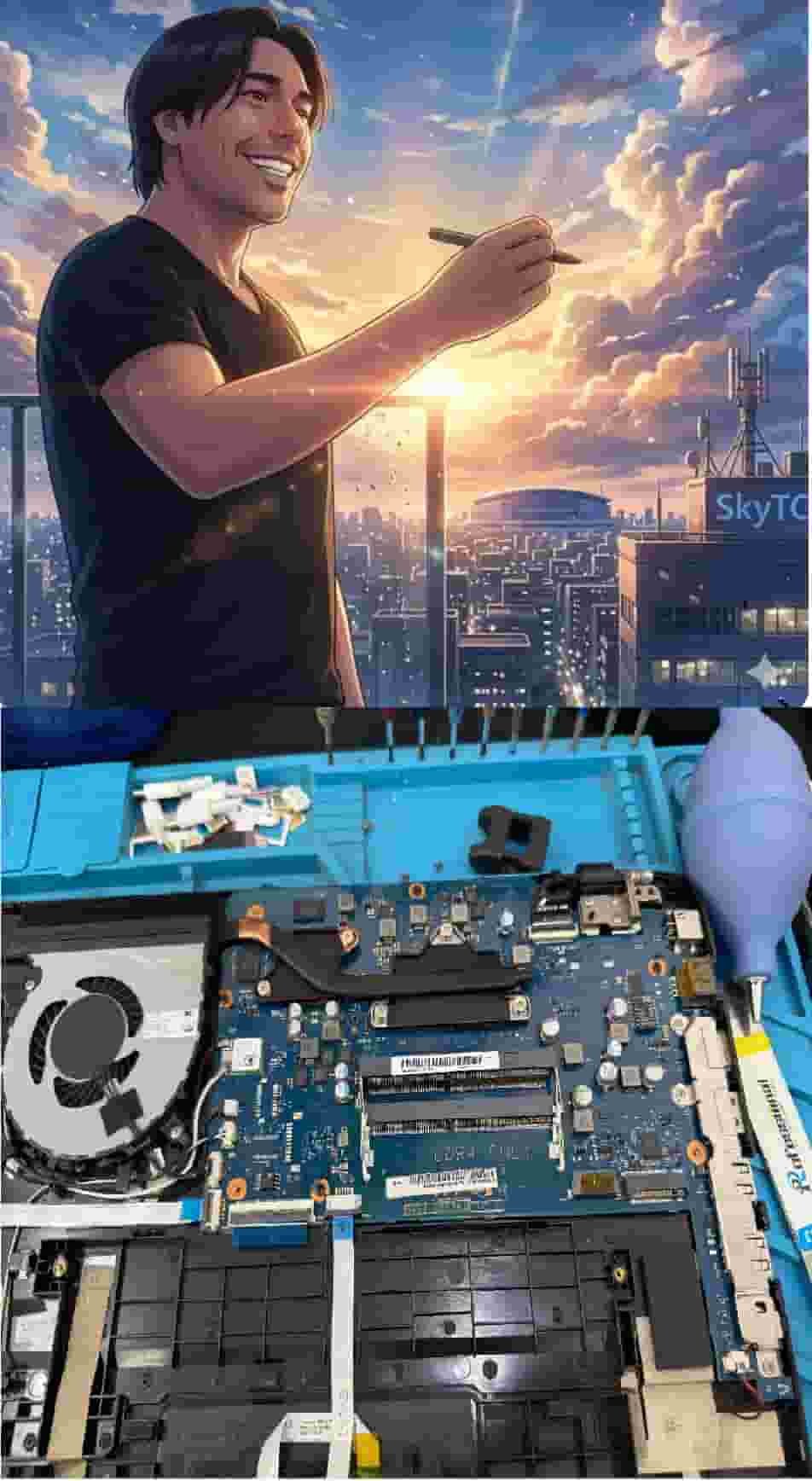
Technical Bio: Hardware & Laptops
“At SkyTC, technology is driven by engineering precision and real field experience. I am Valtersky, and I bring a unique background to the bench: from professional woodworking, the eye for structural integrity; from radiology, an absolute obsession with microscopic details.
As an ultra-endurance marathon runner, I don’t just browse store windows. I tear machines down, run intensive stress tests on thermal dissipation, and validate the actual build quality of every single component. My mission is to translate complex tech engineering and tech finances into smart decisions for your workflow.
Here, we speak straightforward, jargon-free English with the authority of someone who knows exactly what is inside the chassis.”
Read also: How Firmware Security Protects Professional Laptops: The Bench Technician’s Hardware Guide
RAW REPAIR BENCH WARNING: Neglecting physical chassis strain and unmaintained thermal paths causes eDP cable shearing inside hinges, T-Con board overheating, subpixel blue-line dropouts, and catastrophic BGA solder thermal cracks across critical motherboard power delivery circuits.