
You are in the middle of a high-stakes client presentation, pacing around your workspace, and suddenly your voice turns into a chopped-up robotic stutter before dropping completely. You tap your headset, curse at your screen, and wonder why your desktop setup acts like it was built in the dial-up era. Tracking down reliable low cost bluetooth adapters for office desks should not feel like gambling on unbranded silicon, yet most people keep buying dollar-store junk that cannot hold a stable packet stream across three feet of open air.
Here is the cold, hard bench reality: most office Bluetooth problems are not caused by your expensive wireless headphones or your ergonomic keyboard. They are caused by terrible, unshielded low-grade USB controllers, atrocious antenna PCB trace routing, and brutal radio frequency interference radiating straight out of your computer’s own motherboard ports.
Upgrading to a battle-tested adapter with genuine controller silicon and proper RF filtering stops dropped Zoom calls dead in their tracks, eliminates frustrating mouse pointer micro-stutter, and saves you hours of daily connectivity troubleshooting. You keep your workflow fluid, dodge embarrassing meeting dropouts, and get rock-solid peripheral response without spending top-tier cash on overkill enterprise hardware.
The Repair Shop Counter: The Intake Specification
Step up to the counter and let us cut straight through the tech-reviewer marketing fluff. If you want a Bluetooth adapter that actually survives an eight-hour office grind without dropping packets, stop buying no-name nano-dongles from generic online bins. Nine out of ten mystery dongles run counterfeit or rejected production-run silicon that overheats within twenty minutes, causing the Link Manager Protocol (LMP) to crash your system audio stack.
The final intake verdict: demand a controller powered by a verified Realtek (RTL8761B series) or Qualcomm chipset, Bluetooth 5.0 or higher with low-energy audio protocol support, and dedicated physical shielding. If your desktop chassis sits under a dense metal desk, bypass flush-mount nano dongles entirely and get an adapter with an external high-gain dipole antenna on an extension cable. That is the entire ballgame.
Controller Architecture: Benchtop Spec Comparison
We tore down the most common office adapter form factors on the micro-soldering mat to inspect their internal PCB traces, LDO voltage regulators, and RF front-ends.
| Adapter Archetype | Controller Silicon | Bluetooth Spec & Protocols | RF Shielding & Antenna Type | Bench Reliability Rating |
|---|---|---|---|---|
| Branded External Dipole USB | Realtek RTL8761BUV / Class 1 | Bluetooth 5.0 / 5.3 + EDR | Electromagnetic Can + 2dBi Dipole | Maximum (Solid Office Workhorse) |
| Shielded Nano USB Dongle | Broadcom / Realtek Tier-1 | Bluetooth 5.0 / BLE | Internal Multi-Layer Ceramic | High (Line-of-Sight Only) |
| PCIe Desktop Combo Card | Intel AX Series (M.2 Key-E) | Bluetooth 5.2 / 5.4 + Wi-Fi | Full Metal Cage + Dual Antennas | Maximum (Zero Peripheral Drop) |
| Bargain-Bin Mystery Nano | Counterfeit / Unmarked ASIC | Unreported (Claimed 5.0) | Exposed PCB Meander Line | Bargain-Bin Disaster Tier |
| Long-Range High-Power Sled | Qualcomm QCC Series Core | Bluetooth 5.2 / aptX HD | Internal Far-Field Shield | Varies by model |
The Bare-Metal Trial: Pros, Cons, and Real-World Wear
Let us look at how these form factors handle continuous thermal stress, driver updates, and daily office abuse on the repair bench.
1. High-Gain External Antenna USB Adapters
The Good: The external rotatable antenna elevates your RF radiation pattern clear above the metal shielding of your PC case, delivering clean line-of-sight transmission through office partitions and wooden desks.
The Bad: That long plastic antenna acts as a mechanical lever; if you plug it into a front-panel desk port and accidentally bump it with your knee, you will shear the USB port solder pads right off the motherboard trace.
2. Low-Profile Shielded Nano Dongles
The Good: Practically invisible when plugged in, completely immune to physical shear damage, and ideal for compact mini-PCs or laptops parked in desktop docks.
The Bad: The tiny internal ceramic antenna has zero punching power; if you plug this into the rear I/O panel behind a heavy steel desktop tower, the metal chassis absorbs the 2.4 GHz signal like a sponge.
3. Internal PCIe Desktop Adapter Cards
The Good: Taps directly into dedicated motherboard power rails, runs enterprise-grade Intel silicon, and routes external antennas straight out the back on heavy-gauge coaxial pigtails.
The Bad: Requires an open PCIe slot plus an internal USB 2.0 motherboard header connection, making installation intimidating for casual office users who refuse to touch internal circuitry.
Scratch Risk: Chassis and Hinge Durability
Many manufacturers brag about gold-plated USB connectors and sleek molded plastic housings on their low-cost office adapters.
Horizontal Reality: Behind the shiny gold plating sits cheap, brittle lead-free solder holding ultra-thin copper sub-traces to a two-layer budget PCB without any structural underfill.
Under repeated thermal expansion from high duty-cycle office audio streaming, un-heatsinked controllers bake inside their snap-together plastic shells until solder joints develop microscopic hairline fractures. Even worse, the USB jack ground shielding clips are frequently stamped from recycled tin that loosens after twenty plug cycles, creating intermittent ground loops that inject buzzing static straight into your wireless headset.
Hypothetical Failure Scenario: The USB 3.0 Crosstalk Catastrophe
Here is the number-one service ticket we see from home office workers: a professional buys a high-end wireless headset, plugs a budget Bluetooth nano dongle into a front-panel USB hub, and immediately plugs a fast external backup SSD into the port right next to it.
Within seconds, their wireless audio drops out completely. Why? The unshielded high-speed data differential lines inside USB 3.0 connectors radiate broad-spectrum radio frequency noise across the 2.4 GHz to 2.5 GHz band. Because the cheap Bluetooth dongle has zero metal RF shielding over its transceiver, this digital noise floor completely drowns out the incoming Bluetooth packet headers. The user blames their expensive headset, when in reality, their cheap adapter was being choked by USB 3.0 port noise.
Why Proper Silicon Architecture Defines Reliable Low Cost Bluetooth Adapters for Office Desks
When you look under the microscope at a proper transceiver circuit, the tactical cheat code is transceiver isolation and driver stack stability. Low-grade components rely on generic operating system fallback drivers that cannot handle dynamic frequency hopping (AFH) when your office Wi-Fi router ramps up network traffic.
A properly engineered budget adapter uses dedicated Realtek or Qualcomm firmware to actively remap around crowded 2.4 GHz Wi-Fi channels on the fly. Combine that with a clean low-dropout linear regulator (LDO) on the power input pin, and the adapter filters out voltage ripple coming off cheap desktop power supplies, keeping your audio stream crystal clear throughout your entire workday.
👇 Looking for more performance cheats? Check out our field-tested tactical blueprints:
Guides for Your Next Workspace
Professional Laptops
The definitive blueprint to selecting high-performance, enterprise-grade workstations engineered to scale your productivity.
Budget Tech Tools
Practical strategies and low-cost digital tools engineered to maximize office performance without breaking your budget.
Power User Gadgets
Advanced hardware, desk automation tools, and elite tech ecosystems built to completely eliminate workflow bottlenecks.
The Assembly Line: High-Yield Deployment Checklist
- Deploy reliable low cost bluetooth adapters for office desks on USB extensions.
Expert Tip: Positioning the adapter just twelve inches away from the back of your PC using a short USB extension cable clears it of motherboard electromagnetic interference entirely. - Plug Bluetooth adapters strictly into USB 2.0 legacy ports.
Expert Tip: Black USB 2.0 ports do not emit the destructive 2.4 GHz high-frequency radiation that bleeds out of blue USB 3.0 high-speed interfaces. - Manually install manufacturer-signed controller drivers over generic OS defaults.
Expert Tip: Generic Microsoft OS drivers often disable vendor-specific audio codecs like aptX and lock your LMP firmware into a stripped-down compatibility profile. - Disable the operating system USB selective suspend power-saving feature.
Expert Tip: Power management algorithms will cut power to your adapter during silent pauses in calls, causing annoying two-second voice cut-ins. - Align external dipole antennas vertically for optimal horizontal plane coverage.
Expert Tip: Radio waves radiate outward like a donut; pointing the antenna straight at your chair actually puts your headset inside the weakest dead-zone null. - Isolate your 2.4 GHz office Wi-Fi channel from Bluetooth spectrum.
Expert Tip: Locking your office router to Wi-Fi Channel 1 or 6 leaves the upper 2.4 GHz band clear for Bluetooth adaptive frequency hopping to operate without packet loss. - Inspect physical USB connector solder joints for stress cracks annually.
Expert Tip: Wiggling an adapter plugged directly into a tight desk corner creates microscopic cracks in the VBUS and data trace pads on the motherboard. - Clear stale Bluetooth pairing cache registries inside device manager quarterly.
Expert Tip: Stale virtual COM ports left behind by dead peripherals cause the system audio service to hang during initial headset handshake negotiations. - Verify hardware LMP version strings to expose counterfeit controller chips.
Expert Tip: Checking for LMP 10 (Bluetooth 5.1) or higher in device properties confirms you received genuine modern silicon instead of re-flashed legacy stock. - Ensure peripheral batteries remain above twenty percent charge capacity.
Expert Tip: Low-voltage peripheral transmitters throttle their own radio output power, making even the best desk adapter look like it is failing. - Keep USB adapters away from unshielded high-wattage power bricks.
Expert Tip: Switched-mode laptop charging bricks radiate massive high-frequency electromagnetic fields that overpower low-power Bluetooth transceivers resting nearby.
Forensic Breakdown: Microscopic Hardware Answers
Why does my Bluetooth audio stutter whenever I use my wireless mouse?
Your adapter is running out of hardware bandwidth on a single low-grade endpoint. Cheap dongles struggle to interleave Human Interface Device (HID) tracking packets with high-bitrate A2DP audio streams simultaneously.
Is Bluetooth 5.3 noticeably better than Bluetooth 4.2 for office desks?
Yes, night and day. Bluetooth 5.0 and above delivers double the data transmission speed, quadruple the theoretical broadcast range, and vastly superior Adaptive Frequency Hopping to avoid crowded office Wi-Fi channels.
Can I use multiple Bluetooth dongles in the same desktop PC simultaneously?
No. Windows and macOS driver stacks only permit a single active Bluetooth radio controller at any given moment. Plugging in a second adapter creates instant device manager driver conflicts.
Why do budget Bluetooth nano dongles overheat during video calls?
Continuous bi-directional audio encoding forces the controller chip to run at maximum duty cycle. Because nano dongles lack thermal pads or metal shielding to dissipate heat, the silicon throttles and drops packets.
Does a USB 3.0 Bluetooth adapter perform faster than a USB 2.0 adapter?
No. Bluetooth bandwidth requirements max out at a few megabits per second, which USB 2.0 handles with ease. True USB 3.0 Bluetooth adapters actually suffer worse from internal port noise interference.
How do I know if my cheap Bluetooth adapter is a counterfeit clone?
Open Device Manager, check Advanced Properties under your Bluetooth radio, and check the LMP version. If you bought a claimed modern adapter but the system reads LMP 6 (Bluetooth 4.0), you were sold fake legacy silicon.
Can a desk Bluetooth adapter penetrate through concrete office walls?
No. The 2.4 GHz radio frequency is heavily attenuated by dense building materials, metal studs, and water (including the human body). Solid physical barriers will collapse your signal strength instantly.
Why does my headset microphone sound terrible when paired to a PC adapter?
Bluetooth switches into the legacy Hands-Free Profile (HFP) when opening the microphone, slashing audio bandwidth down to a low-bitrate mono channel. That is a Bluetooth protocol limitation, not a broken adapter.
Why Trust SKYTC Curated Gear?
At SKYTC, we simplify technology for you. We aren’t just another deals site; we are hardware experts obsessively focused on elite performance.
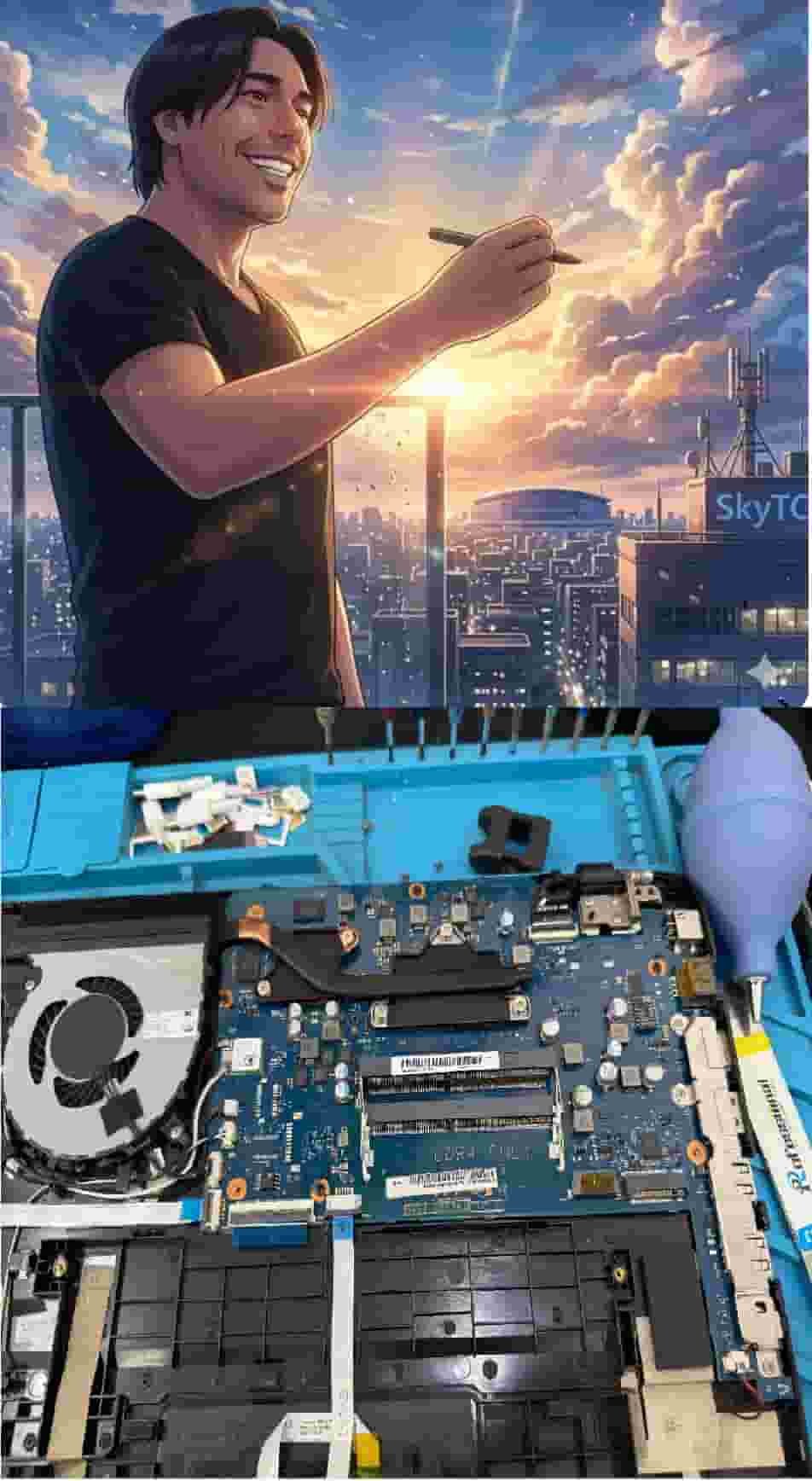
Technical Bio: Hardware & Laptops
“At SkyTC, technology is driven by engineering precision and real field experience. I am Valtersky, and I bring a unique background to the bench: from professional woodworking, the eye for structural integrity; from radiology, an absolute obsession with microscopic details.
As an ultra-endurance marathon runner, I don’t just browse store windows. I tear machines down, run intensive stress tests on thermal dissipation, and validate the actual build quality of every single component. My mission is to translate complex tech engineering and tech finances into smart decisions for your workflow.
Here, we speak straightforward, jargon-free English with the authority of someone who knows exactly what is inside the chassis.”
Read also: Top Cheap External Hard Drives for Safe Data Backups: The Bench Tech Teardown
Bench tech warning: running unshielded accessories near vibrating chassis fans creates micro-fractures in solder joints, leading to motherboard short-circuits and BGA solder thermal cracks just as fast as eDP cable shearing destroys laptop displays.