
Selecting the top cheap external hard drives for safe data backups is the absolute line between having a dependable disaster recovery vault or holding an unresponsive plastic brick filled with dead memories. Most consumers walk into big-box stores, grab whatever colorful portable drive is sitting in the discount clearance bin, and blindly trust a decade of irreplaceable family photos or critical client code repositories to the lowest-grade platter mechanics ever manufactured.
You plug the drive into your laptop, initiate a massive backup transfer, and walk away feeling completely secure. Six months later, you go to restore a deleted file, only to hear a sickening rhythmic clicking sound as the read/write heads scrape across delicate magnetic platters because the drive suffered an unrecoverable firmware lockup or a failed USB bridge controller.
When you understand the raw physics of drive enclosures, interface bridges, and magnetic recording technologies, you stop gambling with your life’s work. You learn which budget-friendly options actually provide true hardware resilience, sidestep planned obsolescence traps, and build an airtight backup protocol that guarantees your data survives for decades to come.
The Repair Shop Counter: The Intake Specification
Here is the unfiltered verdict straight from behind my diagnostic microscope: ninety percent of cheap portable external drives are engineered for immediate failure.
Major storage manufacturers routinely solder the USB interface directly onto the drive’s main printed circuit board, completely eliminating the native SATA data port.
When that fragile micro-USB or USB-C connector snaps off its fragile solder pads, you cannot simply shuck the drive and plug it into a desktop dock; you are forced to pay for extreme board-level micro-soldering just to access the raw data traces.
Drive Architecture Matrix: Technical Comparison Table
Under the bench microscope, not all budget-friendly storage drives share the same internal survivability. Here is how modern backup drives compare across critical failure points:
| Storage Architecture | Platter / NAND Technology | Interface Bridge Design | Mechanical Shock Tolerance | Bare-Metal Recovery Rating |
|---|---|---|---|---|
| Custom DIY Enclosure + SATA SSD | 3D TLC Flash NAND | Modular Bridge Board (High) | Maximum (Zero moving parts) | Institutional tier |
| Desktop 3.5-Inch Powered Hubs | Conventional Magnetic Recording (CMR) | Dedicated SATA-to-USB PCB | Low (Stationary required) | High (Standard SATA pinout) |
| Bargain 2.5-Inch Portable HDDs | Shingled Magnetic Recording (SMR) | Native Soldered USB Port | Moderate / Fragile platters | Low-grade tier (Micro-soldering needed) |
| Unbranded Clearance Flash SSDs | Rejected / Salvaged NAND | Fake Controller Firmware | High physical / Low logical | Zero (The Knockoff Trap) |
Why the Top Cheap External Hard Drives for Safe Data Backups Avoid SMR Platter Traps
The single dirtiest secret in modern budget mechanical drives is Shingled Magnetic Recording (SMR). In traditional Conventional Magnetic Recording (CMR) drives, data tracks are written side-by-side like clean rows on a motherboard. In cheap SMR drives, manufacturers overlap data tracks like roof shingles to squeeze more storage capacity onto cheap, low-grade magnetic platters.
This design creates an engineering disaster during heavy backup operations: when you update a single file on an SMR drive, the drive cannot simply overwrite that specific sector. It has to read the entire overlapping zone into a temporary cache, rewrite the whole block, and shuffle data in the background.
When you dump large media folders or system images onto an SMR drive, the cache fills up in minutes, causing your transfer speeds to crash off a cliff. Worse, if power is cut during this aggressive background garbage collection, the drive’s internal translator table corrupts, locking the platters into an unreadable firmware panic state—a fatal trap you avoid entirely by building modular enclosures with dedicated solid-state drives.
The Bare-Metal Trial: Pros, Cons, and Real-World Wear
Every affordable external storage setup brings mechanical advantages paired with inescapable physical trade-offs. Here is what you encounter in real-world deployment:
Modular Aluminum Enclosures with Internal M.2 NVMe
The Good: Blazing transfer throughput, zero mechanical moving parts to break during accidental drops, and an independent bridge controller that can be replaced in two minutes with a screwdriver.
The Bad: High-performance NVMe drives dump severe thermal energy into cheap enclosures; without proper thermal silicone pads, the controller throttles down to baseline speeds during multi-gigabyte transfers.
Heavy-Duty 3.5-Inch AC-Powered Desktop Hard Drives
The Good: Superior CMR platter mechanics that deliver consistent write speeds, enterprise-grade read heads, and standardized SATA power rails that allow easy data shucking.
The Bad: They require a bulky dedicated external AC wall transformer, making them completely useless for digital nomads working out of a mobile backpack.
Scratch Risk: Chassis and Hinge Durability
Storage manufacturers love encasing budget-friendly drives in flashy brushed-aluminum shells or rubberized ruggedized bumpers to create an illusion of military-grade survivability. But cracking open these cases on the workbench reveals that internal structural protection is virtually non-existent.
The outer shell might look like heavy-duty armor, but the delicate mechanical drive inside is often mounted directly against cheap molded plastic posts with paper-thin foam pads that harden and crumble over time.
The primary point of catastrophic mechanical failure is the interface connector: manufacturers solder surface-mount micro-USB and USB-C sockets directly onto the edge of the circuit board with tiny solder anchor pins. Repeated horizontal cable wiggling creates microscopic solder fatigue cracks around the 5V power rails, eventually ripping the copper PCB pads clean off the fiberglass board and sparking dead short-circuits that send raw input voltage straight into the sensitive drive controller IC.
The Hypothetical Failure Scenario: The In-Flight Backpack Platter Strike
Picture a creative professional traveling across the country with a budget-friendly 2.5-inch mechanical external hard drive tossed into the front zipper pocket of a soft messenger bag. The user connects the drive to a laptop at the airport terminal to quickly dump hundreds of raw camera files before boarding.
Because the flight is called early, the user hastily closes the laptop lid while the operating system is still flushing write caches to the drive, jerks the USB cable out without safely ejecting the device, and drops the spinning drive into the bag.
The actuator arm—carrying microscopic magnetic read heads that fly over the platter at a height thinner than a human hair—has not fully retracted to the parking ramp. The sudden physical shock of the bag hitting the overhead bin causes head slap: the heads slam directly into the magnetic coating of the platter surface. When the drive is powered on at the hotel, the damaged heads carve a permanent ring of dead sectors through the master file table, instantly vaporizing the entire data partition beyond repair.
👇 Looking for more performance cheats? Check out our field-tested tactical blueprints:
Guides for Your Next Workspace
Professional Laptops
The definitive blueprint to selecting high-performance, enterprise-grade workstations engineered to scale your productivity.
Budget Tech Tools
Practical strategies and low-cost digital tools engineered to maximize office performance without breaking your budget.
Power User Gadgets
Advanced hardware, desk automation tools, and elite tech ecosystems built to completely eliminate workflow bottlenecks.
The Assembly Line: High-Yield Deployment Checklist
Follow this battle-tested bench protocol to assemble and deploy a bulletproof, budget-conscious backup architecture:
- Procure top cheap external hard drives for safe data backups.
Expert Tip: Assemble your own external drives using separate modular aluminum USB-C enclosures and verified SATA or NVMe SSDs to eliminate soldered bridge failure points. - Verify CMR platter architecture before buying mechanical storage.
Expert Tip: Never deploy SMR drives for primary operating system image backups; demanding random writes will corrupt SMR translator tables over time. - Install heavy silicone thermal transfer pads inside drive enclosures.
Expert Tip: Coupling the SSD controller directly to the aluminum chassis dissipates heat rapidly, preventing emergency thermal throttling during long archival transfers. - Always execute operating system safe-ejection commands before unplugging.
Expert Tip: Force-disconnecting a drive while write-caching is active leaves disk metadata incomplete, resulting in corrupted partition tables on next boot. - Implement the 3-2-1 backup rule across separate hardware.
Expert Tip: Maintain three total copies of your data across two different physical media types, with at least one copy stored completely off-site or air-gapped. - Format external archival drives with robust file systems.
Expert Tip: Avoid fragile legacy FAT32 tables; use modern journaling file systems like NTFS, exFAT with safety limits, or APFS to prevent index corruption. - Inspect USB-C connection cables for physical pin wear quarterly.
Expert Tip: Worn, loose USB cables introduce electrical resistance and power drops that cause external drives to disconnect randomly during writes. - Test backup archive integrity using automated checksum verification.
Expert Tip: A backup is not verified until you compare SHA-256 hashes against the source files to confirm zero bit-rot occurred during transmission. - Store disconnected backup drives in anti-static Faraday pouches.
Expert Tip: Keep cold-storage drives shielded from electrostatic discharges and humid ambient air inside sealed anti-static containers with desiccant packs. - Defragment mechanical platter drives only when necessary.
Expert Tip: Never run defragmentation software on solid-state drives; it burns unnecessary write endurance cycles on flash NAND without providing any speed boost. - Monitor drive health using raw SMART telemetry attributes.
Expert Tip: Watch Reallocated Sector Counts and Uncorrectable Sector Counts closely; any number above zero signals imminent hardware failure.
Forensic Breakdown: Microscopic Hardware Answers
Can I recover data from a cheap external drive with a broken USB port?
Yes, but if the USB port is soldered directly to the main drive PCB, you must micro-solder jumper wires onto tiny diagnostic test points to bypass the broken connector.
Why do cheap external hard drives click when plugged in?
The read/write heads are failing to calibrate on the platter tracks, repeatedly striking the parking limiter due to physical head damage, platter degradation, or insufficient USB bus voltage.
Is it safer to build a custom external SSD than to buy a pre-built one?
Yes. Pre-built cheap drives use proprietary sealed designs with soldered controllers. A custom aluminum enclosure lets you swap either the drive or the bridge board independently if one fails.
Does leaving an external hard drive plugged in 24/7 shorten its lifespan?
Yes. Continuous power keeps mechanical spindle bearings spinning and exposes internal electronics to constant thermal stress and electrical line spikes.
What is the most common cause of sudden external drive corruption?
Users pulling the USB cable out while the operating system is flushing dirty write caches, immediately scrambling the master file directory.
Can cold storage hard drives lose data if left in a drawer for years?
Yes. Mechanical drive lubricants seize up over several years of dormancy, while unpowered flash SSDs slowly leak electrical charges from NAND floating gates over extended periods.
Why are high-capacity 2.5-inch portable mechanical drives so slow?
They use high-density SMR platters that must continuously rewrite overlapping tracks during write cycles, bottlenecking data throughput down to crawling speeds.
How much clearance does a mechanical hard drive head have above the platter?
Less than ten nanometers. Even a single microscopic particle of smoke or dust inside the cleanroom casing will cause catastrophic head-to-platter collision.
Why Trust SKYTC Curated Gear?
At SKYTC, we simplify technology for you. We aren’t just another deals site; we are hardware experts obsessively focused on elite performance.
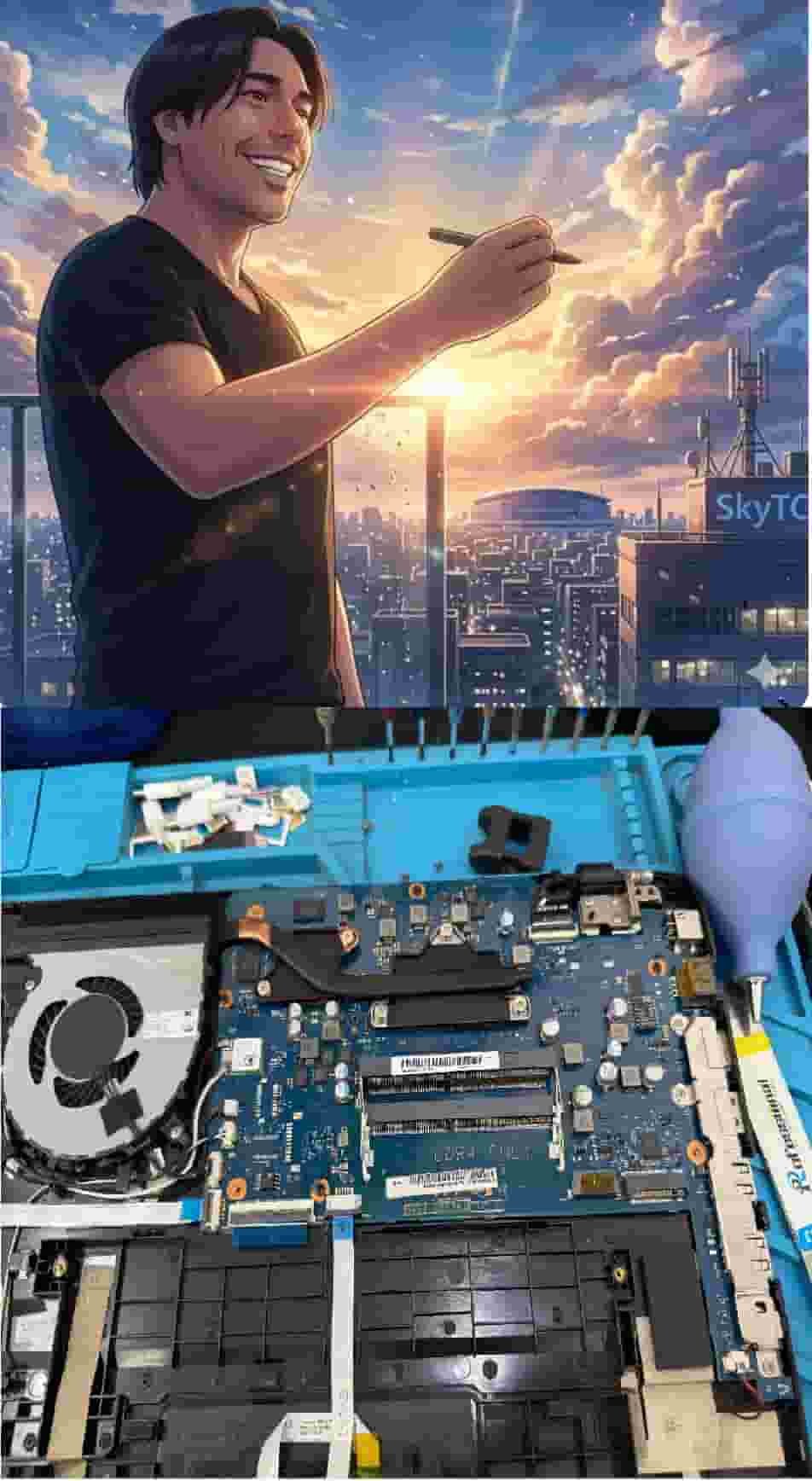
Technical Bio: Hardware & Laptops
“At SkyTC, technology is driven by engineering precision and real field experience. I am Valtersky, and I bring a unique background to the bench: from professional woodworking, the eye for structural integrity; from radiology, an absolute obsession with microscopic details.
As an ultra-endurance marathon runner, I don’t just browse store windows. I tear machines down, run intensive stress tests on thermal dissipation, and validate the actual build quality of every single component. My mission is to translate complex tech engineering and tech finances into smart decisions for your workflow.
Here, we speak straightforward, jargon-free English with the authority of someone who knows exactly what is inside the chassis.”
Read also: Best Value Desktop Speakers for Clear Video Calls Work: The Bench Tech Teardown
RAW REPAIR BENCH WARNING: Neglecting physical cable strain and thermal exhaust paths inevitably leads to eDP cable shearing inside hinges, T-Con board overheating, subpixel blue-line dropouts, and catastrophic BGA solder thermal cracks across the main motherboard circuitry.