
Hunting down the best value desktop speakers for clear video calls work is a minefield of overhyped plastic garbage and bloated bass traps. Most consumer audio brands tune their desktop speakers for explosive gaming effects or skull-rattling bass drops, which completely destroys the exact frequency band where human speech actually lives.
You spend eight hours a day trapped in remote sprint meetings, client presentations, or design reviews, straining your ears to decipher muffled voices through tinny laptop chassis speakers or suffering splitting headaches from clamped-on over-ear headsets. Clamping hot plastic cups to your skull all day just to hear routine vocal communication is a fast track to ear canal fatigue and physical exhaustion.
When you set up properly tuned near-field desktop monitoring, you liberate your ears forever. You hear every consonant and syllable with razor-sharp vocal intelligibility, keep your desk clean of cable clutter, and get a reliable acoustic setup that lasts over a decade without spending a fortune on audiophile snake oil.
The Repair Shop Counter: The Intake Specification
Here is the unfiltered verdict from behind my workbench: stop buying flashy gaming speakers with built-in subwoofers for remote office work.
Those bargain-bin 2.1 systems use cheap passive crossovers that scoop out the vital 500 Hz to 4 kHz human speech formant range, leaving you with muddy, boomy mush where voices drown in bloated low-end distortion.
The tactical fix is dead simple: choose compact active bookshelf speakers or dedicated near-field monitors featuring flat-tuned woven fiberglass or paper composite drivers, independent physical gain controls, and isolated analog or optical DAC inputs that bypass noisy motherboard ground rails.
Desktop Audio Architecture: Technical Comparison Table
To get crystal-clear dialogue on daily video calls, you need to know how different speaker architectures behave on a crowded desk. Here is the bench breakdown:
| Acoustic Architecture | Vocal Midrange Tuning | Driver Construction | Ground-Loop Isolation | Hardware Longevity |
|---|---|---|---|---|
| Active Near-Field Monitors | Linear / Flat (Institutional tier) | Woven Kevlar / Silk Dome | Balanced TRS / Optical (High) | Heavy-duty wood cabinet |
| Compact USB-C Powered Cones | Mid-Forward (Clear speech) | Single Full-Range Paper Cone | Digital USB isolation | Moderate / Plastic chassis |
| Multimedia 2.1 Subwoofer Sets | V-Shaped / Scooped Mids (Poor) | Cheap Polypropylene / Mylar | Unshielded 3.5mm (Low) | Bargain-bin / High heat load |
| Integrated Laptop Down-Firers | Distorted / Resonant | Micro Neodymium Strips | Motherboard trace share | Zero (Chassis choke) |
Why the Best Value Desktop Speakers for Clear Video Calls Work Prioritize Midrange Clarity
Human speech articulation depends entirely on the fundamental vocal frequencies between 250 Hz and 1 kHz, coupled with harmonic consonant definition reaching up to 4 kHz. When you listen to a conference call on a low-grade consumer speaker, the cheap internal DSP artificially boosts 80 Hz bass to make music sound punchy, completely masking the subtleties of quiet client remarks.
Proper voice-grade desktop monitors utilize a dedicated two-way driver configuration: a lightweight dome tweeter handling high-frequency air and a rigid woofer handling the critical vocal body. This physical separation prevents intermodulation distortion from blurring vocal syllables when someone speaks while sharing system audio.
By bypassing cheap down-firing laptop speakers—which literally bounce sound waves off your desk surface, creating nasty comb-filtering phase cancellations—you get pure direct acoustic energy. This lab macete instantly eliminates the brain strain of trying to decode compressed meeting audio on long workdays.
The Bare-Metal Trial: Pros, Cons, and Real-World Wear
Every audio design involves physical trade-offs inside the electronics cabinet. Here is what happens when you strip the covers off these desktop setups on the repair bench:
Class-D Powered Compact Bookshelves
The Good: Exceptional thermal efficiency, high power output in a compact footprint, and crisp, articulate vocal projection that cuts through room echo without needing high volume.
The Bad: Cheap Class-D amplifier ICs suffer from high-frequency electromagnetic hiss (idle floor noise) when paired with unshielded switching power bricks near your laptop charger.
Digital USB-C Desktop Satellite Cones
The Good: Zero analog cable clutter, single-cable power and audio transmission, and an onboard DAC that bypasses noisy, unshielded motherboard audio circuitry completely.
The Bad: If your USB host controller experiences bus power dips under heavy GPU rendering loads, the internal amplifier clips violently, causing audio dropouts mid-call.
Scratch Risk: Chassis and Hinge Durability
Speaker manufacturers love wrapping their speaker boxes in gorgeous faux-wood vinyl and advertising polished aluminum faceplates to give off a luxury appearance. But underneath that cosmetic skin, the mechanical build quality on budget-friendly options frequently reveals cheap, paper-thin MDF composite boards glued together with low-grade adhesive.
The real structural nightmare lives on the control panel: low-cost analog volume potentiometers use unsealed, unlubricated carbon tracks that accumulate desk dust within months. As the wiper scrapes across the contaminated track, it injects horrible scratchy static bursts and uneven channel imbalance straight into your audio feed every time you adjust volume.
Furthermore, internal amplifier circuit boards are often mounted directly behind vibrating speaker cones without rubber standoffs or proper heat sinks. The continuous acoustic vibration slowly fatigues the lead-free solder joints on heavy filtering capacitors, causing the solder pads to crack around the pins and leaving you with a dead, buzzing enclosure that requires a hot soldering iron to revive.
The Hypothetical Failure Scenario: The Dirty Ground-Loop Trap
Picture a remote engineer running a multi-monitor docking station connected to a high-end workstation laptop. To improve conference call audio, the engineer buys a pair of budget-friendly 3.5mm analog desktop speakers.
The speakers are plugged into the laptop’s analog headphone jack, while their power cable is connected to an ungrounded, low-grade USB hub sharing power with a high-draw backlit mechanical keyboard and an external hard drive.
The moment a video call starts and the laptop GPU kicks into high gear, a loud, unbearable 60Hz ground-loop whine shrieks through the speakers. The switching noise from the laptop voltage regulator modules feeds straight back through the shared ground wire into the meeting software, turning the engineer’s microphone input into a wall of electric static that derails the entire team presentation.
👇 Looking for more performance cheats? Check out our field-tested tactical blueprints:
Guides for Your Next Workspace
Professional Laptops
The definitive blueprint to selecting high-performance, enterprise-grade workstations engineered to scale your productivity.
Budget Tech Tools
Practical strategies and low-cost digital tools engineered to maximize office performance without breaking your budget.
Power User Gadgets
Advanced hardware, desk automation tools, and elite tech ecosystems built to completely eliminate workflow bottlenecks.
The Assembly Line: High-Yield Deployment Checklist
Follow this zero-compromise hardware deployment sequence to set up flawless desktop communication audio:
- Deploy the best value desktop speakers for clear video calls work.
Expert Tip: Position speakers in an equilateral triangle aiming tweeters directly at ear height to avoid destructive desk surface reflections. - Isolate analog speaker cables from high-draw power bricks.
Expert Tip: Running unshielded 3.5mm audio lines parallel to laptop charging cables induces high-frequency switching hum into your speaker drivers. - Install high-density foam isolation pads beneath speaker bases.
Expert Tip: Decoupling the speaker cabinet from your hollow wooden desk stops desk resonance from muddying vocal midrange frequencies. - Use optical TOSLINK or USB inputs whenever possible.
Expert Tip: Optical digital connections use light pulses instead of copper wire, physically eliminating ground loops and electromagnetic line noise. - Disable artificial virtual surround sound DSP modes.
Expert Tip: Surround spatializers inject artificial phase shifts that hollow out the center dialogue channel where meeting voices reside. - Set hardware volume pots to seventy percent baseline.
Expert Tip: Running an internal amplifier at maximum gain drives the circuit into its highest total harmonic distortion range, muddying speech. - Verify physical driver clearance from desk clutter.
Expert Tip: Stacking notebooks or coffee mugs directly in front of the speaker baffle blocks high-frequency dispersion and ruins consonant clarity. - Select rear-ported speakers only if wall clearance permits.
Expert Tip: Shoving a rear-ported bass reflex speaker flush against a drywall boundary creates massive low-end boom that drowns out voices. - Clean rotary potentiometers with dedicated electronic contact cleaner.
Expert Tip: A quick spray of deoxidizing contact cleaner into the potentiometer casing clears out carbon dust and eliminates channel crackle. - Enforce dedicated power supply connections for active monitors.
Expert Tip: Never power high-output desktop speakers through unpowered passive USB hubs that cannot deliver stable peak amperage. - Calibrate communication app noise suppression with external speakers.
Expert Tip: Ensure your conferencing app’s acoustic echo cancellation is locked to your speaker output to prevent audio feedback loops.
Forensic Breakdown: Microscopic Hardware Answers
Are expensive audiophile studio monitors necessary for video calls?
No. Ultra-expensive reference monitors are tuned for music production; a well-built pair of compact budget-friendly active speakers delivers all the vocal clarity you need.
Why do my desktop speakers hum when my laptop GPU is working hard?
Unshielded 3.5mm audio cables pick up electromagnetic switching noise from the laptop power delivery stages through a shared ground plane loop.
Do Bluetooth desktop speakers introduce latency during live presentations?
Yes. Legacy Bluetooth codecs add significant audio lag that makes video call lip-sync visibly drift; always use a wired USB, optical, or analog connection for live work.
Is a built-in subwoofer useful for professional voice meetings?
No. Subwoofers produce low-frequency rumble below 80 Hz, which adds zero vocal definition and only serves to rattle your desk during casual speech.
Why do wooden speaker cabinets sound clearer than plastic ones?
Dense MDF wood dampens internal standing wave resonances, whereas thin molded plastic enclosures flex and vibrate, coloring vocal tones with hollow distortion.
Can I fix a scratchy volume knob without replacing the entire speaker?
Yes. Spraying electronic contact cleaner directly into the rear opening of the potentiometer washes away oxidized debris and restores smooth analog resistance.
Will USB-powered speakers drain my laptop battery quickly on the road?
Yes. Active digital speakers pull continuous 5V current from the USB bus, significantly shortening unplugged laptop operational runway during extended calls.
How far away from my monitors should desktop speakers be placed?
Position them at least arm’s length away, angled inwards toward your head to create a focused acoustic sweet spot with zero wall bounce.
Why Trust SKYTC Curated Gear?
At SKYTC, we simplify technology for you. We aren’t just another deals site; we are hardware experts obsessively focused on elite performance.
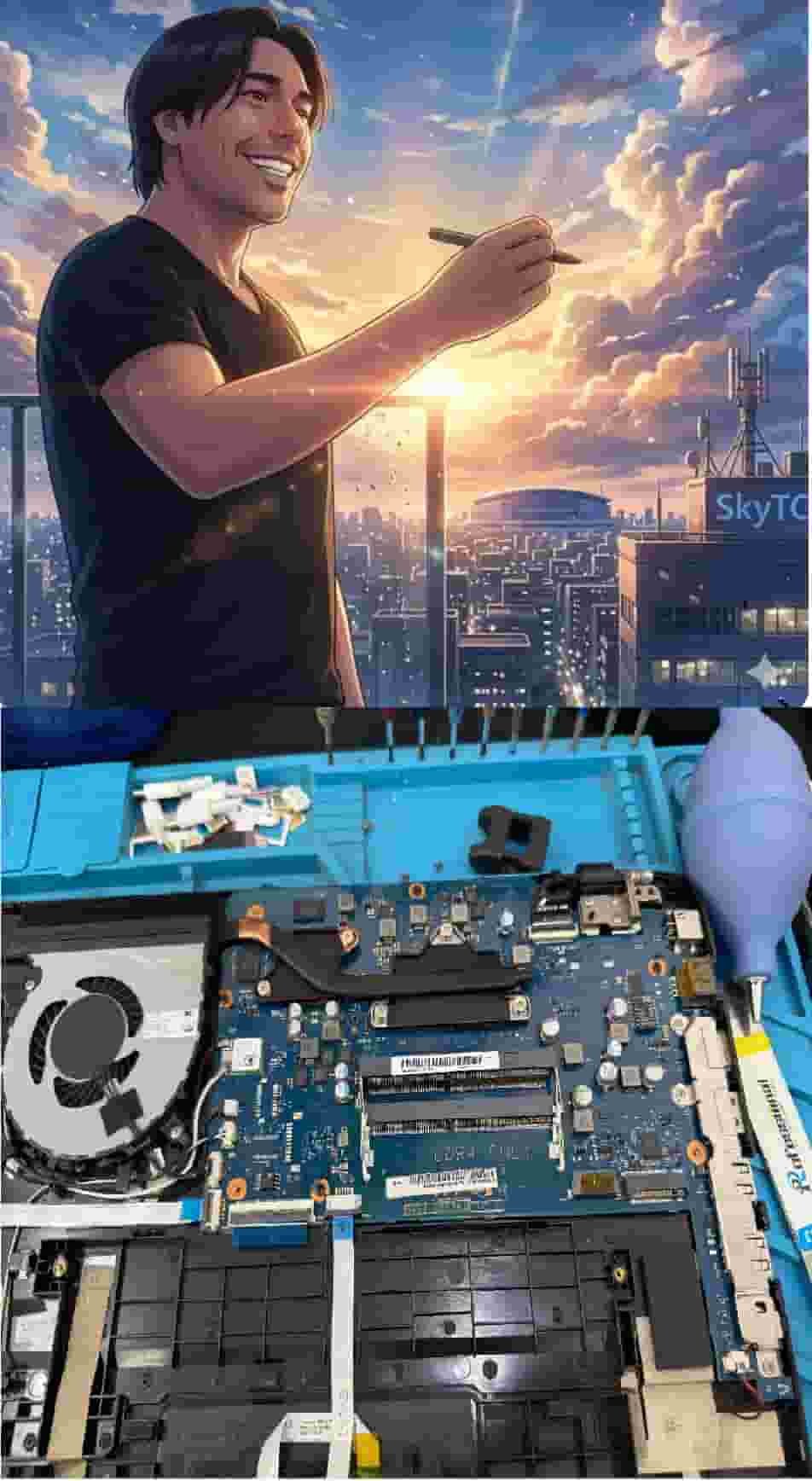
Technical Bio: Hardware & Laptops
“At SkyTC, technology is driven by engineering precision and real field experience. I am Valtersky, and I bring a unique background to the bench: from professional woodworking, the eye for structural integrity; from radiology, an absolute obsession with microscopic details.
As an ultra-endurance marathon runner, I don’t just browse store windows. I tear machines down, run intensive stress tests on thermal dissipation, and validate the actual build quality of every single component. My mission is to translate complex tech engineering and tech finances into smart decisions for your workflow.
Here, we speak straightforward, jargon-free English with the authority of someone who knows exactly what is inside the chassis.”
Read also: Why Budget Mechanical Keyboards Are Good for Writers: The Bench Technician’s Teardown
RAW REPAIR BENCH WARNING: Neglecting physical cable strain and thermal exhaust paths inevitably leads to eDP cable shearing inside hinges, T-Con board overheating, and catastrophic BGA solder thermal cracks across the primary motherboard circuitry.