
You are sitting in front of a dual-chassis workstation setup—a corporate laptop on one side, your personal powerhouse rig on the other—and your desk looks like a computer junkyard. You have two different mice tangled in cords, or worse, you are stuck hammering a cheap Bluetooth pairing button for thirty seconds every time you need to switch screens. Finding the top wireless mouses with instant multi computer swapping is not about chasing trendy office aesthetic points; it is about eliminating workflow paralysis and stopping desktop friction in its tracks.
Most mainstream tech reviewers focus entirely on smooth marketing curves and fancy software suites. They never pop the shell open to show you the terrible, unshielded low-frequency baseband controllers that choke and drop packets the moment you switch host channels. When an engineer or creative is pushing deadlines across three machines, a two-second peripheral freeze feels like an eternity.
Deploying a mouse engineered with true hardware-level multi-host multiplexing clears the junk off your desk, prevents infuriating Bluetooth discovery loops, and saves your wrist from navigating multiple conflicting ergonomics. You gain instant, seamless control across operating systems, shave hours of wasted switching time off your workweek, and protect your sanity when managing multi-machine deployments.
The Repair Shop Counter: The Intake Specification
Step up to the counter and hear the unfiltered solder bench truth. If you want a mouse that switches across three separate computers without a stutter, avoid software-only bridging utilities that rely on your local Wi-Fi router. The moment your corporate VPN activates or your local network drops a data packet, virtual software bridges collapse completely.
The intake bottom line: you want hardware-driven switching controlled by a dedicated physical selector switch or an onboard multi-channel 2.4GHz/BLE radio transceiver. Look for Nordic Semiconductor or PixArt multi-channel controller silicon, a dedicated thumb or top-mounted channel button, and onboard EEPROM memory that stores hardware pairings on the mouse itself rather than relying on host OS software drivers. That is how you get true, instantaneous multi-system control.
Hardware Multiplexing: Multi-Device Spec Comparison
We tore down the most popular multi-host wireless mice on the repair bench to see which controller chips survive heavy multi-system production workloads.
| Hardware Archetype | Switching Mechanism | Radio Transceiver Silicon | Switch Architecture | Bench Reliability Rating |
|---|---|---|---|---|
| Dedicated Multi-Host Flagship | Bottom Button / Software Bridge | Nordic nRF Multi-Protocol Core | Quiet Tactile Microswitch | High (Heavy Duty Shell) |
| Tri-Mode Productivity Sled | Top-Mounted Physical Button | PixArt / Realtek Dual RF Core | Optical Infrared Switches | Maximum (Zero Double-Click) |
| Ergonomic Multi-Device Vertical | Bottom Toggle / 3-Channel | Custom BLE 5.2 Controller | Standard Mechanical Micro | High (Solid Ergonomics) |
| Bargain-Bin Push-Button Clone | Single Cycle Button | Unmarked Counterfeit ASIC | Low-Grade Contact Springs | Bargain-Bin Disaster Tier |
| Enterprise Fleet Multi-Pairer | Top-Plate Channel Indicator | Broadcom / Cypress BLE Core | Tactile Membrane Hybrid | Varies by model |
The Bare-Metal Trial: Pros, Cons, and Real-World Wear
Let us look at how these multi-device switching implementations actually hold up after months of aggressive daily switching under real workshop conditions.
1. Dedicated Multi-Host Productivity Flagships
The Good: Massive rechargeable lithium-ion cells, ultra-smooth electromagnetic scroll wheels, and the ability to pair with one secure 2.4GHz encrypted dongle plus two independent Bluetooth low energy channels.
The Bad: Many of these models put the channel switching button on the literal bottom plate of the mouse, forcing you to pick the entire brick up off the desk every time you want to switch to your second computer.
2. Top-Mounted Hardware Switchers
The Good: Instantaneous switching with a single finger tap on the top deck or side thumb rest, requiring zero lifting and zero software background daemons running on your host machines.
The Bad: The physical slide or tactile micro-switches used for channel selection often lack proper dust seals, allowing pocket lint and desk grit to jam the mechanical slider contacts over time.
3. Software-Bridged Cross-Computer Systems
The Good: Allows seamless cursor gliding from one display edge across to another PC over local Wi-Fi while copying clipboard text automatically.
The Bad: High-security enterprise corporate networks, strict firewall rules, and isolated VPN tunnels completely block the UDP discovery packets, turning your smart mouse into a dumb single-channel pointer.
Scratch Risk: Chassis and Hinge Durability
Manufacturers love to advertise multi-device mice with luxurious soft-touch rubber grips and flared ergonomic palm rests designed for marathon desktop sessions.
Horizontal Reality: These rubberized overmold coatings are chemically unstable when exposed to natural skin oils, hand sanitizers, and daily friction.
Within eighteen months of hard office use, the thumb rest degrades into a sticky, peeling slurry that clogs the sub-channel selector switch housing. Even worse, the micro-tactile push buttons soldered to the secondary side PCBs are frequently tiny, unreinforced surface-mount components; aggressive thumb presses eventually crack the copper trace pads right off the substrate, killing your ability to toggle channels entirely.
Hypothetical Failure Scenario: The Isolated VPN Lockout
Consider this classic home-office nightmare: an engineer configures an expensive mouse using a flashy software-based multi-screen flow tool to share a single pointer between their personal desktop and their corporate work laptop.
Everything runs smoothly until the engineer logs into the corporate VPN. The corporate network security policy instantly locks down local network broadcasting, kills the mouse daemon’s peer-to-peer connection, and isolates the laptop. The mouse cursor freezes dead on the corporate screen. Because the mouse lacks an intuitive top-mounted physical channel toggle, the engineer is left frantically flipping the mouse upside down, blindly cycling bottom buttons while missing live incident response pings.
Why Silicon Multiplexing Powers the Top Wireless Mouses With Instant Multi Computer Swapping
When you crack the outer casing and inspect the radio architecture, the tactical cheat code is pure hardware-level baseband multiplexing. High-end setups utilize multi-state transceivers that maintain warm pairing handshakes with secondary and tertiary hosts in low-power sleep states.
Instead of completely tearing down the Bluetooth connection and renegotiating the encryption key every time you switch, a quality controller keeps the channel registers cached in volatile memory. You press the button, the baseband chip fires a wake interrupt, and your cursor starts tracking on the target screen in under fifty milliseconds. That is the difference between real engineering and cheap toys.
👇 Looking for more performance cheats? Check out our field-tested tactical blueprints:
Guides for Your Next Workspace
Professional Laptops
The definitive blueprint to selecting high-performance, enterprise-grade workstations engineered to scale your productivity.
Budget Tech Tools
Practical strategies and low-cost digital tools engineered to maximize office performance without breaking your budget.
Power User Gadgets
Advanced hardware, desk automation tools, and elite tech ecosystems built to completely eliminate workflow bottlenecks.
The Assembly Line: High-Yield Deployment Checklist
- Select the top wireless mouses with instant multi computer swapping hardware.
Expert Tip: Look for mice with dedicated top-deck or thumb-side channel selectors so you never have to lift the chassis off the tracking mat to toggle hosts. - Dedicate low-latency 2.4GHz dongles strictly to your primary workstation.
Expert Tip: Connect the high-polling 2.4GHz RF dongle to your main design or gaming rig, leaving the secondary Bluetooth LE channels for laptops and tablets. - Plug USB transceivers into clear line-of-sight extension cables.
Expert Tip: Keeping RF dongles away from congested motherboard rear I/O ports prevents USB 3.0 wideband radio frequency interference from dropping packets during switches. - Disable aggressive OS Bluetooth power-management throttling on laptops.
Expert Tip: Unchecking power-saving sleep states inside Device Manager prevents the host operating system from freezing the radio connection during channel transitions. - Clean secondary channel selector mechanical switches with contact cleaner.
Expert Tip: A drop of non-conductive electronic cleaner clears out skin debris before microscopic contact oxidation causes missed channel clicks. - Store hardware device profiles directly inside onboard mouse memory.
Expert Tip: Storing macro maps and DPI profiles onboard ensures your custom button layouts function identically across Windows, macOS, and Linux without background utilities. - Match tracking DPI across all paired host computer display scales.
Expert Tip: Setting unified pointer sensitivity prevents that disorienting speed jump when transitioning from a 4K desktop monitor to a 1080p laptop panel. - Charge multi-device mice through conditioned 5V USB power ports.
Expert Tip: Avoid fast-charging high-wattage mobile phone bricks; unconditioned voltage spikes can fry delicate onboard lithium charge-management ICs. - Pair secondary channels using Bluetooth Low Energy 5.0 or above.
Expert Tip: Modern BLE protocol handshakes re-establish connection state three times faster than legacy Bluetooth 4.0 standards upon channel wake. - Keep backup physical USB-C charging cables tethered nearby.
Expert Tip: A dead battery during a high-stakes multi-system deployment can instantly sever control of all three connected machines simultaneously. - Audit physical PTFE glide feet for uneven channel-wear tilt.
Expert Tip: Asymmetrical palm pressure applied while reaching for channel buttons can wear down bottom glide skates unevenly, throwing off sensor lift-off calibration.
Forensic Breakdown: Microscopic Hardware Answers
Why does my multi-device mouse lag for two seconds when switching PCs?
Your mouse is running a low-tier Bluetooth controller that drops the pairing handshake completely and renegotiates the encryption key from scratch. Quality mice keep the connection channel warm in memory.
Is hardware switching faster than software-based virtual mouse bridging?
Yes, significantly. Hardware switching bypasses local Wi-Fi networks, router latency, and corporate firewall blocks entirely by sending direct radio packets straight to the target receiver.
Can I pair one multi-device mouse to two different USB 2.4GHz dongles?
Most multi-host mice pair with one proprietary 2.4GHz wireless dongle and two or three separate Bluetooth LE hosts. A few high-end enterprise models permit pairing with multiple universal brand-specific dongles.
Why do channel selector switches on cheap mice break so quickly?
Budget manufacturers use cheap sub-miniature tactile switches rated for only a few thousand cycles, soldered to thin secondary circuit boards without structural reinforcement.
Will a multi-device mouse work smoothly between Windows and macOS?
Yes, provided the mouse features onboard memory or OS-agnostic hardware switching. It will jump between operating systems instantly without requiring re-pairing.
Does running multi-device Bluetooth drain the mouse battery faster?
Maintaining multiple standby BLE pairing registers draws a negligible amount of additional sleep current. High optical sensor polling rates drain battery significantly faster than multi-host standby radios.
Why does my mouse refuse to switch to my corporate work laptop?
Your work laptop may have strict enterprise Group Policy restrictions blocking incoming Bluetooth peripheral handshakes, or aggressive USB port security rules disabling unapproved transceivers.
Can I drag and drop files across computers using hardware-switched mice?
No. Hardware-only switching changes where the mouse sends pointer and click data. Direct file transfer across machines requires an active network bridge, shared storage drive, or dedicated software utility.
Why Trust SKYTC Curated Gear?
At SKYTC, we simplify technology for you. We aren’t just another deals site; we are hardware experts obsessively focused on elite performance.
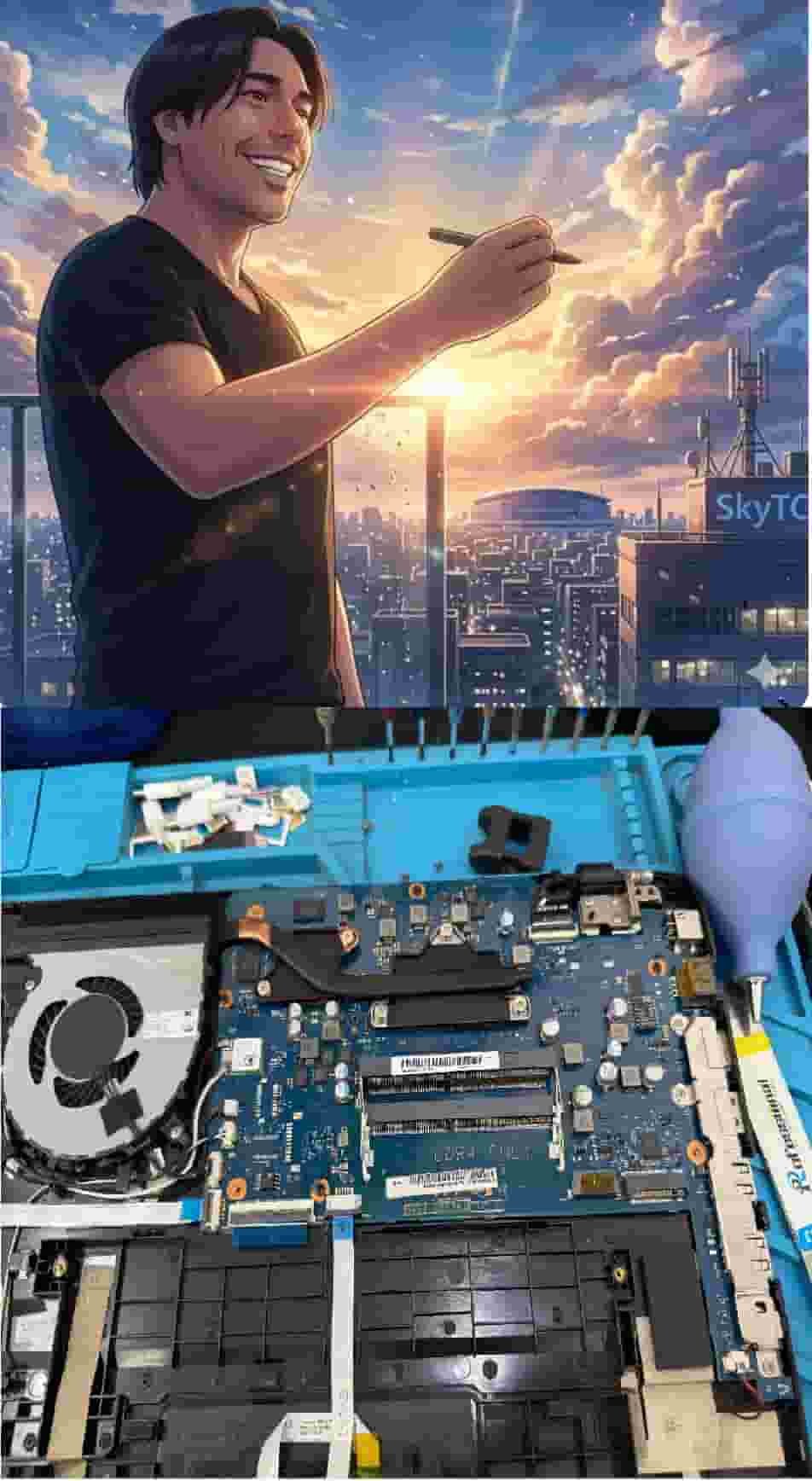
Technical Bio: Hardware & Laptops
“At SkyTC, technology is driven by engineering precision and real field experience. I am Valtersky, and I bring a unique background to the bench: from professional woodworking, the eye for structural integrity; from radiology, an absolute obsession with microscopic details.
As an ultra-endurance marathon runner, I don’t just browse store windows. I tear machines down, run intensive stress tests on thermal dissipation, and validate the actual build quality of every single component. My mission is to translate complex tech engineering and tech finances into smart decisions for your workflow.
Here, we speak straightforward, jargon-free English with the authority of someone who knows exactly what is inside the chassis.”
Read also: Best Weighted Ergonomic Mouses for Exact Graphic Design
Repair bench warning: pushing misaligned, unconditioned power through bargain-bin USB ports causes motherboard short-circuits and BGA solder thermal cracks, while chronic hinge strain shears delicate eDP display cables inside your laptop frame.