
If you have ever spent four hours nudging bezier anchor points on a vector illustration only to have your hand cramp into a claw while your cursor jitters across three sub-pixels, welcome to the club. Tracking down the best weighted ergonomic mouses for exact graphic design is not about buying into esports marketing; it is about survival on the digital drafting table. When you operate inside Illustrator, Photoshop, or CAD with a featherweight plastic toy, every micro-tremor in your hand transfers directly to your line work.
Most mainstream tech reviewers tell you that lighter is always better. That is pure nonsense for design work. A flyweight chassis causes hand overcorrection, excessive muscular tension in your forearm, and erratic line placement when drawing fine pen paths. You need mass, inertia, structural balance, and an ergonomic contour that keeps your carpal tunnel decompressing during twelve-hour design sprints.
Dialing in the proper heavy, balanced mouse saves you hundreds of hours in frustrating node cleanups, eliminates micro-jitters instantly, and stops chronic repetitive strain injury dead in its tracks before you end up on an operating table under an orthopedic surgeon’s scalpel. Let us pull back the housing, inspect the solder pads, and see what hardware actually delivers surgical vector control.
The Repair Shop Counter: The Intake Specification
Listen up: if your mouse weighs less than a standard deck of cards, throw it back to the competitive shooter crowd. For precision design, you want a chassis sitting north of 120 to 145 grams, preferably with tunable ballast weights. The mechanical inertia acts as a passive low-pass filter against biological micro-tremors, smoothing out your physical tracking without relying on fake software angle-snapping that destroys raw curve geometry.
Here is the intake bottom line: bypass bargain-bin office plastic with mushy membrane microswitches. Demand high-yield optical or gold-plated mechanical switches, a zero-acceleration optical sensor engine, dedicated thumb rests to stop desk-drag friction, and low center-of-gravity weight distribution. Anything less is a fast track to tendonitis and sloppy artwork.
High-Precision Hardware: Engineering Spec Comparison
We put the top hardware archetypes through the bench grinder to see which chassis designs survive heavy vector drafting and industrial CAD layouts.
| Gear Archetype | Base Mass & Tuning | Sensor Engine | Switch Architecture | Bench Durability Rating |
|---|---|---|---|---|
| Heavyweight Productivity Tank | ~141g (Fixed Mass) | Darkfield Optical (Zero Jitter) | Quiet-Dampened Tactile | High (Enclosed Shell) |
| Modular Ballast Crossover | 119g to 141g (Tunable Trays) | High-DPI Optical Sensor | Mechanical Omron 50M | Moderate (Multi-Part Tray) |
| Precision Architecture Workhorse | ~140g (Balanced Core) | Pro-Grade Laser/Optical | Tactile Microswitch | High (Heavy PBT Plastic) |
| Ergonomic Vertical Sled | ~110g to 135g (Fixed) | Mid-Tier Optical Engine | Standard Microswitch | Moderate (Base Plate Wear) |
| Dual-Axis Articulated Hybrid | ~130g (Adjustable Shell) | Precision Optical Core | Industrial Gold Contact | Varies by model |
The Bare-Metal Trial: Pros, Cons, and Real-World Wear
Let us tear down how these hardware archetypes perform on the repair mat after months of skin-oil exposure, drop impacts, and millions of actuations.
1. Heavyweight Productivity Tanks
The Good: Massive integrated battery, thumb scroll wheels for scrubbing infinite artboard timelines, and a dense chassis that glides with smooth, steady inertia over hard pads.
The Bad: The soft-touch rubberized coating turns into a sticky, degrading biochemical goo after two hot summers, and the primary switches will eventually develop annoying phantom clicks if moisture reaches the contacts.
2. Modular Ballast Crossover Rigs
The Good: Removable physical weights allow you to shift the center of gravity forward or rearward, matching your exact wrist pivot point for flawless bezier path drawing.
The Bad: The internal weight chassis introduces structural creaks under heavy palm pressure, and dust collects inside the weight cavities like a shop vacuum filter.
3. Dedicated CAD and Architectural Workhorses
The Good: Massive base surfaces with dedicated physical middle-mouse buttons save your index finger from scroll-wheel click fatigue during pan-and-zoom operations.
The Bad: Stiff, heavy-gauge cables on wired variants create significant desk drag if you do not use a dedicated bungee, dragging your cursor off-target during sub-pixel selections.
Scratch Risk: Chassis and Hinge Durability
High-end ergonomic mice feature some of the most aggressive multi-piece chassis tooling on the market, boasting textured thumb grips, flared palm wings, and intricate secondary wheels.
Horizontal Reality: These elaborate multi-shell joints are structural failure magnets. The moment sweat, hand oils, and dead skin cells work their way into the seams separating the palm rest from the thumb wing, the underlying ABS clips weaken and begin to flex.
Bargain-bin accessories use cheap spray-on soft coatings that peel away within six months, leaving jagged plastic edges that irritate your palm. Furthermore, internal dynamic weight doors secured by plastic snap-latches regularly shear off inside travel bags, leaving ballast weights rattling against the internal PCB and threatening to knock surface-mount capacitors right off the board.
Hypothetical Failure Scenario: The High-DPI Twitch Trap
Consider this standard lab disaster: a vector illustrator buys an ultra-lightweight esports mouse boasting an astronomical 26,000 DPI sensor, running it on an uneven cloth pad over a flexing desk. Thinking higher DPI means superior precision, they crank the sensitivity to maximum and lower hardware tracking mass to zero.
Every single heartbeat, desk bump, and finger spasm sends the cursor flying across five canvas pixels. The artist subconsciously tenses their flexor carpi radialis muscle to stabilize the jittery pointer. Three weeks later, their line work looks like a jagged sawtooth wave, their wrist is wrapped in a thermal brace, and they are burning billable hours manually smoothing vector curves. The solution was never more sensor DPI; it was physical mass and stable ballast counteracting human micro-tremors.
Why Mass and Stability Rule the Best Weighted Ergonomic Mouses for Exact Graphic Design
In graphic design, mechanical resistance is the tactical cheat code. When pulling complex pen tool vectors, you need predictable kinetic friction. High-density chassis designs damp out accidental twitching, allowing smooth circular sweeps and precise linear snapping without software intervention.
Look at the physics: a mouse weighing 140 grams creates enough surface friction against virgin-grade PTFE feet to keep the optical sensor anchored exactly where you stop your hand. You do not overshoot nodes. You do not accidentally drag a layer mask into the wrong artboard folder. The weight does the stabilization work so your tendons do not have to.
👇 Looking for more performance cheats? Check out our field-tested tactical blueprints:
Guides for Your Next Workspace
Professional Laptops
The definitive blueprint to selecting high-performance, enterprise-grade workstations engineered to scale your productivity.
Budget Tech Tools
Practical strategies and low-cost digital tools engineered to maximize office performance without breaking your budget.
Power User Gadgets
Advanced hardware, desk automation tools, and elite tech ecosystems built to completely eliminate workflow bottlenecks.
The Assembly Line: High-Yield Deployment Checklist
- Calibrate the best weighted ergonomic mouses for exact graphic design.
Expert Tip: Set the physical ballast toward the rear quadrant of the mouse to align directly with your wrist pivot point for balanced rotational control. - Lock your optical sensor to native hardware DPI stages.
Expert Tip: Running sensors between 800 and 1600 DPI eliminates sensor-level software smoothing algorithms that distort raw vector paths. - Disable all OS pointer precision acceleration curves completely.
Expert Tip: Windows and macOS software acceleration profiles destroy 1:1 muscle memory by dynamically altering cursor travel based on hand speed. - Install virgin-grade pure PTFE mouse skates underneath.
Expert Tip: Stock dyed skates create inconsistent static friction; pure white PTFE provides predictable glide on heavy chassis designs. - Deploy a high-density, rigid hybrid tracking surface pad.
Expert Tip: Heavy mice sink into squishy, plush cloth pads, which alters the sensor lift-off distance and spikes tracking resistance erratically. - Reassign secondary thumb wheels to horizontal brush scaling.
Expert Tip: Mapping hardware thumb encoders directly to brush size or canvas rotation saves hundreds of keyboard shortcuts per hour. - Clean switch contact housings using high-purity isopropyl alcohol.
Expert Tip: Chemical washouts clear out oxidation and debris before microscopic contact corrosion triggers phantom double-clicking. - Set hardware polling rate to a rock-solid 1000Hz.
Expert Tip: Overhyped 4000Hz and 8000Hz polling rates unnecessarily saturate CPU interrupt cycles without offering any visible precision gains in 60Hz or 120Hz viewports. - Route wired mouse cables through an anchored desk bungee.
Expert Tip: Eliminating cable weight drag prevents the cord from tugging your mouse offline during delicate 1-pixel pen selections. - Clean optical sensor lens apertures with dry compressed air.
Expert Tip: Stray pet hairs or microscopic fabric dust trapped in the sensor well refract the IR beam, causing random axis jumps. - Inspect internal battery packs for swelling every twelve months.
Expert Tip: Pouch-cell lithium batteries located directly under palm rests can swell under high ambient temps, warping internal tracking frames.
Forensic Breakdown: Microscopic Hardware Answers
Are lightweight esports mice bad for vector graphic design?
Yes. Ultra-light gaming mice are built for high-speed twitch flicking, not microscopic node stabilization. Their lack of mass forces your hand to hold extreme isometric tension to prevent the pointer from wandering off single-pixel targets.
What is the ideal mouse weight for precision Photoshop and Illustrator work?
Between 125 grams and 145 grams. That weight tier gives you the exact kinetic balance required to steady your stroke while letting pure PTFE skates glide across your pad without causing wrist strain.
Why do my mouse switches start double-clicking when I drag paths?
Low-grade mechanical microswitches suffer from contact oxidation and spring fatigue. The debouncing algorithm fails to recognize worn contacts, registering a single long hold as multiple rapid clicks, ruining your bezier drags.
Is a vertical ergonomic mouse better than a standard contoured mouse?
It depends on your injury profile. Vertical mice eliminate forearm pronation and ease carpal tunnel pressure, but they trade away a slight amount of fine sub-pixel fingertip control due to the handshake grip angle.
Does higher sensor DPI translate to better graphic design accuracy?
No, that is marketing snake oil. High DPI settings amplify microscopic hand tremors into massive on-screen jumps. Professional designers work best at 800 to 1600 native DPI with hardware 1:1 raw input.
How do I stop the rubberized grip on my heavy mouse from getting sticky?
Stop cleaning it with harsh petrochemicals or aggressive alcohol wipes. Use a mild dish soap solution on a microfiber cloth. Once the vulcanized coating degrades down to the adhesive substrate, scrape it off completely to bare ABS.
Are wireless weighted mice fast enough for professional design displays?
Modern 2.4GHz low-latency wireless connections have zero perceptible lag compared to wired setups. Just avoid generic office Bluetooth modes, which drop polling rates down to a choppy 125Hz or 90Hz.
Why is my mouse pointer skipping when drawing slow diagonal lines?
Your sensor is suffering from aggressive internal ripple or firmware angle smoothing, or your desk pad has reflective dust particles. Clean your tracking surface and run the sensor on its native hardware steps.
Why Trust SKYTC Curated Gear?
At SKYTC, we simplify technology for you. We aren’t just another deals site; we are hardware experts obsessively focused on elite performance.
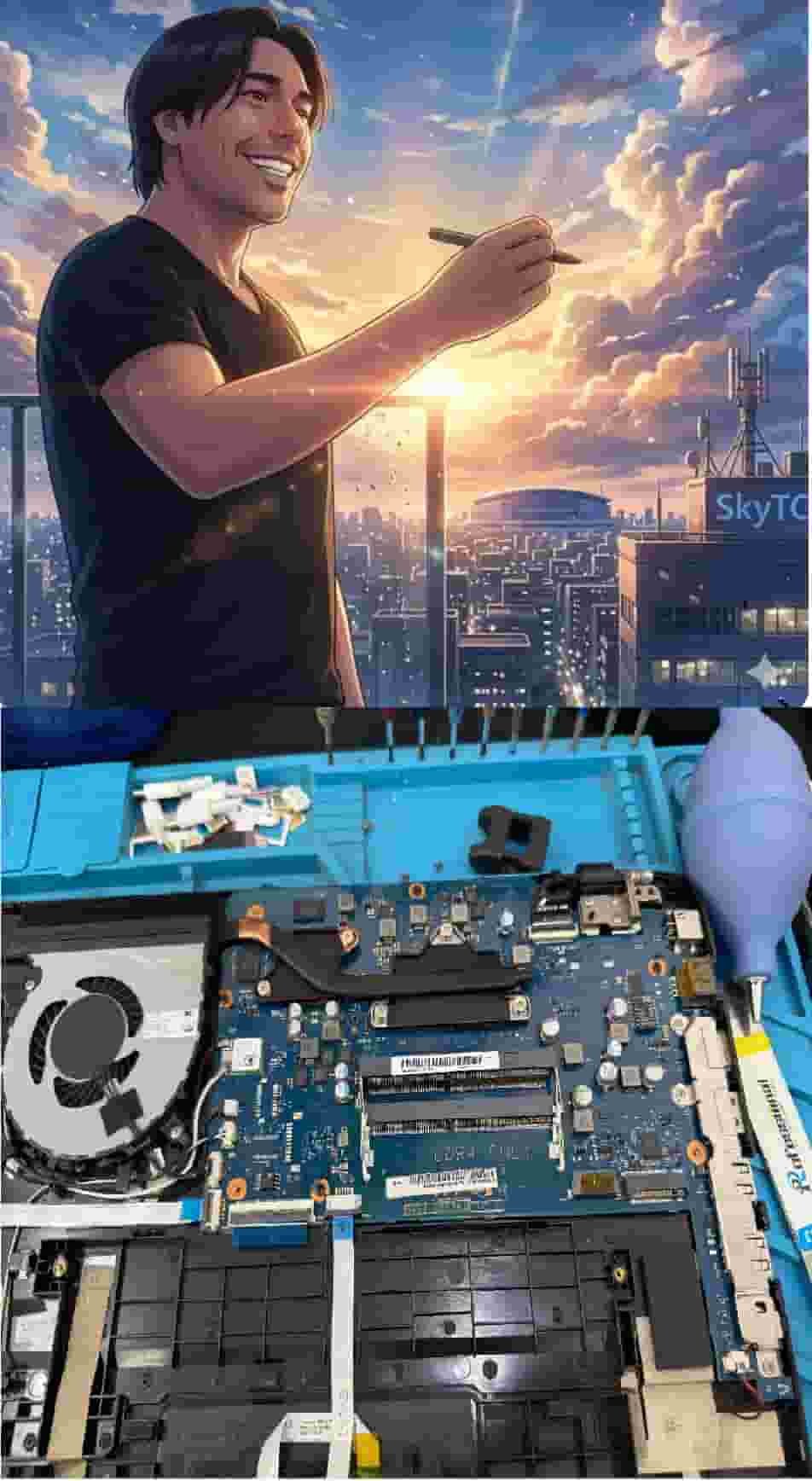
Technical Bio: Hardware & Laptops
“At SkyTC, technology is driven by engineering precision and real field experience. I am Valtersky, and I bring a unique background to the bench: from professional woodworking, the eye for structural integrity; from radiology, an absolute obsession with microscopic details.
As an ultra-endurance marathon runner, I don’t just browse store windows. I tear machines down, run intensive stress tests on thermal dissipation, and validate the actual build quality of every single component. My mission is to translate complex tech engineering and tech finances into smart decisions for your workflow.
Here, we speak straightforward, jargon-free English with the authority of someone who knows exactly what is inside the chassis.”
Read also: Why Optical Mouse Switches Outlast Standard Office Gear: The Bench Tech Teardown
Bench tech warning: neglecting switch contact wear and chassis thermal fatigue leads to microswitch failure just as fast as eDP cable shearing inside laptop hinges destroys display signals with permanent subpixel lines.