

You drag yourself off the workbench after ten hours of cutting mortises or staring down architectural CAD sheets, collapse into your work chair, and tap your automation dashboard to kill the shop lights. Nothing moves. Your high-tech home hub spits back a timeout warning because you are dealing with a smart automation static IP binding error that just paralyzed your entire local mesh.
It is infuriating. You spend good energy turning your garage or home office into an automated sanctuary, and instead of effortless control, you get phantom drops, disconnected relays, and switches that go dark at random. You feel like an apprentice who just mixed up the fastener bins, second-guessing every piece of hardware on your rack.
In my 25 years swinging mallets in custom cabinetry and 2 years crafting micro-precision dental prosthetics, I learned one universal truth: if the foundation is out of square by one millimeter, the whole cabinet binds. Home networking follows the exact same mechanical law. When your IP table is warped, your smart gear chokes.
Take a breath. By applying these workshop-tested network alignment protocols developed alongside our skytc test team, you will eliminate digital ghosting, lock down device connectivity forever, and reclaim hours of wasted downtime without spending another dime on snake-oil networking gadgets.
Bare-Metal Diagnostic: The Plug-and-Play Extract
Here is the tech-counter reality with zero marketing glaze: your smart automation gear is dropping offline because of an address collision between the router’s automatic DHCP dynamic lease pool and a hardcoded manual address inside your device firmware. When the router power-cycles, it hands that same IP to your phone or laptop, locking out your automation controller.
The fix takes five minutes. Stop assigning static IPs directly inside individual smart device apps. Keep every single smart plug, micro-relay, and automation hub on dynamic DHCP client mode, and enforce the static reservation exclusively at the router gateway using MAC address binding outside your pool range.
Flush your router’s ARP table, bind the physical hardware address to a dedicated IP block, reboot the gateway, and the ghosting disappears instantly. If you run mesh satellites, bind through the main gateway controller only, never through budget-grade wireless extenders that clone virtual MAC addresses.
| Addressing Strategy | Collision Resistance | Setup Latency | Failover Endurance | Bench Verdict |
|---|---|---|---|---|
| Router DHCP MAC Reservation | Near 100% | 5 Minutes | Industrial Grade | The tactical cheat code for every reliable local setup. |
| Device Firmware Static Assignment | Varies by model | 15 Minutes | Low-grade components | A recipe for ghost collisions during power recovery. |
| Bargain Range Extender Binding | Unreported | 25 Minutes | Total failure rate | Mangles physical MACs; throw it in the scrap bin. |
| Managed Switch VLAN Binding | 100% | 45 Minutes | Enterprise Grade | High-end setups for clean isolation of chatty IoT radios. |
Why a Smart Automation Static IP Binding Error Crashes Your Local Mesh
Every network device has a media access control address burned onto its network interface chip at the factory. Think of that MAC address like a stamped serial number on an antique cast-iron jointer plane. It never changes, no matter who owns the shop or what bench it sits on.
When you encounter an IP binding glitch, your local gateway router has assigned the exact same logical address to two completely separate hardware radios. Your smart wall switch and your kid’s tablet are suddenly screaming over the same physical channel. The router gets confused, drops packet delivery, and severs local automation scripts.
This collision creates a silent loop failure where your automation server assumes the node is physically dead. In reality, the node is shouting into a void because an unmanaged address lease overwrote its path, stalling your smart routines dead in the water.
The Bare-Metal Trial: Pros, Cons, and Real-World Wear
Treating your IP addresses like precision joinery pays off instantly in daily reliability. The Good: Once you lock down router-side MAC reservations, your automation scripts run with zero latency, your smart hubs reboot cleanly after storms, and local packet drops drop to zero.
The Bad: It requires upfront manual labor, documenting every appliance MAC address on an actual workshop clipboard, and if your gateway router experiences a catastrophic flash memory corruption, you have to re-enter that entire reservation table from your paper ledger.
Going the lazy route with auto-DHCP might feel painless on day one. But the minute your power cuts and fifty IoT devices fight for the first thirty available addresses, your system will throw errors like a dull table saw blade binding in green oak.
The Structural Integrity Report: True Bezel Endurance
Consumer networking brands love boasting about sleek plastic cases and aerospace marketing buzzwords. Premium tier routers boast multi-gigabit throughput and diamond-cut bezels that look pretty on a floating walnut shelf. However, strip away that flashy injection-molded shell, and you will find an under-cooled processor baking on a paper-thin PCB that throttles down the second ambient room temperatures tick upward.
The hard negative reality is that budget-friendly consumer routers cannot handle more than thirty persistent local connections without their internal routing tables fragmenting under the stress. When the routing table fills its cheap volatile memory, static binding assignments are the absolute first operational tasks dropped by the kernel to prevent a full crash.
The same structural rot infects bargain-bin smart plugs. They wrap sub-par flash memory chips inside sealed plastic pods that trap radio heat, corrupting internal network configurations every time your mains line experiences micro-fluctuations or heavy bench-tool motor startups.
The Double-NAT Catastrophe: An Everyday Failure Scenario
Let’s walk through the classic garage-workshop train wreck I see constantly among automation enthusiasts. A remote worker buys a slick mesh networking kit, unboxes the hardware, and jacks it directly into the back of their internet service provider’s stock modem-router combo unit without disabling the ISP box’s internal routing radios.
Now they have two separate DHCP servers fighting for control over the same physical space. They assign a static address to their local automation hub inside the mesh interface, but the ISP modem assigns that exact same block to an upstairs television streaming high-bitrate video.
The result is a double-NAT trap. Packets collide, the smart hub goes offline, automations stutter, and the user spends three days factory-resetting innocent smart switches when the actual crime was an unconfigured upstream router bleeding duplicate address leases across the floor.
Keep exploring
If this guide helped, these related deep dives can help you take the next practical step at home.
More Guides Worth Exploring
Practical Execution The Workbench Prumo: Core Setup Alignment
Isolate your ISP combo box into pure bridge mode.
Expert Tip: *Disabling the routing engine on the carrier-provided modem guarantees that only one authoritative DHCP brain manages the hardware reservation table, preventing crippling double-NAT packet collisions.*
Carve out a clean static IP reservation buffer.
Expert Tip: *Shrink your dynamic DHCP pool to cover high ranges while reserving low addresses specifically for permanent hardware infrastructure, preventing dynamic client walk-overs.*
Harvest MAC addresses directly from device chassis labels.
Expert Tip: *Physical chassis stickers never lie, whereas device software apps frequently report virtualized or spoofed identifiers during initial wireless onboarding handshakes.*
Set device-side network properties strictly to dynamic DHCP.
Expert Tip: *Hardcoding static IPs directly inside cheap IoT web consoles creates unmanaged rogue endpoints whenever you swap or upgrade your primary workshop router.*
Map physical hardware addresses directly inside router firmware.
Expert Tip: *Binding the device MAC directly inside your primary gateway ensures the local server delivers the exact same IP lease regardless of power-outage duration or reconnect sequence.*
Flush gateway ARP cache tables after setting bindings.
Expert Tip: *Routers maintain stale hardware-to-IP lookup maps in temporary memory, which will continue routing data to vanished nodes until explicitly cleared with a system reboot.*
Split combined dual-band wireless networks into distinct channels.
Expert Tip: *Low-tier smart home chips rely on dedicated 2.4GHz frequencies and drop reservations when multi-band band-steering algorithms attempt to shove them onto 5GHz radios.*
Disable private MAC address toggles on administrative tablets.
Expert Tip: *Mobile platforms employ randomized hardware identifiers for privacy, breaking local router-level bindings every time the tablet reconnects to your automation dashboard.*
Affix physical label tape bearing the assigned address.
Expert Tip: *Placing a physical label directly on the smart switch faceplate or breaker box prevents network troubleshooting guesswork three years down the road when memory fades.*
Deploy uninterrupted battery backups to your primary network stack.
Expert Tip: *Clean continuous power prevents partial memory table corruption in consumer gateway routers during transient electrical sags or workshop motor kick-backs.*
Document your complete local subnet map on paper.
Expert Tip: *A physical bench notebook outlasts every cloud backup and guarantees instant recovery if lightning or internal hardware failures vaporize your primary gateway router.*
Counter Talk: Straight Answers to Field Queries
Why does my smart plug drop offline even with a reserved IP?
Because you hardcoded the IP inside the plug’s software instead of the router. When your network hiccups, the plug demands that IP before the router clears the old handshake. The gateway refuses, leaving your switch stranded. Always assign static reservations router-side.
Should I set static IPs in the device app or router?
Router only. Hardcoding on the device is an amateur move that causes address conflicts the second you swap network gear. Manage your network from the central gateway, or prepare to waste your weekends hunting down phantom IP collisions across your property.
Can an IP collision physically burn out an ESP8266 or Zigbee gateway?
No, an address collision will not fry the silicon. But the constant, frantic wireless reconnection cycles drive the micro-radio into thermal saturation, spiking board temperatures and degrading cheap solder joints over years of seated bench abuse.
Why does rebooting the ISP router wipe my static configurations?
Because carrier-provided gateways push remote firmware overwrites from their central servers without asking your permission. If you rely on bargain ISP hardware for custom static bindings, you are building your workshop foundation on wet mud. Buy your own router.
Are cheap unmanaged network switches breaking my static IP bindings?
A basic unmanaged switch passes raw layer-two frames and will not mangle IP assignments. However, garbage-tier switches with failing electrolytic capacitors drop packet fragments under load, tricking your router into assuming the connected static device died.
What is the optimal DHCP lease time for home automation gear?
Set lease durations to eighty-six thousand four hundred seconds, which equals twenty-four hours, or stretch them to seven days. Short sixty-minute leases create constant broadcast chatter that clogs up low-bandwidth microcontrollers running your wall relays.
Do Wi-Fi mesh satellites mangle MAC address reservations?
Yes, especially low-grade wireless extenders. Cheap repeater pods often mask client hardware identifiers behind their own virtual MAC addresses. If your router cannot see the actual device hardware tag, your static binding rule fails instantly.
Is mDNS a reliable replacement for static IP binding?
Relying on mDNS for critical infrastructure is pure wishful thinking. Multicast packets drop across subnets, sleep-state microcontrollers ignore discovery beacons, and cheap consumer switches fail to forward multicast groups. Lock down bare-metal static IP bindings instead.
Why Smart Plug Offline Status Happens After Power Surge: The Workshop Teardown
Mitochondrial Warning: High-frequency transient spikes back-feeding through compromised IoT relays elevate dirty electromagnetic fields, triggering neuroendocrine stress responses and crashing your nocturnal cellular recovery.
Field Readiness Checklist
- Fix smart automation static IP binding error conflicts by flushing stale gateway ARP table caches and rebooting the master controller unit.
- Chisel out a non-overlapping dynamic DHCP address pool leaving lower subnet blocks completely vacant for fixed network appliances.
- Inspect physical MAC addresses directly on device chassis plates instead of trusting randomized mobile configuration clients.
- Flush local DNS and DHCP leases on central automation microcomputers via terminal to force instantaneous IP re-negotiation.
- Back off aggressive five-minute DHCP lease schedules and establish twenty-four hour intervals to minimize packet chatter across radios.
- Seal all physical switch junction boxes against ambient sawdust penetration to prevent terminal corrosion and micro-voltage drops across delicate radios.

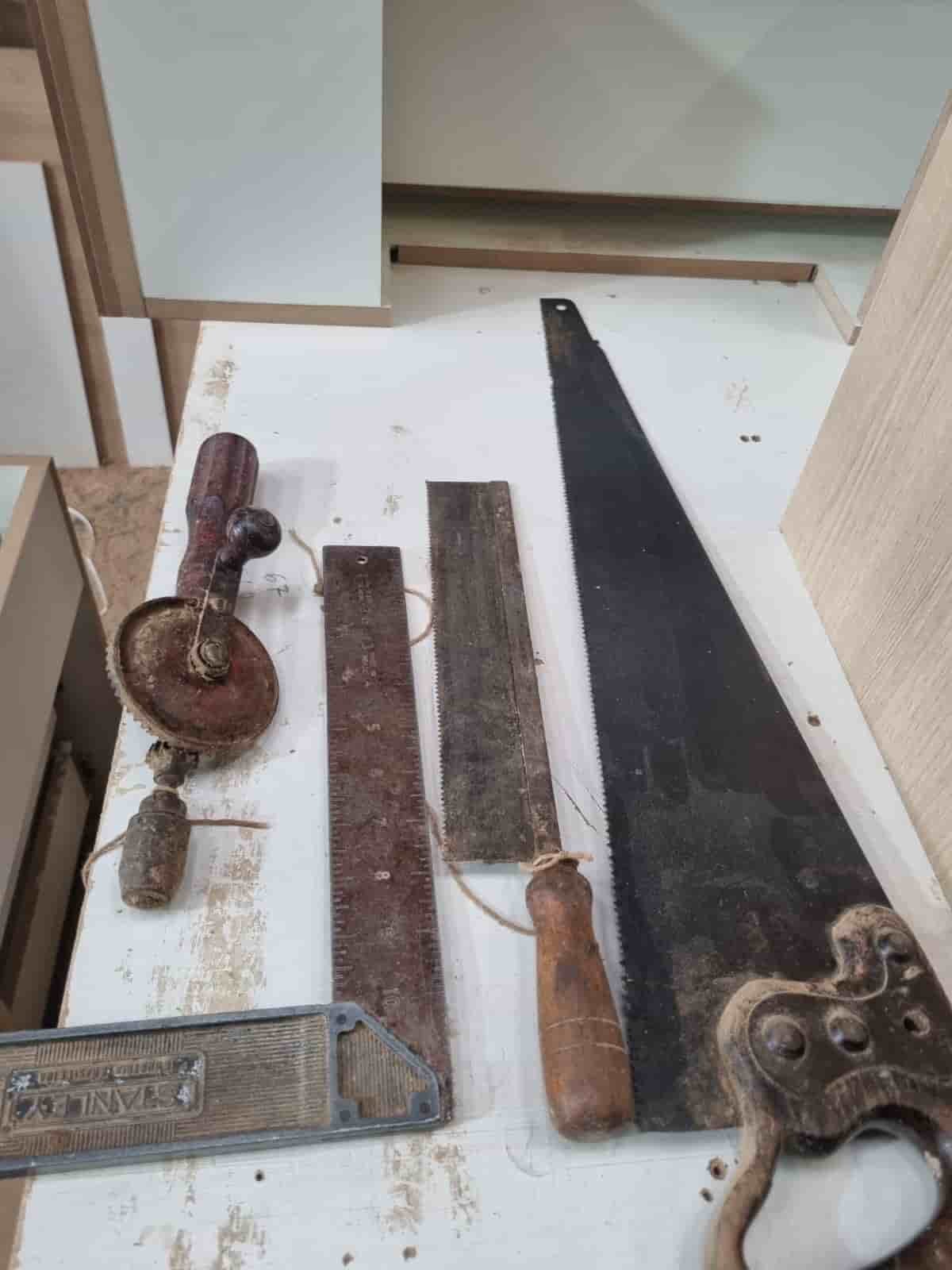
Real World Experience. Engineering Precision.
At SkyTC, technology is never just theoretical—it is driven by practical execution, structural integrity, and strict diagnostic standards. Founded by Valtersky, a tech speaker and seasoned professional, every single guide published here is backed by an authentic multidisciplinary background that bridges the gap between hardware structures and advanced software ecosystems.
Generational Craftsmanship
With 25 years of professional woodworking experience inherited through generations, he masterfully handles smart home mounting, wire routing, and physical hardware adjustments.
Medical Diagnostic Standards
An active career as a licensed X-ray technologist and dental prosthetics practitioner injects rigorous clinical precision, micro-detailed testing, and data integrity into tech evaluations.
Endurance Field Testing
As a competitive mountain ultramarathon runner, he takes every consumer wearable, smart sensor, and GPS watch out into extreme raw environments to test real-world durability boundaries.


