

If your fingers feel like you have spent eight hours punching a slab of sidewalk concrete, you are not imagining things. Most modern machines sacrifice mechanical compliance and biomechanical comfort just to shave half a millimeter off the chassis profile. Tracking down the best ergonomic keyboards on professional laptops is not some luxury pursuit—it is an absolute necessity if you want to avoid chronic tendonitis, inflamed carpal tunnels, and permanent nerve fatigue.
When you hammer away on a featherweight laptop with zero key travel, your fingers absorb hundreds of kilograms of cumulative shock force every single workday. That relentless impact does not vanish into thin air; it rattles straight through your digital flexor tendons, up your forearm, and into your cervical spine.
Here in our repair shop, we see the dual carnage every day: broken wrists on our clients and destroyed motherboards on our silicone thermal test benches. Investing in proper ergonomic laptop hardware will easily save you thousands in physical therapy visits while preventing catastrophic flex-induced micro-fractures in your logic board’s multi-layer copper traces.
The Repair Shop Counter: The Intake Specification
Listen up, because I am only going to say this once before you pull out your corporate card: stop buying laptops based on how thin they look on a showroom riser. A paper-thin deck translates to immediate wrist extension misery and an unyielding, bottomed-out typing strike that ruins your hands within six months.
If you want real mechanical support, you need a minimum of 1.5 millimeters of true key travel, spherically dished keycaps that cup your fingertips, and a rigid internal chassis backing plate made of magnesium or reinforced structural aluminum.
The short verdict from twenty-five years on the soldering bench: business-class enterprise workstations like the legendary ThinkPad lineup still maintain the golden ratio of tactile snap-ratio and switch actuation force. Consumer ultraportables with flat, un-dished chiclet chiclets are wrist-wrecking traps designed for coffee shop aesthetics rather than eight-hour engineering sprints.
Best Ergonomic Keyboards on Professional Laptops: Switch Architecture and Deck Analysis
| Chassis & Switch Family | Travel Depth (mm) | Actuation Force | Keycap Dish Radius | Chassis Deck Flex | Field Repairability |
|---|---|---|---|---|---|
| Enterprise Workstation Scissor (ThinkPad T/P Series) | 1.5 mm – 1.8 mm | 60g – 65g | Spherically Dished (0.25mm) | Near-Zero (Roll-Cage Supported) | Modular Top-Load Assembly |
| Corporate Fleet Chiclet (Dell Latitude / Precision) | 1.3 mm – 1.5 mm | 55g – 60g | Flat / Minimal Dish | Moderate Mid-Deck Deflection | Plastic-Welded Subframe |
| Aerospace Unibody Scissor (MacBook Pro Series) | 1.0 mm | 55g | Completely Flat | Zero (Solid Billet Aluminum) | Melted Rivet Lockdown |
| Executive Lightweight Chiclet (HP EliteBook Series) | 1.3 mm | 58g | Slight Dish (0.1mm) | Low to Moderate Deflection | Chassis-Bound Underplate |
| Ultra-Thin Consumer Wedge (Surface Laptop Series) | 1.3 mm | 50g – 55g | Flat Key Surface | Noticeable Under Heavy Strike | Permanently Glued / Non-Repairable |
The Bare-Metal Trial: Pros, Cons, and Real-World Wear
Let us peel back the plastic bezels and expose what these laptop keyboard architectures actually do to your body and your logic board. Marketing brochures love using terms like “whisper-quiet scissor switches,” but they deliberately hide the brutal compromises engineered underneath the palm rests.
Enterprise Workstation Scissor (ThinkPad Architecture)
The Good: Spherically dished keycaps guide the center of your fingers naturally, dropping off-center strike errors to almost zero. The actuation stroke delivers a crisp mechanical snap with a smooth bottom-out curve that cushions the delicate nerves in your fingertips.
The Bad: Lenovo has slowly shaved travel down from the historic two millimeters to just over a millimeter and a half on newer generations. Furthermore, trackpoint cutouts create a localized structural weak point where spilled tea or coffee instantly funnels straight into your 3.3V power rails.
Corporate Fleet Chiclet (Dell Latitude & Precision Lines)
The Good: Consistent, predictable actuation across every square inch of the keyboard matrix. High tactile contrast ensures you never have to guess whether a key registered when crunching numbers or compiling code under tight deadlines.
The Bad: Flat key surfaces force your stabilizing muscles to work overtime to keep your hands centered. Worse yet, the mid-chassis support plate under the G and H keys flexes like a trampoline on cheaper trims, transmitting weird spring vibrations directly into your wrist bones.
Aerospace Unibody Scissor (Apple MacBook Pro)
The Good: The deck itself is carved from a solid billet block of aluminum, providing rock-solid stability with zero structural bounce across the entire footprint. Backlighting consistency is unmatched, preventing late-night ocular fatigue and neck strain.
The Bad: At a puny one millimeter of key travel, it is the mechanical equivalent of slamming your fingers repeatedly into an anvil. The keycaps have zero spherical dishing, forcing your finger pads to absorb harsh deceleration shock waves with every single keystroke.
Scratch Risk: Chassis and Hinge Durability
High-end magnesium and aluminum chassis components promise premium structural integrity right out of the box. But the minute you bring these machines into harsh field environments, that flawless finish rapidly gives way to raw operational wear and tear.
Manufacturers spray microscopic ceramic-infused coatings or thin anodized layers over cheap zinc alloys to fake a luxury feel. Put those materials in a humid corporate office or an industrial deployment where users wear metal-band wristwatches, and those pristine surfaces pit, peel, and scratch straight to the bare metal within weeks.
Drop-forged zinc hinges are praised in spec sheets for holding displays rock-steady at extreme tilt angles. Yet inside the chassis, those hinges are anchored into paper-thin brass heat-staked threaded inserts pressed straight into flimsy structural polycarbonate.
Torque forces from repeated daily lid adjustments slowly loosen those miniature brass barrels from their plastic cradles. Eventually, the display hinge locks up, flexing the bottom tub and twisting the keyboard deck until the internal membrane layers permanently bind together.
Hypothetical Failure Scenario: The Flex-Fatigued Subframe Catastrophe
Imagine this typical workday disaster: You are typing aggressively on a deadline while resting the full, heavy weight of your wrists on the palm rests of an ultra-thin laptop. The manufacturer bragged about a “lightweight magnesium-lithium sub-assembly,” but they left out internal cross-bracing to keep the chassis under two pounds.
Every time you bottom out your strikes across the home row, the center of the keyboard deck flexes downward by nearly two millimeters. Down beneath that flex zone sits your laptop’s primary motherboard, separated from the keyboard’s bottom aluminum shield by a razor-thin piece of mylar tape.
Directly beneath the Spacebar and the Trackpad connector sits the primary multi-phase CPU power management controller. As that chassis bows downward day after day, the keyboard shield continuously rubs and taps against the tall, ceramic surface-mount capacitors and high-frequency inductors.
Within nine months of heavy use, the sheer fatigue stress cracks the microscopic lead-free BGA solder spheres holding the power controller to the motherboard. One cold morning, you tap the power button: the cooling fans spin for a microsecond, the screen stays pitch-black, and your machine is dead on the bench with a completely vaporized power rail.
Guides for Your Next Workspace
Practical laptop guides covering performance, hardware, troubleshooting, care, and everyday productivity.
Professional Laptops
The definitive blueprint to selecting high-performance, enterprise-grade workstations engineered to scale your productivity.
Budget Tech Tools
Practical strategies and low-cost digital tools engineered to maximize office performance without breaking your budget.
Power User Gadgets
Advanced hardware, desk automation tools, and elite tech ecosystems built to eliminate workflow bottlenecks.
Diagnose Laptop Hardware Faults
The official bench guide for identifying, testing, and diagnosing common laptop hardware faults with practical troubleshooting methods.
Maximize Laptop Performance
An ultimate tuning guide for improving laptop speed, efficiency, responsiveness, and overall performance.
Extend Laptop Lifespan
The ultimate care guide for protecting laptop hardware, preventing premature wear, and extending device longevity.
The Assembly Line: High-Yield Deployment Checklist
- Inspect the best ergonomic keyboards on professional laptops thoroughly.
Expert Tip: Measure real key travel with a mechanical caliper—reject any primary machine that measures less than 1.5mm of total switch stroke. - Verify spherical keycap dishing before issuing corporate deployments.
Expert Tip: Flat chiclet surfaces double muscular stabilization strain, increasing long-term tendonitis risks across enterprise coding teams. - Apply hard thumb pressure to check deck rigidity.
Expert Tip: If the keyboard bounces downward into the frame under moderate force, that subframe will snap internal ceramic bypass capacitors over time. - Clean sub-switch scissor mechanisms using dry compressed nitrogen.
Expert Tip: Canned air can blast freezing chemical propellants across delicate gold contact traces, causing phantom double-strokes on high-use keys. - Elevate the rear laptop feet using firm rubber pads.
Expert Tip: Tilting the chassis deck forward between four and seven degrees significantly relieves carpal canal pressures during deep typing sessions. - Check palm rest thermal heat maps under stress.
Expert Tip: Lithium-polymer batteries swollen beneath thin top covers push directly against keyboard brackets, resulting in stiff, unresponsive switches. - Avoid aggressive chemical solvents on soft-touch deck coatings.
Expert Tip: Isopropyl alcohol melting cheap rubberized deck finishes creates sticky, abrasive friction that catches your wrists and inflames nerve endings. - Torque all internal chassis mounting screws to spec.
Expert Tip: Missing or loose M2 chassis screws beneath the keyboard tray trigger asymmetric chassis flexing, which binds scissor stabilizers instantly. - Monitor trackpad palm-rejection algorithms in system firmware.
Expert Tip: Poor software rejection forces users to hold their hands at unnatural, floating hover angles, causing severe deltoid and trap strain. - Prioritize top-accessible modular keyboard designs over riveted setups.
Expert Tip: Riveted plastic keyboard trays require complete machine teardowns and palm-rest replacement just to clear one stuck switch dome. - Install external wrist wedges for low-clearance edge profiles.
Expert Tip: Sharp, razor-thin front aluminum edges choke off ulnar artery circulation, numbing pinky and ring fingers within two hours.
Forensic Breakdown: Microscopic Hardware Answers
Do ultra-shallow laptop keyboards cause long-term nerve damage?
Yes, without question. Punching down on a key with a single millimeter of travel causes your fingertip nerve pads to absorb severe deceleration forces. That repeated, unmitigated kinetic shock radiates up into the median and ulnar nerves, accelerating repetitive strain injuries.
Why do some laptop keyboards bounce and flex while typing?
Because bean counters cut costs by deleting the internal metal backplate to save weight and cash. Without a stamped aluminum or magnesium structural skeleton directly beneath the membrane switches, the entire keyboard array floats on empty air above the motherboard.
Are spherically dished keycaps really superior to flat chiclet designs?
Absolutely. Dished surfaces provide passive tactile feedback that naturally funnels your fingertips directly to the mechanical center of the switch. Flat chiclet keys force your tendons to make micro-adjustments constantly, generating unnecessary muscle fatigue and mistypes.
Can deck flex cause motherboard short circuits?
We see it on our diagnostic benches every single week. When you hammer a flexing deck, the underside of the keyboard assembly rubs against the tall surface-mount components on the logic board. Eventually, that friction wears through the insulating mylar film and shorts the high-voltage lines.
What is the ideal actuation force for eight hours of coding?
You want an actuation threshold sitting squarely between fifty-five and sixty-five grams. Anything lighter than fifty grams leads to massive misstrike errors, while anything heavier than seventy grams severely tires out your extensor muscles before lunchtime.
Can a laptop keyboard switch assembly be cleaned with isopropyl alcohol?
Never saturate it. Flooding a modern scissor switch with pure alcohol dissolves the factory damping grease inside the tiny plastic pivot joints. Once that lubricant vanishes, the switch squeaks, chatters, and binds up completely on off-center strikes.
Why did manufacturers switch from modular keyboards to plastic rivets?
It cuts assembly line production costs down to absolute pennies per unit. Plastic ultrasonic melting rivets let factories blast the chassis together fast. The ugly trade-off is that replacing a broken Spacebar requires trashing and replacing the entire top-case enclosure.
Is an external mechanical keyboard always required for ergonomics?
Not if you buy a properly built, enterprise-grade machine with adequate key travel and zero deck flex. But if your daily driver is an ultra-thin consumer wedge with knife-edge aluminum borders, you must buy an external board to save your hands from permanent injury.
Why Trust SKYTC Curated Gear?
At SKYTC, we simplify technology for you. We aren’t just another deals site; we are hardware experts obsessively focused on elite performance.
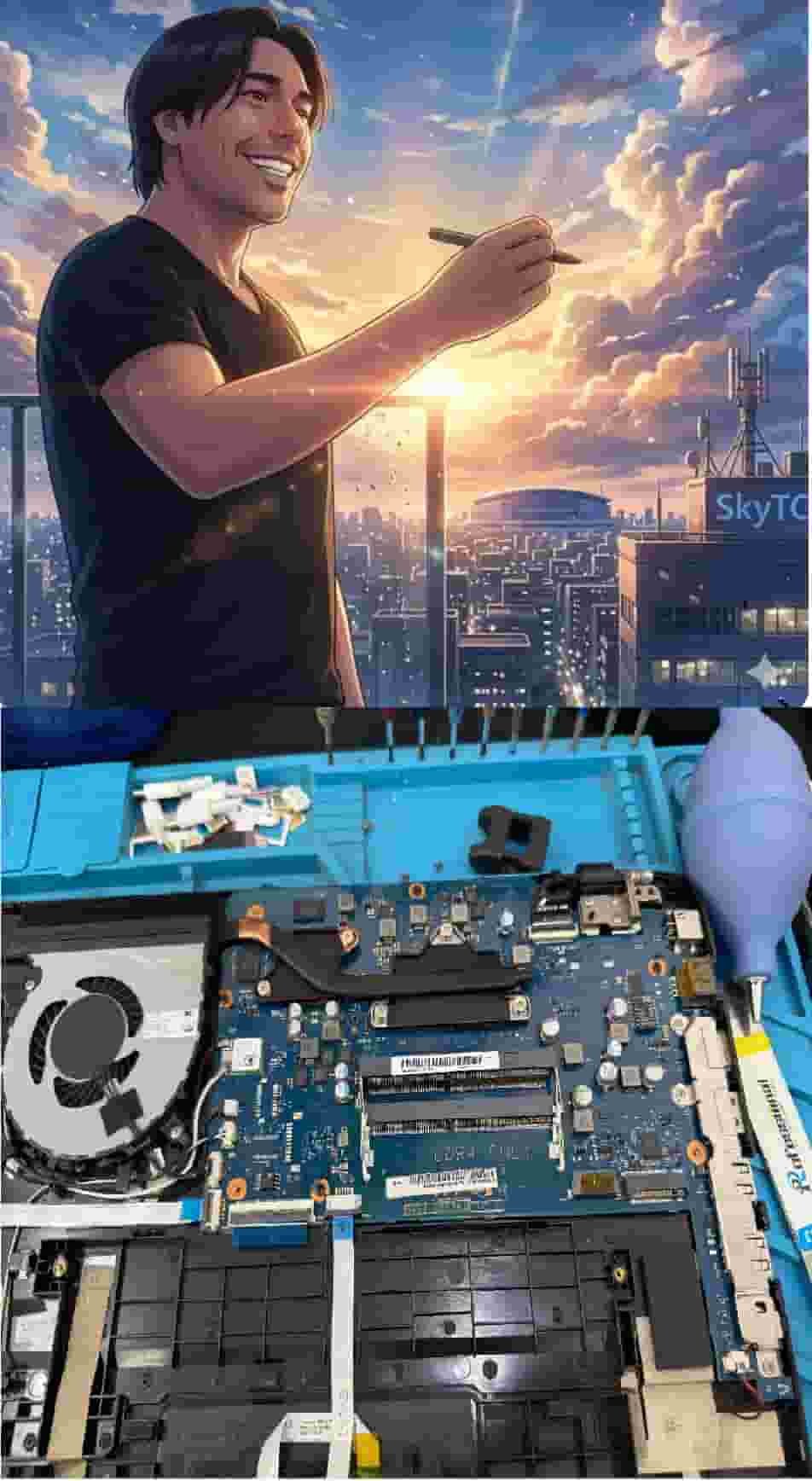
Technical Bio: Hardware & Laptops
“At SkyTC, technology is driven by engineering precision and real field experience. I am Valtersky, and I bring a unique background to the bench: from professional woodworking, the eye for structural integrity; from radiology, an absolute obsession with microscopic details.
As an ultra-endurance marathon runner, I don’t just browse store windows. I tear machines down, run intensive stress tests on thermal dissipation, and validate the actual build quality of every single component. My mission is to translate complex tech engineering and tech finances into smart decisions for your workflow.
Here, we speak straightforward, jargon-free English with the authority of someone who knows exactly what is inside the chassis.”
Read also: Enterprise Grade Secure Laptops for HR Professionals: The Hardware Architect’s Teardown
Warning from the bench: Slamming flimsy display lids stresses misrouted eDP flex cables against razor-sharp hinge brackets, sparking direct 19V backlight shorts that fry the main BGA controller instantaneously.