

You are sitting in an airport terminal or an open-plan corporate cafeteria, reviewing sensitive employee medical disclosures, executive compensation structures, and pending termination dossiers, while feeling that sickening prickle on the back of your neck that someone is watching your screen. Finding true enterprise grade secure laptops for hr professionals is not about picking whatever sleek, featherweight notebook catches your eye in a consumer electronics catalog; it is about deploying an impenetrable hardware perimeter around the most legally explosive data inside your entire corporation.
At our repair shop, we tear down fleet machines every single day, and the enterprise reality is disturbing: most HR teams get saddled with generic sales-tier notebooks or flimsy consumer ultrabooks that run scorching hot, lack physical cryptographic coprocessors, and feature wide-angle displays that broadcast confidential salaries to anyone walking by. When your daily workflow involves managing employee identities, background checks, and payroll accounts, relying on consumer-grade hardware is an invitation to catastrophic regulatory fines.
An authentic enterprise workstation defends your organization at the bare-metal silicon layer, trading software vulnerabilities for discrete cryptographic processors, physical display privacy barriers, and self-healing firmware architectures. Taking control of your department’s physical hardware security saves your company from career-ending compliance lawsuits, prevents hundreds of hours wasted on chaotic forensic data audits, and guarantees your personnel files stay locked behind hardware-verified encryption.
The Repair Shop Counter: The Intake Specification
Toss that generic plastic ultrabook on the anti-static mat and listen to me straight. Human resources departments sit on the most hazardous data honeypot in any enterprise, yet procurement teams routinely buy them machines with open Thunderbolt buses, consumer-grade firmware, and unshielded displays that leak sensitive records to anyone standing nearby. The lab macete is dead simple: you need a discrete TPM 2.0 processor, hardware-level DMA virtualization, an integrated electronic display privacy filter, and a rigid chassis that will not flex and crack its solder joints during constant travel.
Stop gambling your company’s reputation on budget-friendly consumer chassis. Deploy authentic enterprise-grade hardware built specifically for zero-trust environments, or get ready to explain to executive leadership how an unshielded laptop leaked your entire corporate payroll database to an open Wi-Fi sniffer.
Why Enterprise Grade Secure Laptops for HR Professionals Start with Physical Silicon Defenses
Software firewalls and antivirus suites are completely useless if an attacker compromises the laptop’s SPI flash chip or executes a direct memory read through an unshielded expansion port. If the bootloader lacks hardware-enforced signature verification, malicious code can hide beneath the operating system kernel, capturing every keystroke and personnel document before disk encryption even initializes.
True enterprise workstations utilize discrete cryptographic security chips that operate independently from the primary CPU. These chips store encryption keys in physically shielded hardware enclaves that resist electromagnetic probing and micro-soldering bus taps, ensuring that a stolen laptop cannot be decrypted even if someone rips the storage drive off the motherboard.
Technical Comparison of Enterprise Security Architectures
Evaluating enterprise-tier notebooks requires looking past superficial marketing specs and auditing the physical motherboard design, firmware self-healing controllers, and hardware privacy integrations. The table below breaks down the premier enterprise hardware architectures deployed in modern corporate environments.
| Platform Architecture | Hardware Root-of-Trust | Display Privacy Technology | Thermal & Chassis Modularity | Enterprise Defense Grade |
|---|---|---|---|---|
| Lenovo ThinkPad T/P Series | Discrete TPM 2.0 + ThinkShield | Hardware PrivacyGuard Filter | Dual heat-pipe / modular ports | Institutional enterprise tier |
| HP EliteBook 800/1000 | Sure Start Gen7 Isolated ASIC | Sure View Reflect Electronic Shield | Single blower / soldered RAM | High-grade operational yield |
| Dell Latitude 7000/9000 | Dell ControlVault 3 Processor | Dell SafeScreen Technology | Varies by model | High-grade operational yield |
| Apple MacBook Pro (M-Series) | Secure Enclave + Hardware Mic Cut | None (Requires physical overlays) | Zero repairability / unibody vapor | Premium tier investment |
| Framework 13 Enterprise | Physical PCB Hardware Cut Switches | Unreported | Full modular socketed chassis | Sovereign repair grade |
The Bare-Metal Trial: Pros, Cons, and Real-World Wear
Marketing brochures promise flawless security and bulletproof reliability, but on the repair bench, we see where these chassis physically fail under the punishment of continuous corporate deployment. Here is the unvarnished reality of these enterprise platforms.
Lenovo ThinkPad Enterprise Workhorses
The Good: Industry-standard discrete TPM 2.0 modules, mechanical webcam shutters, drainage channels beneath the keyboard, and magnesium roll cages that protect the motherboard from chassis flex.
The Bad: Models equipped with electronic PrivacyGuard displays suffer from horrible vertical viewing angles and muddy contrast ratios even when the privacy filter is turned off, causing serious eye strain during long spreadsheet sessions.
HP EliteBook Series with Wolf Security
The Good: Dedicated hardware ASIC continuously scans SPI flash memory and automatically re-flashes compromised BIOS firmware from an air-gapped backup chip without requiring IT intervention.
The Bad: HP’s background security software hogs significant system memory, constantly competing with web browsers and database queries until cooling fans ramp up to jet-engine noise levels during routine video interviews.
Dell Latitude Corporate Standard
The Good: Dell ControlVault routes fingerprint and smart-card authentication through a physically isolated processing unit with dedicated memory, preventing operating system exploits from snooping on biometric data.
The Bad: Modern chassis revisions feature fragile USB-C charging ports soldered directly to the mainboard without structural support brackets, meaning a single tripped charging cord can crack the solder pads and brick the machine.
Apple Silicon MacBook Pro
The Good: The hardware-level Secure Enclave, unified memory bus isolation, and mechanical microphone disconnect feature deliver exceptional silicon security while running cool and silent during intense multitasking.
The Bad: Absolutely zero component repairability; the storage drive NAND chips and system memory are epoxied directly to the logic board with structural underfill, meaning a single shorted ceramic capacitor permanently destroys all local encrypted files.
Scratch Risk: Chassis and Hinge Durability
Manufacturers love boasting about CNC-machined aerospace-grade aluminum and silky matte magnesium finishes during glossy corporate sales presentations. But behind that premium styling lies an industry plagued by plastic screw standoffs, brittle hinge clutches, and paper-thin surface coatings that wear down to raw metal after six months of being tossed into a commuter bag.
An enterprise notebook may claim rigorous military-standard drop certifications, but out in the field, display hinges with excessively stiff clutch torque exert massive rotational leverage directly against microscopic brass threaded inserts heat-staked into cheap plastic housings. Over thousands of open-close cycles, those plastic anchors fracture into dust, causing the chassis to warp, pinch the internal wiring harness, and destroy the display.
Worse, carrying laptops with thin lids causes the aluminum frame to flex whenever you pick up the machine by a corner. This chassis deflection forces the delicate glass screen directly against the keyboard keycaps, allowing dust and hand oils to grind permanently into the anti-reflective coating, leaving permanent keyboard scratch scars that ruin readability and destroy residual value.
Hypothetical Failure Scenario: The Crushed Display Disaster
Consider a brutally common disaster we see at the repair counter: an HR business partner handling an urgent restructuring rollout works late at an offsite coffee shop. To protect employee privacy, they buy an aftermarket sliding plastic webcam cover from a bargain-bin accessory kiosk and stick it directly over the laptop’s integrated camera lens.
At the end of the day, the HR professional snaps the laptop lid shut and packs the machine into a snug leather briefcase. The millimeter-thick piece of aftermarket plastic acts as a rigid fulcrum between the display glass and the palmrest, concentrating the entire clamping force of the lid hinges onto a single square millimeter of glass.
The moment the briefcase is picked up, the concentrated pressure shatters the ultra-thin display panel, fracturing the internal liquid crystal matrix and severing the delicate traces running to the T-Con board. The 19-volt LED backlight rail shorts directly into the 3.3-volt sensor bus, frying the embedded controller on the motherboard and killing the laptop instantly—leaving the HR professional with a destroyed screen and inaccessible confidential files right before an executive termination meeting.
Guides for Your Next Workspace
Practical laptop guides covering performance, hardware, troubleshooting, care, and everyday productivity.
Professional Laptops
The definitive blueprint to selecting high-performance, enterprise-grade workstations engineered to scale your productivity.
Budget Tech Tools
Practical strategies and low-cost digital tools engineered to maximize office performance without breaking your budget.
Power User Gadgets
Advanced hardware, desk automation tools, and elite tech ecosystems built to eliminate workflow bottlenecks.
Diagnose Laptop Hardware Faults
The official bench guide for identifying, testing, and diagnosing common laptop hardware faults with practical troubleshooting methods.
Maximize Laptop Performance
An ultimate tuning guide for improving laptop speed, efficiency, responsiveness, and overall performance.
Extend Laptop Lifespan
The ultimate care guide for protecting laptop hardware, preventing premature wear, and extending device longevity.
The Assembly Line: High-Yield Deployment Checklist
- Deploy enterprise grade secure laptops for hr professionals strategically.
Expert Tip: Verify the system uses a discrete hardware TPM 2.0 processor rather than an emulated firmware fTPM module vulnerable to CPU bus sniffing. - Enable Kernel Direct Memory Access Protection inside BIOS.
Expert Tip: DMA virtualization stops rogue Thunderbolt docks and malicious flash drives from reading plaintext RAM where disk encryption keys reside. - Mandate physical integrated electronic display privacy screen filters.
Expert Tip: Built-in electronic privacy filters narrow the screen viewing cone at the touch of a button, defeating visual eavesdropping in public spaces. - Configure full-disk encryption with mandatory pre-boot authentication PINs.
Expert Tip: Standard auto-unlock encryption leaves keys exposed in volatile memory; a pre-boot PIN prevents unauthorized cold-boot memory extraction. - Activate physical chassis intrusion detection switches on mainboards.
Expert Tip: Chassis intrusion switches log an immutable alert in the firmware if an unauthorized party unscrews the bottom panel to access components. - Select laptops featuring physical slide-to-cover mechanical webcam shutters.
Expert Tip: Avoid aftermarket stick-on plastic camera sliders that crack ultra-thin modern screens when the laptop lid is closed. - Enforce biological authentication via Match-on-Chip fingerprint sensors.
Expert Tip: Match-on-Chip architectures process fingerprint templates entirely inside an isolated chip, preventing operating system snooping. - Clean thermal fan fins and heatsinks on an annual maintenance cycle.
Expert Tip: Dust buildup causes thermal throttling, which destabilizes hardware security verification engines and causes erratic system crashes. - Disable unauthenticated USB boot devices within the UEFI menu.
Expert Tip: Locking boot media options prevents evil-maid attacks where an attacker inserts a thumb drive to overwrite the operating system bootloader. - Inspect USB-C charging ports for physical solder fatigue regularly.
Expert Tip: Continuous cable strain cracks surface-mount solder joints, creating intermittent power faults that can short out motherboard power stages. - Set hardware-level supervisor passwords across all administrative firmware setups.
Expert Tip: An unprotected BIOS menu allows anyone with temporary physical access to disable Secure Boot in less than thirty seconds.
Forensic Breakdown: Microscopic Hardware Answers
Do HR laptops really need more physical security than sales laptops?
Yes. Sales laptops contain leads and client pitches; HR laptops hold social security numbers, bank routing data, medical histories, and salary benchmarks. A breach of HR records carries severe legal penalties and devastating reputational damage.
Why do electronic privacy screens make text look fuzzy?
Electronic privacy filters use specialized micro-louver optical layers embedded inside the display panel. These louvers restrict side viewing angles, but they also introduce slight graininess and reduce brightness even when turned off.
Can hackers bypass software full-disk encryption on stolen laptops?
Yes, if the machine lacks pre-boot PIN authentication and hardware DMA protection. Attackers can connect specialized PCIe diagnostic hardware to side ports to dump the encryption keys directly out of the laptop’s RAM.
Are plastic stick-on webcam covers really dangerous for modern screens?
Yes, absolutely. Modern display clearances are engineered down to tenths of a millimeter. Closing a laptop lid on a plastic slider concentrates hinge leverage onto the glass, shattering the display panel and destroying internal circuitry.
What is the lab macete for protecting confidential screens in public?
Sit with your back against a solid wall, toggle your laptop’s integrated electronic privacy screen, and lower the display brightness to the minimum usable level. Never work on sensitive payroll sheets while sitting in aisle seats.
Why is discrete TPM vastly superior to firmware-based fTPM?
Firmware fTPM runs inside the main processor’s system memory space, sharing cache lines and memory traces. A discrete TPM is a physically separate, hardened microchip that resists physical voltage fault injection and trace probing.
Does a spilled cup of coffee always kill an enterprise laptop?
Not if you purchase enterprise chassis with dedicated spill-resistant keyboard trays. These designs use sealed rubber membranes and bottom drainage holes that route liquids harmlessly around the motherboard out the bottom cover.
Should HR professionals carry high-end consumer gaming laptops for extra speed?
Never. Consumer gaming laptops completely lack enterprise security controllers, have noisy cooling loops that distract during meetings, possess terrible battery life, and omit hardware privacy screens and smart-card readers entirely.
Why Trust SKYTC Curated Gear?
At SKYTC, we simplify technology for you. We aren’t just another deals site; we are hardware experts obsessively focused on elite performance.
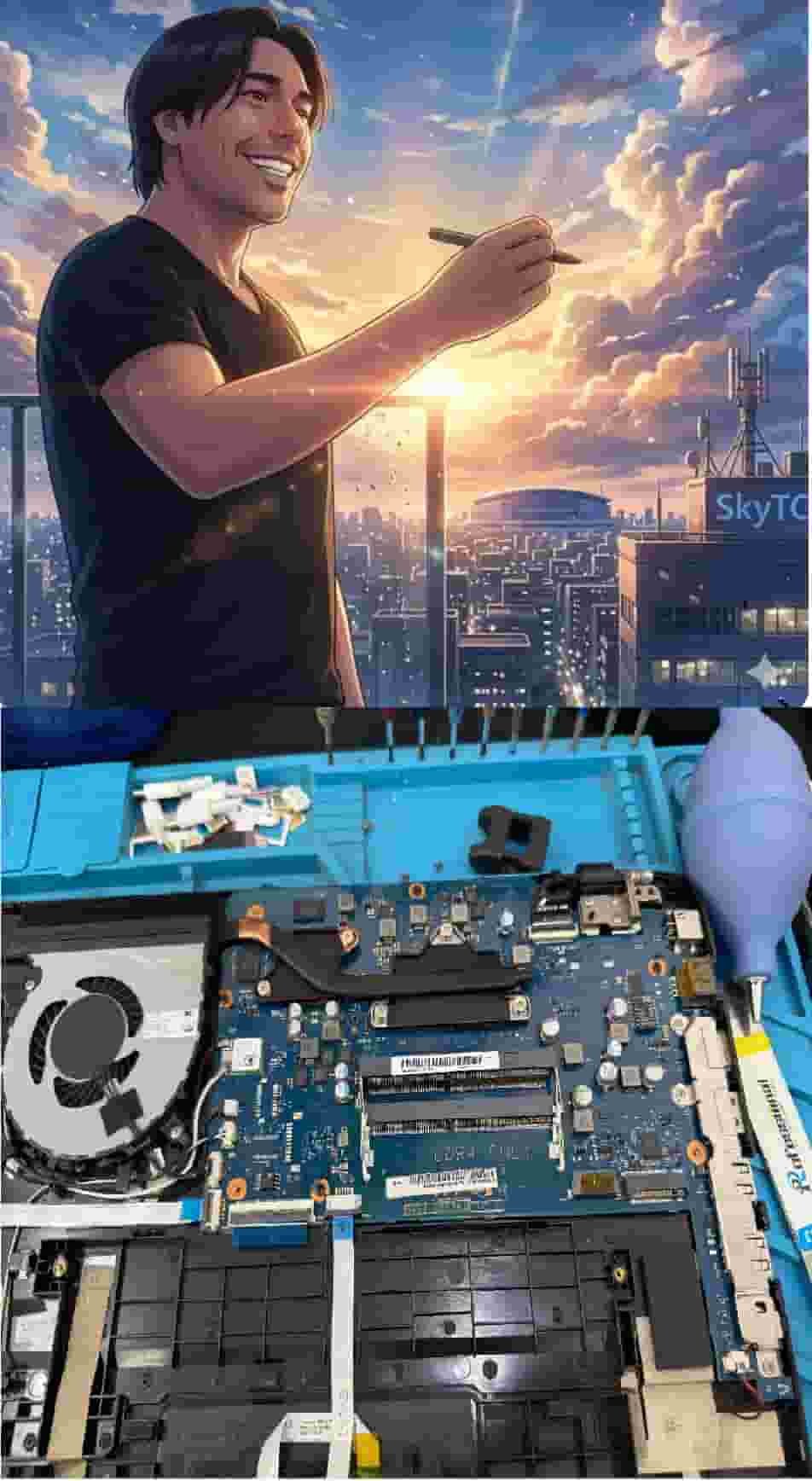
Technical Bio: Hardware & Laptops
“At SkyTC, technology is driven by engineering precision and real field experience. I am Valtersky, and I bring a unique background to the bench: from professional woodworking, the eye for structural integrity; from radiology, an absolute obsession with microscopic details.
As an ultra-endurance marathon runner, I don’t just browse store windows. I tear machines down, run intensive stress tests on thermal dissipation, and validate the actual build quality of every single component. My mission is to translate complex tech engineering and tech finances into smart decisions for your workflow.
Here, we speak straightforward, jargon-free English with the authority of someone who knows exactly what is inside the chassis.”
Read also: Best Work Laptops to Prevent Corporate Cyber Attacks: The Hardware Engineer’s Teardown
BENCH REPAIR WARNING: Jamming low-grade charging accessories into stressed USB-C ports causes solder-pad delamination that shorts the 20-volt charging rail directly into the low-voltage data lines, completely vaporizing the embedded controller and permanently killing the laptop motherboard.