
You paid top tier coin for a screaming processor and a dedicated graphics chip, yet the second you launch an intense workload, your machine stutters, chokes, and sounds like a vacuum cleaner gasping for air. If you want to maximize laptop performance, you have to break through the artificial thermal and firmware walls built into modern chassis. Modern machines leave massive compute power stranded on the silicon simply because factory engineers tuned them for quiet boardroom presentations rather than heavy sustained duty cycles.
Nothing drains your sanity faster than waiting on a rendering timeline that crawls to a halt or missing frames during a competitive clutch because your CPU hit a thermal brick wall and slammed its clocks down to baseline idle. You did not buy a high-performance portable workstation just to be throttled by timid factory profiles, bargain-bin thermal paste, and single-channel memory bottlenecks.
Here in our repair lab, author Valtersky, along with our dedicated support team and laptop hardware specialist, cracks open throttling rigs every single day. We bridge traces, rewrite firmware tables, and extract every drop of computational juice out of bare silicon dies. This tuning guide cuts through the tech-reviewer fluff and hands you the tactical cheat code to unleash desktop-class sustained speeds without detonating your motherboard.
The Repair Shop Counter: The Intake Specification
Drop your machine on the counter, and let us talk straight engineering. Out of the box, your laptop is running handcuffed. Manufacturers lock power limits to preserve razor-thin chassis temperatures and artificially prolong battery survival metrics on display shelves. Your CPU wants to boost, but the moment it hits thermal headroom limits, the embedded controller slashes the wattage, dropping your clock speeds by thirty to forty percent.
To make matters worse, factories slap down the cheapest, low-viscosity thermal grease that pumps out into dry chalk within months of heavy cyclic heat. Couple that with high-density background bloatware eating memory interrupts and sluggish single-rank RAM sub-timings, and your machine is running at two-thirds of its true hardware capability.
The shop verdict is brutal and simple: maximizing real throughput is not about reckless overclocking; it is about thermal efficiency, aggressive undervolting, uncapping firmware power states, and optimizing memory bandwidth. Drop your core temperatures, feed the VRMs clean power, and your laptop will run laps around factory-configured setups.
Tuning Voltage and Power Limits to Maximize Laptop Performance
Peak performance in a modern laptop is governed strictly by the balance between electrical current, thermal resistance, and internal clock multipliers. When you stress the CPU, it hits its short-term boost target (known as PL2) before settling down into its long-term sustained limit (PL1). If your cooling assembly cannot dissipate that initial thermal spike within the duration window (Tau), the system instantly throttles, cratering your compute cycles.
The lab macete here is precision undervolting. By stepping down the voltage-frequency curve, your processor consumes significantly less wattage at identical clock speeds. Lower wattage directly equals lower operating heat, which prevents the silicon from reaching its thermal throttling ceiling and allows the internal boost algorithm to hold peak clocks indefinitely.
| Tuning Modality | Average Thermal Drop | Sustained Clock Improvement | System Instability Risk | Hardware Longevity Impact |
|---|---|---|---|---|
| Core Undervolting (Curve Optimizer) | 5°C to 12°C | 8% to 15% Higher Sustained | Low (Reversible crash only) | Significantly Increases Lifespan |
| PL1/PL2 Wattage Ceiling Uncapping | +5°C to +10°C (Net Rise) | 12% to 25% Heavy Load Gain | Moderate (Demands cooling mods) | Safe if Kept Under 90°C |
| Phase-Change Pad (PTM7950) Mod | 7°C to 14°C | 10% to 18% Under Saturation | Near-Zero (Dielectric pad) | Completely Eliminates Pump-Out |
| High-Density RAM Timing Swap | Negligible | 5% to 20% in CPU-Bound Tasks | Near-Zero (JEDEC standard) | Neutral |
| Chassis Elevation & Fan Curve Bias | 4°C to 8°C | 5% to 10% Sustained Clocks | Zero | Reduces Long-Term Thermal Soak |
The Bare-Metal Trial: Pros, Cons, and Real-World Wear
Firmware Undervolting and Dynamic Voltage Tuning
The Good: Drops core temps dramatically without costing a single cycle of clock frequency, allowing your CPU to hold boost speeds continuously while drawing less total battery power under sustained workloads.
The Bad: Pushing the voltage offset too aggressively results in instantaneous kernel panics and Blue Screens of Death (BSODs) during low-load idle transitions, requiring patient stability testing.
Replacing Stock Thermal Grease with Honeywell PTM7950
The Good: Completely immune to the pump-out effect that ruins standard thermal pastings on bare-die laptop processors, ensuring stable thermal conductivity year after year.
The Bad: Counterfeit knock-offs saturate unverified online marketplaces, and installing authentic razor-thin phase-change sheets requires steady tweezers and pre-chilling in a freezer to prevent tearing.
Low-Density (1Rx16) to High-Density (1Rx8 / 2Rx8) Memory Upgrades
The Good: Swapping out bargain-tier single-rank x16 RAM for proper x8 modules dramatically tightens bank-group refresh timings, yielding double-digit frame rate gains in CPU-heavy applications.
The Bad: Requires dismantling the chassis under-tray, and many modern lightweight chassis solder the memory directly to the motherboard, making physical RAM upgrades impossible on certain models.
Aggressive Custom Fan Curves and Elevated Profiles
The Good: Eliminates thermal lag by ramping fan speeds before heat saturates the copper vapor chamber, keeping VRM components well below their critical degradation threshold.
The Bad: It sounds like a hair dryer running next to your coffee cup, accelerates dust collection inside cooling fin stacks, and causes premature wear on cheap sleeve bearings.
Scratch Risk: Chassis and Hinge Durability
High-end laptop chassis brag about CNC-machined aerospace aluminum or magnesium-alloy unibody designs that exude industrial elegance. But push these ultra-thin machines to absolute performance limits over sustained periods, and the destructive interaction between localized heat and mechanical stress reveals itself instantly.
High-performance cooling heat pipes route massive thermal energy directly toward exhaust ports positioned right beside the display hinges. This sustained heat bakes the internal lubricant inside steel friction hinges into sticky sludge. Over time, hinge resistance skyrockets, turning opening and closing movements into a high-torque crowbar action that shears delicate brass mounting anchors right out of their plastic standoffs.
Furthermore, ultra-thin metal lids flex under aggressive handling, causing the inner display glass to rub directly against keycaps when packed in a commuter bag. Sweat, palm friction, and environmental grit scratch off paper-thin anodized top coatings down to bare raw silvery alloy, leaving your workstation looking battered while risking micro-fractures along structural seams.
The vBIOS Flash Disaster: A Relatable Failure Scenario
Here is a classic bench case we see all too often: an ambitious user wants desktop-tier graphics output from their thin-and-light laptop. They find a modified vBIOS online built for a thick, premium-tier desktop-replacement rig. The flashing tool executes, the machine reboots, and for thirty glorious minutes, benchmark scores leap through the roof.
Then reality strikes. While the graphics processor itself can handle the higher clock frequency, the Voltage Regulator Modules (VRMs) on the motherboard were engineered strictly for the baseline factory wattage. These unmonitored power stages have no active heat sensors and rest under thin, cheap thermal pads with minimal airflow.
Under heavy gaming load, the high-side MOSFETs on the main power rail spike past 140°C. Within an hour, a high-side power stage suffers internal dielectric punch-through. It shorts catastrophically, sending the full, unmitigated 20-volt DC charger rail directly into the sub-one-volt GPU silicon core. The display goes instantly black, the room fills with the pungent stench of roasted epoxy, and the laptop is rendered an unfixable paperweight—an avoidable disaster born of ignoring power-delivery physics.
Guides for Your Next Workspace
Practical laptop guides covering performance, hardware, troubleshooting, care, and everyday productivity.
Professional Laptops
The definitive blueprint to selecting high-performance, enterprise-grade workstations engineered to scale your productivity.
Budget Tech Tools
Practical strategies and low-cost digital tools engineered to maximize office performance without breaking your budget.
Power User Gadgets
Advanced hardware, desk automation tools, and elite tech ecosystems built to eliminate workflow bottlenecks.
Diagnose Laptop Hardware Faults
The official bench guide for identifying, testing, and diagnosing common laptop hardware faults with practical troubleshooting methods.
Maximize Laptop Performance
An ultimate tuning guide for improving laptop speed, efficiency, responsiveness, and overall performance.
Extend Laptop Lifespan
The ultimate care guide for protecting laptop hardware, preventing premature wear, and extending device longevity.
The Assembly Line: High-Yield Deployment Checklist
- Tune firmware power limits to maximize laptop performance.
Expert Tip: Raising long-term PL1 wattage limits slightly while lowering core voltage prevents clock throttling during continuous multi-core rendering tasks. - Elevate chassis rear intake vents using solid risers.
Expert Tip: Providing an extra three-quarters of an inch beneath bottom vents slashes intake airflow resistance, instantly dropping core temperatures by several degrees. - Replace low-tier factory thermal paste with phase-change pads.
Expert Tip: Materials like Honeywell PTM7950 undergo a solid-to-liquid shift under operational load, completely stopping the destructive pump-out effect common on bare silicon dies. - Upgrade stock single-rank memory to dual-rank modules.
Expert Tip: Ensuring your memory kit uses an x8 organization rather than cheap x16 bank layouts eliminates internal queue stalls, dramatically boosting 1% low frame rates. - Disable aggressive CPU aggressive boost behavior for gaming.
Expert Tip: Capping processor boost clocks frees up vital thermal and power budget inside shared heat-pipe designs, allowing the discrete GPU to clock higher. - Clean radiator exhaust fins with reverse compressed air.
Expert Tip: Mechanically secure fan impellers with a plastic probe while clearing dust so you do not spin the bearings past spec or send back-EMF voltage into the board. - Re-pad voltage regulator modules using high-performance thermal putty.
Expert Tip: Viscous thermal putty conforms to uneven manufacturing tolerances much better than stiff pads, preventing high-side MOSFETs from cooking under load. - Eliminate latency-inducing telemetry software and background bloatware.
Expert Tip: Removing third-party peripheral control suites and redundant OEM monitoring utilities drastically reduces DPC latency spikes and micro-stutters during heavy workloads. - Enforce a hardware-level battery charge ceiling in BIOS.
Expert Tip: Keeping lithium cells capped at eighty percent capacity prevents internal chemical expansion that bows motherboards and starves internal cooling pathways. - Calibrate operating system power plans to balance efficiency.
Expert Tip: Blindly selecting maximum performance mode forces processor cores to run at high voltage states even at idle, generating parasitic heat without adding usable speed. - Verify display refresh rates and internal panel timings.
Expert Tip: Windows updates routinely revert high-refresh display settings back to base 60Hz, creating artificial perceptual lag despite massive silicon performance.
Forensic Breakdown: Microscopic Hardware Answers
Does undervolting my laptop CPU void the warranty or damage silicon?
No, undervolting is completely safe. Feeding a chip slightly less voltage reduces electrical and thermal stress. The absolute worst that can happen is an unstable crash, which resets to defaults upon rebooting. Overvolting kills silicon; undervolting preserves it.
Why do laptop benchmarks plummet when running on battery power alone?
Lithium-polymer cells cannot discharge the massive instantaneous amperage required by high-wattage CPUs and GPUs without suffering fatal voltage drops. The firmware automatically throttles power delivery to a fraction of AC capacity to prevent the battery from collapsing internally.
Is liquid metal safe for daily gaming laptop tuning?
Only if you are prepared for constant maintenance and disaster mitigation. Liquid metal contains gallium, which corrodes bare aluminum, migrates under vertical backpack transport, and shorts surface-mount capacitors if the protective foam dam degrades. Stick with phase-change materials instead.
Why did upgrading my RAM yield a double-digit FPS jump?
OEMs often cut costs by installing slow 1Rx16 single-rank memory. Upgrading to 1Rx8 or 2Rx8 kits doubles the internal bank groups, cutting down memory controller wait times and feeding your processor data significantly faster in bandwidth-sensitive titles.
Can third-party cooling pads actually improve sustained clocks?
Cheap open-air pads that gently breeze across plastic panels are a waste of money. High-pressure turbine coolers that seal against the bottom intake with a rubber gasket, however, force cold air directly through the radiator fins, knocking down temperatures substantially.
Why does my laptop run hotter on flat wooden desks than a laptop stand?
Modern bottom intake cutouts require clearance to pull ambient air effectively. Resting flat on a desk creates massive negative intake pressure, choking the fan impellers and causing exhaust air to recirculate straight back into the machine.
What causes micro-stuttering even when average FPS remains high?
Micro-stutter is almost always triggered by DPC latency spikes, aggressive thermal throttling dips, or memory page-file thrashing. When your CPU bounces off its thermal limit, it abruptly drops multipliers for a fraction of a second, resulting in noticeable hitches.
Is it safe to flash a higher-wattage vBIOS onto my mobile GPU?
It is an engineering gamble you will likely lose. While the graphics die might handle the clocks, the laptop’s motherboard power delivery phases, chokes, and input fuses are strictly rated for the factory wattage limit. You risk blowing a MOSFET and killing the entire system.
Why Trust SKYTC Curated Gear?
At SKYTC, we simplify technology for you. We aren’t just another deals site; we are hardware experts obsessively focused on elite performance.
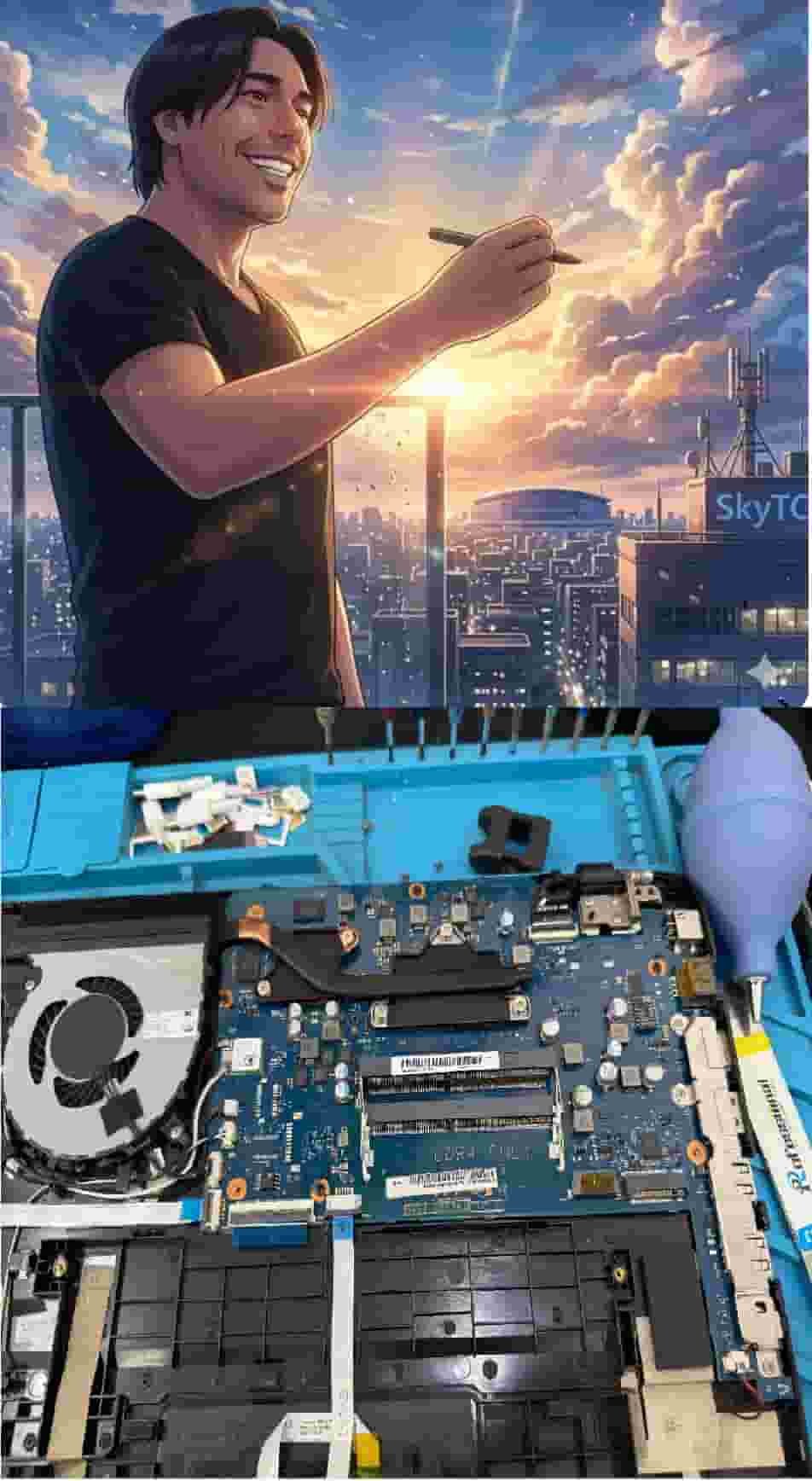
Technical Bio: Hardware & Laptops
“At SkyTC, technology is driven by engineering precision and real field experience. I am Valtersky, and I bring a unique background to the bench: from professional woodworking, the eye for structural integrity; from radiology, an absolute obsession with microscopic details.
As an ultra-endurance marathon runner, I don’t just browse store windows. I tear machines down, run intensive stress tests on thermal dissipation, and validate the actual build quality of every single component. My mission is to translate complex tech engineering and tech finances into smart decisions for your workflow.
Here, we speak straightforward, jargon-free English with the authority of someone who knows exactly what is inside the chassis.”