

You sit down at your cramped workstation, and your monitor’s massive stock plastic foot is hogging half your mousepad, pushing your keyboard into your stomach while you crane your neck forward like an inquisitive turtle. Hunting down the top affordable monitor mounts for small workspace desks is not some superficial interior design obsession; it is a cutthroat mechanical necessity to salvage your thoracic spine and keep your desk surface from looking like an electronics salvage yard.
Every single week on our repair bench, someone brings in a cracked display panel or a mangled laptop chassis because their bargain-bin monitor arm catastrophic failed. People slap a heavy high-refresh panel onto a flimsy stamped-metal clamp, cinch it down against cheap particle board, and wonder why their display suddenly face-plants into their mechanical keyboard at three in the morning. Bad rigging destroys high-value hardware.
Reclaiming your workspace requires understanding the raw physics of cantilevered weight and clamp distribution. By swapping out generic desk stands for properly engineered mounting arms, you claw back massive amounts of usable tabletop space, eliminate posture-induced cervical spine tension, and permanently protect your delicate display controller boards from vibration fatigue.
At our facility, we dissect failed mounts, sheared bolts, and stripped VESA plates right alongside fried motherboards. I am Valtersky, and together with our dedicated support team and in-house laptop hardware specialist, we have spent decades fixing hardware destroyed by mechanical negligence. Let us strip away the marketing hype and build an unbreakable mounting setup for tight workstations.
The Repair Shop Counter: The Intake Specification
Here is the no-nonsense counter diagnosis straight from the shop: most cheap monitor arms are cast out of porous pot metal that develops structural micro-fractures under tension. If you mount a gas-spring arm with an undersized C-clamp to a small desk without structural backing, you are building a mechanical catapult waiting to launch your display onto the floor.
The tactical cheat code is rigid simplicity. For small desks pushed against a wall, articulated gas arms often force the monitor too far forward into your face unless you pull the entire desk away from the baseboard. Look for heavy-gauge cold-rolled steel pole mounts or short-reach mechanical counterbalance arms paired with wide reinforcement plates. Lock down your center of gravity, distribute the clamping pressure across the desk substrate, and never trust a microscopic thumb-screw to hold an expensive display panel above your keyboard.
| Mount Mechanism Type | Load Clamping Architecture | Articulation Axis Play | Desk Depth Footprint | Structural Failure Risk |
|---|---|---|---|---|
| Cold-Rolled Steel Pole Mounts | Dual-Bolt Heavy C-Clamp | Manual Collar Adjustment | Ultra-Slim (Flush to wall) | Near Zero (Solid steel) |
| Gas-Spring Articulated Arms | Single-Pad Cast Aluminum | Fluid 3-Axis Dynamic Movement | Deep (Requires wall clearance) | Moderate (Cylinder leakage) |
| Mechanical Spring Counterbalance | Reinforced Steel Bracket | Internal Tension Coil | Moderate (Compact elbows) | Low (Fatigue resistant) |
| Low-Profile Wall-Track Brackets | Direct Stud Lag Screws | Micro-Tilt Only (Zero swing) | Zero (Completely off desk) | Low (Requires structural stud) |
| Grommet-Through Base Clamps | Through-Desk Backing Plate | Varies by upper arm model | Compact (Centered hole) | Ultra-Low (Sandwich lock) |
The Bare-Metal Trial: Pros, Cons, and Real-World Wear
Rigging displays inside tight office corners forces an uncompromising mechanical tradeoff between range of motion and desktop stability. Heavy-duty pole-mounted clamps provide an immovable steel foundation that holds your panel at a fixed height without drifting downward over time.
The Good: Maximum weight stability, zero creeping sag, and an ultra-shallow profile that lets you shove your small desk flat against the drywall. The Bad: Adjusting height requires loosening a mechanical collar with an Allen key while physically supporting the weight of your screen with your other hand; drop it accidentally, and the bracket will smash straight into your display cables.
Dynamic gas-spring articulated arms give you fingertip positioning, letting you pull the screen close for detail design work or shove it back for typing sessions with zero tools.
The Good: Effortless multi-axis positioning and immediate tilt adjustments that match your changing posture throughout long work shifts. The Bad: Cheap pneumatic cylinders lose internal seal pressure over seasonal temperature changes, leaving your screen permanently drooping toward your desk like a dying sunflower unless you constantly re-tension the internal valve.
Why Top Affordable Monitor Mounts for Small Workspace Desks Must Handle Torque
The biggest physics mistake people make when evaluating top affordable monitor mounts for small workspace desks is ignoring rotational leverage. A heavy screen extended fourteen inches away from its base does not just push down; it applies massive rotational torque against the mounting lip of your desk.
The lab macete requires calculating the lever-arm multiplier before you clamp anything down. When you type vigorously on a small, lightweight desk, that cantilevered monitor arm acts as an amplifier for desk vibration. If the mount’s base plate is stamped from thin sheet metal, that flex travels straight into the monitor’s VESA housing, stressing the internal circuit boards and vibrating delicate internal display ribbons until you get intermittent signal dropouts.
Scratch Risk: Chassis and Hinge Durability
Manufacturers love to show off gorgeous powder-coated matte finishes and polished cast-aluminum knuckles in their marketing renders, but everyday mechanical friction destroys cheap surface finishes within weeks. The small adjustment joints inside budget-friendly options rely on nylon friction washers that grind down into powdery white dust under constant repositioning, causing the screen tilt mechanism to loosen and slip without warning.
Even worse is the brutal damage inflicted directly on your desk frame: budget clamps routinely ship with paper-thin rubber pads that compress into nonexistence the second you torque the mounting bolt. The bare, un-deburred metal edges of the steel clamp bite straight through wood veneer, crushing particle board and leaving permanent gouges. Furthermore, cheap VESA mounting brackets with oversized screw tolerances will scratch the plastic chassis around your display’s internal screw standoffs, leaving ugly gouges that destroy resale value.
The Cardboard Core Collapse: A Field Post-Mortem
Let us look at an all-too-common disaster we get called about constantly: a home worker buys an affordable monitor arm and pairs it with a popular budget honeycomb-paper desk top. They mount a wide display on an articulated arm, swing it all the way to the right to clear room for a notepad, and leave it fully extended overnight.
Beneath the thin exterior laminate of that desk, there is no solid wood—only expanded hollow cardboard cells. The immense rotational torque concentrated on that tiny three-inch metal clamp foot punched straight through the upper veneer like a hole-punch through cardboard. The mount tilted forty-five degrees, the panel slammed down across the edge of the keyboard, and the internal glass substrate fractured instantly. The cost to repair the shattered display panel was identical to buying a high-end setup brand new.
Guides for Your Next Workspace
Practical laptop guides covering performance, hardware, troubleshooting, care, and everyday productivity.
Professional Laptops
The definitive blueprint to selecting high-performance, enterprise-grade workstations engineered to scale your productivity.
Budget Tech Tools
Practical strategies and low-cost digital tools engineered to maximize office performance without breaking your budget.
Power User Gadgets
Advanced hardware, desk automation tools, and elite tech ecosystems built to eliminate workflow bottlenecks.
Diagnose Laptop Hardware Faults
The official bench guide for identifying, testing, and diagnosing common laptop hardware faults with practical troubleshooting methods.
Maximize Laptop Performance
An ultimate tuning guide for improving laptop speed, efficiency, responsiveness, and overall performance.
Extend Laptop Lifespan
The ultimate care guide for protecting laptop hardware, preventing premature wear, and extending device longevity.
The Assembly Line: High-Yield Deployment Checklist
- Select top affordable monitor mounts for small workspace desks wisely.
Expert Tip: Avoid overly long articulated arms on shallow desks to prevent the screen from sitting entirely too close to your eyes. - Install heavy steel reinforcement plates beneath thin desk clamps.
Expert Tip: Sandwiching the tabletop between broad steel plates distributes rotational torque and prevents thin particle board from crushing inward. - Verify your display panel features standard recessed VESA bolt spacing.
Expert Tip: Some consumer monitors require proprietary adapter brackets that add unnecessary flex and alter the panel’s center of gravity. - Measure screw thread depth into your monitor before tightening.
Expert Tip: Using VESA screws that are too long will punch straight through the internal chassis and crack the display driver board. - Route display cables with generous service loops at all joints.
Expert Tip: Tight cable runs get pinched inside arm articulation knuckles, shearing internal copper conductors when you swing the screen. - Tighten gas-spring counter-tension screws only with the arm leveled.
Expert Tip: Adjusting tension while the arm is fully extended or compressed damages the adjustment threads inside the cylinder housing. - Banish single-pad clamps on hollow honeycomb or cardboard-core desktops.
Expert Tip: Hollow-core desks lack the internal compressive strength required to support concentrated cantilevered clamp loads safely. - Check tilt-axis friction bolts periodically for mechanical vibration drift.
Expert Tip: Typing vibrations loosen un-lock-nutted pivot bolts over time, leading to unexpected display droop during critical work. - Position the base clamp directly over an underlying desk frame leg.
Expert Tip: Clamping close to structural desk legs minimizes tabletop flex and eliminates irritating screen wobble while typing quickly. - Use non-slip silicone pads between metal clamp plates and desktops.
Expert Tip: Silicone grips tenaciously without melting into desk veneers, preventing the mount from slowly walking forward over time. - Balance screen center-of-mass directly aligned with the base footprint.
Expert Tip: Keeping the screen weight centered over the desk edge reduces torsional shear force on the clamp assembly by half.
Forensic Breakdown: Microscopic Hardware Answers
Will clamping a monitor arm break my cheap particle board desk?
Yes, if you do not use reinforcement plates. The concentrated clamping force combined with cantilevered monitor weight will punch a hole straight through hollow-core or cheap particle board tops.
Why does my gas-spring monitor arm slowly sag over time?
Pneumatic cylinders slowly leak nitrogen gas past their internal O-rings or the tension bolt has backed out from vibration. Re-tighten the hex tension screw or replace the failing arm cylinder.
Can an articulated monitor arm push my desk away from the wall?
Yes. Articulated elbow joints fold backward. On a shallow desk against a wall, the arm elbow will hit the drywall, forcing you to pull the desk several inches forward into your room.
Are pole mounts better than dynamic gas-spring arms for small desks?
For tight quarters, absolutely. Pole mounts have a near-zero rear footprint, letting you push your desk completely flush to the baseboard while holding your screen rock-steady without bounce.
What happens if I use the wrong length screws in the VESA plate?
If they are too long, you will drive the screw tip directly into the internal logic boards or display panel, destroying your monitor instantly. Always use the included plastic spacer washers.
Can monitor arm vibrations damage internal display electronics?
Yes. Low-grade components that flex and bounce transfer continuous micro-shocks to the panel’s internal T-Con board and bonded ribbon cables, leading to eventual line dropouts.
Is a grommet mount safer than an edge C-clamp?
Substantially safer. Grommet mounts pass a solid steel bolt through a drilled hole in the desktop, sandwiching the wood with zero risk of the clamp slipping off the rear edge.
Why do tilt mechanisms slip even when the bolt is tightened down hard?
Cheap friction washers inside the tilt joint glaze over and lose their grip under high monitor torque. Replacing the smooth nylon washers with Belleville spring washers permanently fixes the slip.
Why Trust SKYTC Curated Gear?
At SKYTC, we simplify technology for you. We aren’t just another deals site; we are hardware experts obsessively focused on elite performance.
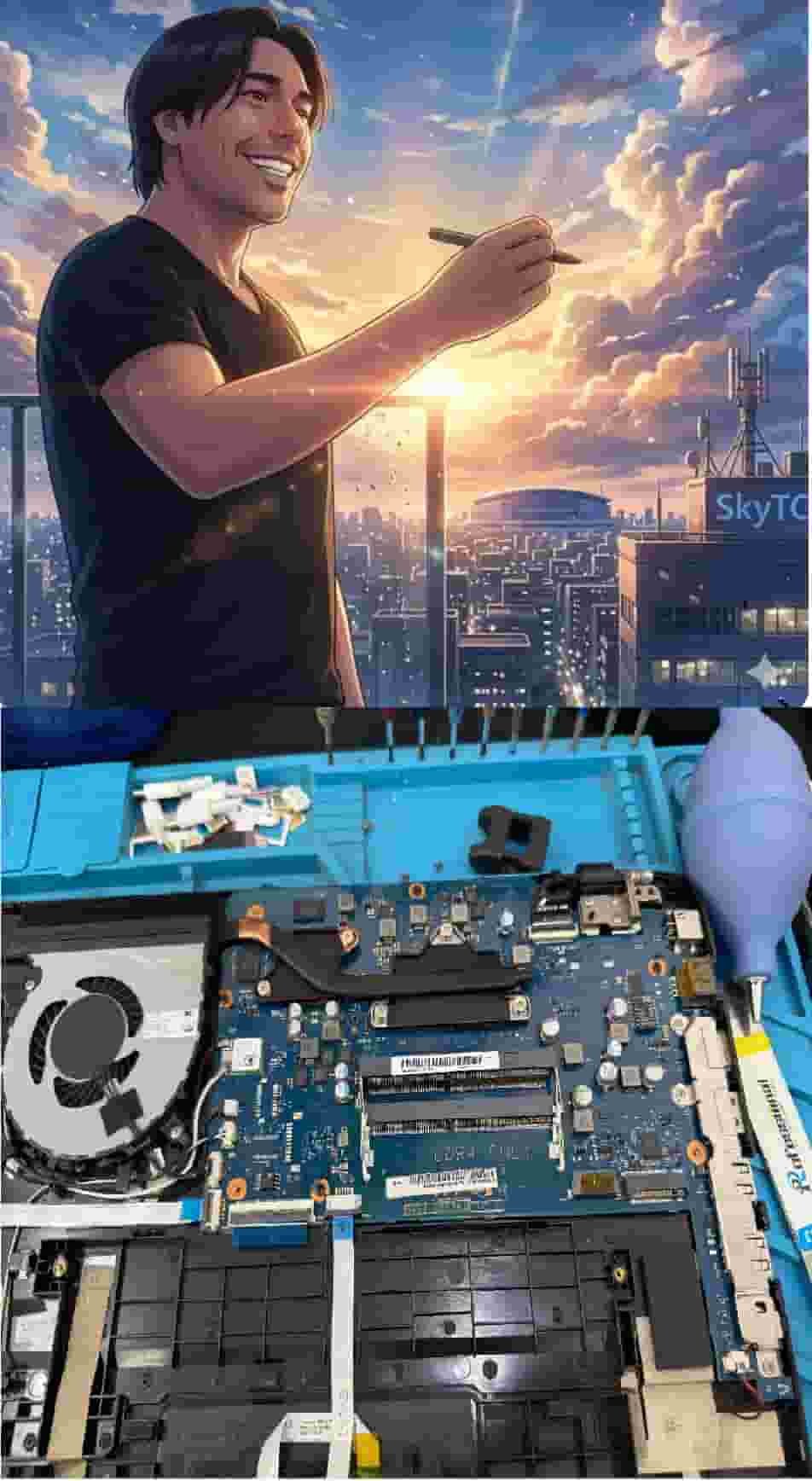
Technical Bio: Hardware & Laptops
“At SkyTC, technology is driven by engineering precision and real field experience. I am Valtersky, and I bring a unique background to the bench: from professional woodworking, the eye for structural integrity; from radiology, an absolute obsession with microscopic details.
As an ultra-endurance marathon runner, I don’t just browse store windows. I tear machines down, run intensive stress tests on thermal dissipation, and validate the actual build quality of every single component. My mission is to translate complex tech engineering and tech finances into smart decisions for your workflow.
Here, we speak straightforward, jargon-free English with the authority of someone who knows exactly what is inside the chassis.”
Read also: Best Budget Tech Tools for Cable Management Solutions: The Lab Bench Survival Guide
RAW REPAIR BENCH WARNING: Heavy monitors rigged without strain relief pull violently on video interfaces, causing micro-fractures in solder pads that lead directly to intermittent subpixel blue-line dropouts, T-Con board overheating, and permanent display panel bricking.