

Look, if your forearms feel like someone injected battery acid into your carpal tunnel after a late-night debugging sprint, you are not broken—your peripheral hardware is. Finding truly comfortable professional keyboards for programmers is not about hunting flashy RGB backlights or over-marketed gamer garbage; it is about preserving the primary biological tools that actually fund your lifestyle.
At the Valtersky engineering lab, our dedicated support team and laptop hardware specialist watch coders drag their battered wrists into the shop every single week. They spend fourteen hours a day hammering flat, unforgiving chiclet boards or cheap mechanical switches, bottoming out straight into solid aluminum backplates without a shred of acoustic or mechanical damping.
Typing on a rigid, poorly designed typing deck forces your hands into severe pronation and brutal ulnar deviation. That endless shock wave travels straight through your finger joints, inflames your extensor tendons, and slowly crushes your median nerve against the transverse carpal ligament while you sit there ignoring the warning clicks in your knuckles.
Ditching the flat plastic toys for a battle-tested workstation layout pays you back immediately: you stop losing productive coding hours to crippling joint pain, eliminate repetitive strain injuries before they demand surgery, and keep your hands fast and lethal for decades of high-yield engineering.
The Repair Shop Counter: The Intake Specification
Step up to the intake bench and listen closely: throw away the flat hipster slabs and stop letting gamer marketing dictate your physical health. If your fingers tingle or lock up before lunch, your typing angle is garbage and your keyboard frame is actively waging war on your joints. Here is the unfiltered bench verdict for coders who need to fix their setup right now:
- Split Ortholinear & Columnar Boards: The absolute gold standard for wrist survival. They split your hands out to true shoulder width and align keys in straight vertical columns, killing off the terrible diagonal finger-stretching legacy left over from nineteenth-century mechanical typewriters.
- Electro-Capacitive (Topre-Style) Decks: The ultimate tactical cheat code for heavy typists. Smooth, progressive rubber dome deceleration cushions your finger strikes like a hydraulic damper, completely eliminating the violent deceleration shock of bottoming out.
- Low-Profile Linear Mechanicals: The sweet spot for mobile developers and digital nomads who refuse to pack monstrous split rigs. They sit flat to the desk, keeping your wrists neutral without requiring a massive slab of foam underneath your palms.
- Integrated Laptop Scissor Decks: Pure tendon poison for twelve-hour coding shifts. Zero shock absorption, thin membrane traces that rot from minor sweat spills, and zero repairability when key chatter strikes your bracket keys.
| Deck Class | Switch Architecture | Wrist & Ulnar Angle | Solder & Trace Durability | Impact Fatigue Rating |
|---|---|---|---|---|
| Split Columnar Ergo | Mechanical / Hot-Swap | Fully Neutral (Tented) | High (Modular Dual PCB) | Minimal Joint Stress |
| Electro-Capacitive | Capacitive Rubber Dome | Fixed Flat / Slight Incline | Extreme (No Metal Contacts) | Near-Zero Bottoming Shock |
| Low-Profile Mechanical | Choc / Gateron LP Switches | Neutral Low Elevation | Moderate (Fragile Sockets) | Moderate Travel Shock |
| Traditional TKL Mechanical | Standard Cross-Stem Cherry/Clone | Compounded Pronation | High (Thick FR4 Solder Pads) | High (Hard Bottom-Out) |
| Flat Scissor Membrane | Scissor-Legged Rubber Pad | Severe Pronation & Tilt | Disposable (Mylar Traces) | Severe Bone Impact |
The Bare-Metal Trial: Pros, Cons, and Real-World Wear
Split Columnar Ergonomic Keyboards
The Good: They open up your chest, pull your shoulder blades back into proper posture, and align keys directly with your natural finger sweep. You never stretch your pinky at an awkward 45-degree angle to hit a semicolon or return key again.
The Bad: The learning curve feels like trying to write code while wearing winter mittens for the first week, and packing two separate chassis blocks connected by an umbilical interconnect cable turns airport security screening into an absolute interrogation.
Electro-Capacitive Switch Boards
The Good: The tactile bump happens right at the top of the keystroke, and the smooth rubber dome catches your downward momentum before you strike the plate. The capacitive sensing PCB has zero physical metal contact leaves, meaning switch chatter and oxidized contact bounce are completely impossible.
The Bad: They represent a premium tier investment that will seriously dent your gear budget. Furthermore, after a decade of continuous typing, the internal elastomer dome sheets gradually stiffen under ultraviolet light exposure and oil saturation.
Low-Profile Linear Mechanical Rigs
The Good: Ultra-slim base housings eliminate the tall front lip of standard mechanical cases, letting your wrists float naturally without hyperextending your palms upward.
The Bad: The tiny switch stems feature fragile mounting splines that easily shear off flush inside the stem housing if you pull keycaps at an angle, and the shallow surface-mount hot-swap sockets rip straight off the copper traces if you seat replacement switches without supporting the backplate.
Integrated Scissor-Switch Membrane Slabs
The Good: Silent operation that will never annoy coworkers in tight office spaces, extremely low weight, and instant familiarity without modifying your typing habits.
The Bad: Hitting bottom on these shallow switches feels like smashing your bare fingertips into a concrete floor. When a scissor hinge snaps or coffee shorts out a thin mylar trace, the entire deck is instantly dead and bound for the scrap bin.
Scratch Risk: Chassis and Hinge Durability
Modern keyboard marketing loves showing off bead-blasted anodized aluminum slabs, but they never show you what those cases look like after twelve months on a real developer’s desk. Anodized coatings look gorgeous straight out of the unboxing foam, but cheap surface oxidation layers scratch instantly when bumped against a wristwatch clasp, laptop edge, or metal coffee mug, exposing raw silver aluminum gouges that look atrocious.
Plastic injection cases avoid the gouge issue, but manufacturers consistently cut corners by using cheap ABS plastics instead of reinforced polycarbonates. Over months of typing, your oily palms buff the textured micro-finish on the chassis edges into a greasy, shiny smear that can never be cleaned off. Worse, the tiny snap-down plastic tilt legs on budget-friendly options use microscopic retention pins that shear off the instant you put your body weight on the keyboard while standing up to think through an algorithm.
Hypothetical Failure Scenario: The Fried Interconnect Jack
Picture this classic lab macete disaster: you are mid-shift, running your split ergonomic board across your desk, and you decide to slide the right half over to make room for a notebook. You pull the audio interconnect cable taut, the jack torques sideways inside the metal sleeve, and you decide to unplug the four-pole TRRS cable while the board is plugged into your machine’s live USB port.
That single split-second mistake shorts out your split keyboard permanently. As the stepped tip of the metal audio plug slides across the internal leaf contacts, the live supply trace crosses directly onto the microscopic data line of the secondary I/O expander chip. A faint whiff of burnt silicone hits your nose, the status LEDs die, and you just turned your premium tier investment into a dead paperweight because the board designer skipped an essential protection diode on the PCB layout.
Why Comfortable Professional Keyboards for Programmers Save Nerve Sheaths
Standard typing decks are an ergonomic disaster engineered purely for cheap mass production. When you position your hands flat on a traditional horizontal layout, your radius and ulna bones twist like a wringing towel, squeezing the pronator quadratus muscle and restricting micro-vascular blood supply straight down into your fingers. This mechanical pinching is why your hands feel cold and sluggish after long hours of compiling code.
High-grade ergonomic keyboards solve this by introducing physical tenting—elevating the center of the board so your hands rest at a relaxed, natural handshake angle. Combine that tenting with low-actuation switches, and your tendons glide smoothly through their lubricating sheaths without friction, inflammation, or the dreaded burning sensation that ruins engineering careers.
Guides for Your Next Workspace
Practical laptop guides covering performance, hardware, troubleshooting, care, and everyday productivity.
Professional Laptops
The definitive blueprint to selecting high-performance, enterprise-grade workstations engineered to scale your productivity.
Budget Tech Tools
Practical strategies and low-cost digital tools engineered to maximize office performance without breaking your budget.
Power User Gadgets
Advanced hardware, desk automation tools, and elite tech ecosystems built to eliminate workflow bottlenecks.
Diagnose Laptop Hardware Faults
The official bench guide for identifying, testing, and diagnosing common laptop hardware faults with practical troubleshooting methods.
Maximize Laptop Performance
An ultimate tuning guide for improving laptop speed, efficiency, responsiveness, and overall performance.
Extend Laptop Lifespan
The ultimate care guide for protecting laptop hardware, preventing premature wear, and extending device longevity.
The Assembly Line: High-Yield Deployment Checklist
- Deploy comfortable professional keyboards for programmers with split layouts.
Expert Tip: Splitting the keyboard halves out to your natural shoulder width instantly stops ulnar deviation and relieves chronic tension in your upper trapezius. - Adjust inward tenting angles to reduce forearm pronation.
Expert Tip: Angling your keys upward toward the center allows your wrists to operate at a neutral handshake posture, taking direct pressure off the median nerve. - Select switch variants featuring cushioned tactile deceleration.
Expert Tip: Switches that damp the bottom-out impact stop your finger bones from absorbing raw deceleration shock against the rigid backplate. - Float your wrists freely instead of compressing palms down.
Expert Tip: Resting your palms on desk pads while typing anchors your tendons and drives carpal tunnel pressure through the roof; rest only when pausing. - Never hot-plug interconnect cables while the deck has power.
Expert Tip: Unplugging an umbilical TRRS cable while powered shorts live voltage directly into the secondary microcontroller, instantly frying the silicon die. - Back up PCB hot-swap sockets when replacing individual switches.
Expert Tip: Always support the underside of hot-swap surface-mount sockets with your thumb inside the case to keep from shearing copper solder pads off the board. - Flush stuck switch assemblies using pure anhydrous isopropyl alcohol.
Expert Tip: Avoid cheap drugstore alcohol that contains water fractions, which corrode delicate internal switch leaves and create permanent signal chattering. - Install dense double-shot PBT keycaps over thin plastics.
Expert Tip: Heavy PBT caps deaden the high-frequency acoustic clack of switch impacts and do not wear down into slick, greasy surfaces after heavy coding sessions. - Rebind primary navigation layers to heavy thumb clusters.
Expert Tip: Moving Enter, Backspace, and Layer modifiers to your thumbs keeps your fragile pinky fingers from hyperextending across the perimeter rows. - Secure keyboard chassis halves with heavy non-slip rubber pads.
Expert Tip: Unstable typing halves cause tiny unconscious muscle micro-corrections in your arms, generating deep rotator cuff fatigue over long working shifts. - Transport your modular mechanical decks in rigid padded shells.
Expert Tip: Throwing a bare mechanical keyboard into a backpack bends switch cross-stems, stresses plate mounts, and breaks delicate surface-mount components.
Forensic Breakdown: Microscopic Hardware Answers
Are mechanical switches always better for coding than laptop scissor keys?
Yes, without question. Flat laptop scissor switches give you less than two millimeters of travel, forcing your fingers to smash directly into a solid metal tray at full speed. Real mechanical or electro-capacitive switches give you proper deceleration travel, cushioning your tendons before you hit the bottom of the stroke.
Do gel wrist rests cure repetitive strain injury?
No, they often make it worse. Leaning your wrists on a soft pad while typing compresses your carpal tunnel like a thumb on a garden hose, choking blood flow to your fingers. Wrist rests are designed for parking your palms when you take a break from typing, not for anchoring yourself while working.
Is an ortholinear column layout worth the painful learning curve?
Absolutely. Standard typewriter stagger is an obsolete mechanical compromise from the 1800s designed to keep physical typebars from tangling. Columnar keys match the natural length and reach of human fingers, reducing wasted lateral finger movement by miles over a multi-year engineering career.
Which switch actuation force is ideal for high-volume developers?
Aim for medium-light switches with an actuation force around forty to forty-five grams. Heavy sixty-gram clicky switches look cool on paper but force your flexor tendons to work overtime, resulting in fast muscular exhaustion and chronic wrist inflammation during marathon programming sessions.
Can hot-swap keyboard PCBs survive dozens of switch modifications?
Not if you treat them roughly. Surface-mount hot-swap sockets are held to the fiberglass PCB by two tiny solder joints. If you push a switch down with a bent pin, you will rip those copper traces completely off the board, requiring delicate micro-jumper wire bypasses under a microscope to restore functionality.
Why do cheap mechanical boards start typing double letters?
Contact bounce caused by oxidized metal leaf springs or degraded solder joints. Bargain-bin accessories use low-grade switch alloys that oxidize fast in humid rooms. When the microcontroller’s debouncing firmware cannot filter out the dirty electrical spikes, you get annoying double or triple bracket insertions in your terminal.
Is low latency wireless good enough for professional terminal work?
For writing code, proprietary two-point-four gigahertz wireless or modern Bluetooth is plenty responsive. However, cheap consumer Bluetooth chips drop packets or enter sleep states after sixty seconds of inactivity, cutting off the first two keystrokes of your next terminal command when you wake them back up.
Does a heavy solid aluminum case make a keyboard more ergonomic?
No, case material has nothing to do with wrist alignment. A heavy metal chassis keeps the board anchored firmly to your desk so it does not skate around while you type, but a rigid aluminum backplate makes bottoming-out impacts stiffer and harsher on your fingers unless properly isolated by internal silicone gaskets.
Why Trust SKYTC Curated Gear?
At SKYTC, we simplify technology for you. We aren’t just another deals site; we are hardware experts obsessively focused on elite performance.
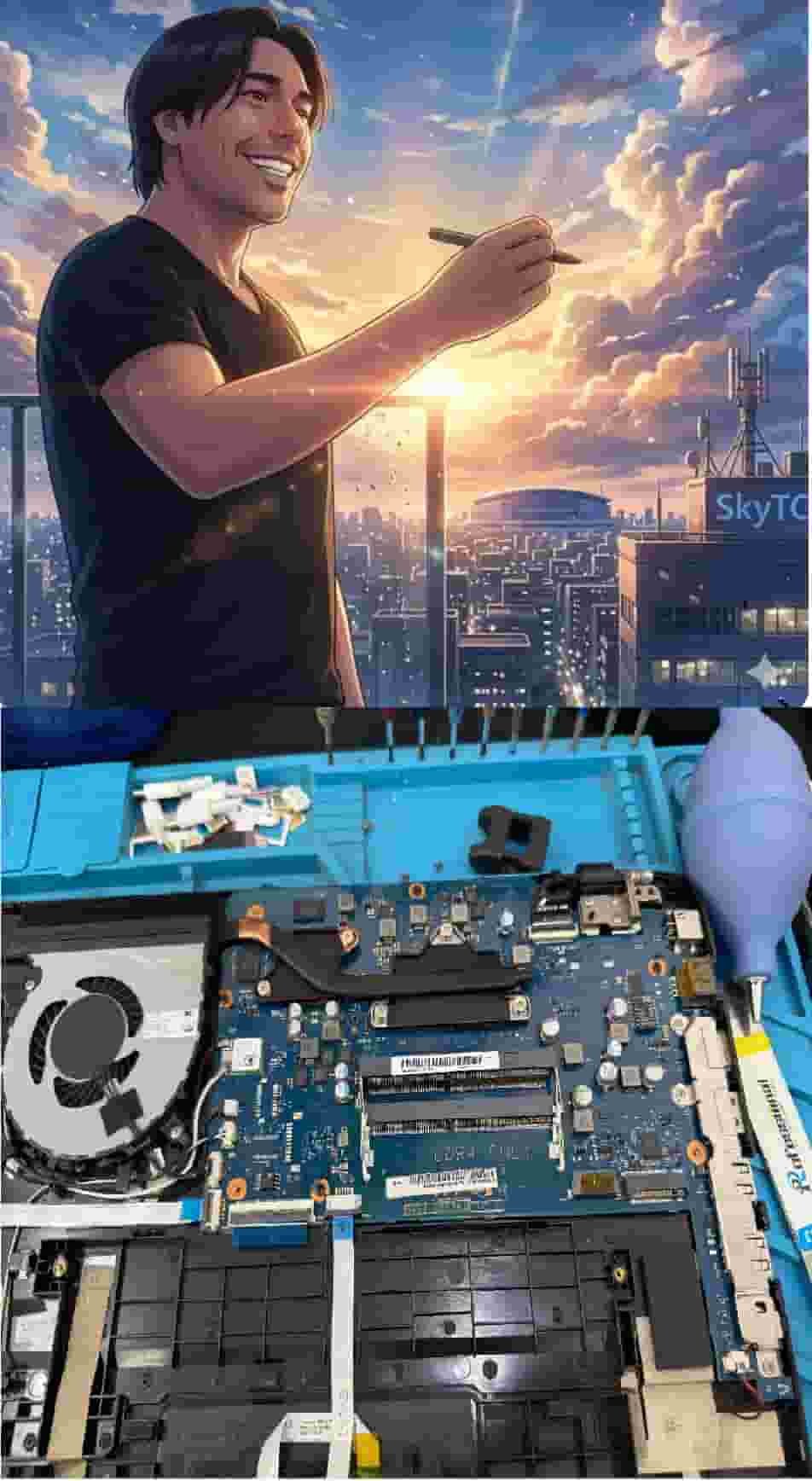
Technical Bio: Hardware & Laptops
“At SkyTC, technology is driven by engineering precision and real field experience. I am Valtersky, and I bring a unique background to the bench: from professional woodworking, the eye for structural integrity; from radiology, an absolute obsession with microscopic details.
As an ultra-endurance marathon runner, I don’t just browse store windows. I tear machines down, run intensive stress tests on thermal dissipation, and validate the actual build quality of every single component. My mission is to translate complex tech engineering and tech finances into smart decisions for your workflow.
Here, we speak straightforward, jargon-free English with the authority of someone who knows exactly what is inside the chassis.”
Read also: Top Work Laptops for Writers Comfort Typing All Day: The Bench Architect’s Teardown
BENCH WARNING: Check your hinge clearances before closing thin ultrabooks over third-party keyboard decks—crushed eDP display cables ground straight into the low-voltage logic rails, blowing backlight driver chips and sending BGA solder micro-cracks directly through your integrated CPU package.