

You just burned through your quarterly capital expenditure buying shiny, brand-new consumer laptops, only to watch them thermal throttle within twenty minutes of a serious rendering workload. That sick feeling in your stomach when the fans sound like jet engines and the keyboard deck reaches skillet temperatures is not bad luck; it is the planned obsolescence tax. Understanding why certified refurbished hardware saves tech budgets is the tactical cheat code separating burned-out IT managers from savvy operators who run bulletproof, ice-cold fleets.
Most corporate buyers assume “refurbished” means pulling someone else’s discarded junk out of a recycling bin and wiping the lid with window cleaner. That is dead wrong. The consumer market pushes disposable, single-heatpipe toys wrapped in stamped foil, while off-lease commercial machinery was built from day one with multi-layer FR4 boards and serious cooling fins.
When you swap out the brand-new retail trap for certified enterprise hardware, you stop financing marketing campaigns and start buying raw structural engineering. You save your business from brutal refresh cycles, slash hardware failures down to near zero, and keep your sanity intact when crunch time hits.
The Repair Shop Counter: The Intake Specification
Step up to the counter and drop the marketing illusions right now. If a laptop chassis twists like a cheap cardboard box when you pick it up by the corner, it does not belong in your office. Brand-new consumer-tier machines pack low-grade voltage regulator modules (VRMs) that cook themselves to death the second your ambient temperature climbs.
Certified refurbished enterprise gear—think Lenovo ThinkPad T and P series, Dell Latitude and Precision lines, or HP EliteBooks—hits our bench with thick magnesium roll cages, dual heatpipes, and fully socketed silicon components that make field swaps effortless.
Here is the no-fluff intake verdict: buying an off-lease, manufacturer-certified enterprise workstation for a mid-tier financial outlay completely outperforms any shiny, paper-thin consumer laptop bought at a high-tier cost. You get military-spec structural integrity, modular daughterboards, and cooling blocks designed to sustain full-throttle processor loads for eight consecutive hours without frying a single bypass capacitor.
The Financial and Thermal Truth: Why Certified Refurbished Hardware Saves Tech Budgets
| Hardware Tier Classification | Chassis & Roll-Cage Construction | Cooling Block Architecture | Power Delivery (VRM) Phases | Component Modular Repairability | Expected Operational Lifespan |
|---|---|---|---|---|---|
| Factory Certified Enterprise Tier | Cast Magnesium & Aluminum Alloy | Dual Sintered Heatpipes, Copper Fins | Multi-Phase High-Efficiency DrMOS | Socketed RAM, M.2 Storage, Modular I/O | 7 to 10 Years Continuous Work |
| Brand-New Retail Consumer Tier | Stamped Aluminum over Thin ABS Plastic | Single Shared Stamped Aluminum Pipe | Bare Minimum Power Stages (High Heat) | Fully Soldered Memory & Embedded Storage | 2 to 3 Years Before Failure |
| Uncertified Marketplace Bargain Tier | Varies by Model (Unknown Stress History) | Often Clogged or Dried Thermal Paste | Unchecked Silicon Degradation | Hit-or-Miss Stripped Screw Mounts | Unreported / Unpredictable |
| Brand-New Ultra-Thin Executive Tier | CNC Billet Shell (Zero Flex Space) | Vapor Chamber (Prone to Seal Leaks) | Tightly Packed Soldered VRM Layout | 100% Soldered Board, No Expansion | 3 to 4 Years (Thermal Throttled) |
The Bare-Metal Trial: Pros, Cons, and Real-World Wear
Every piece of hardware that crosses my microscope bench has tradeoffs. Let us look at what happens when rubber meets the road across different purchasing philosophies.
Factory Certified Enterprise Workstations
The Good: Sintered copper heatpipes paired with enterprise-grade ball-bearing fans evacuate heat rapidly before it ever cooks your battery cells. You get individual daughterboards for charging ports, meaning a damaged USB-C connector does not require a full motherboard replacement.
The Bad: They have bulkier bezels, heavier power bricks, and an industrial aesthetic that won’t win any design awards in a trendy coffee shop.
Brand-New Consumer-Grade Ultraportables
The Good: Flawless cosmetic anodization, razor-thin form factors, and screens with edge-to-edge glass that look stunning right out of the retail packaging.
The Bad: The cooling fans vent directly into the display hinge assembly, trapping heat against the panel. If a single memory chip throws a blue screen, the whole machine becomes e-waste because the silicon is permanently fused to the logic board.
Unverified Secondary Market Units
The Good: The lowest possible capital outlay on day one, letting teams stockpile machines for spare parts on the cheap.
The Bad: You have zero visibility into whether the board took a bath in soda, whether the liquid-crystal display was replaced with a bargain-bin panel, or if the BGA chips were blasted with a hardware-store heatgun just to survive long enough to sell.
Scratch Risk: Chassis and Hinge Durability
High-end corporate machines boast drop-forged steel and zinc alloy hinges that can survive tens of thousands of opening cycles without losing their factory resistance. But slap that same hardware into a rugged daily workflow, and consumer-grade pretenders show their true colors immediately.
Consumer laptops bond their hinge brackets straight into thin plastic tubs with brass knurled nuts melted into place. That looks fine under studio lights, but within twelve months of real-world torque, the brittle resin shatters. The hinge seizes, twisting the entire bottom casing, severing the low-voltage embedded DisplayPort (eDP) cable, and shorting the high-voltage backlight rail straight into the system processor.
Enterprise chassis make zero compromises on this front. They anchor heavy-duty steel hinge plates directly through cast magnesium subframes with hardened steel machine screws. Even when the outer rubberized coating shows battle scars, scratches, and worn corners from years of travel, the mechanical foundation holds rock-solid.
Hypothetical Failure Scenario: The Living-Room Thermal Melt
Let us walk through a scene we see playing out on diagnostic benches every week. A user grabs a sleek, brand-new consumer-tier laptop boasting a high-performance chip stuffed inside an ultra-slim chassis. They throw it onto a soft blanket or a plush lap desk, completely choking off the miniature intake vents slit into the bottom lid.
The single blower fan screams up to maximum revolutions, but there is zero airflow. Trapped heat saturates the single copper heatpipe and radiates directly into the printed circuit board. Directly above that board sits the lead-free solder array holding the central processor in place.
As internal core thermals pin at critical junction thresholds, the user keeps working, oblivious to the fact that the chassis deck is boiling. Repeated severe thermal expansion and contraction cycles begin to degrade the SAC305 solder spheres underneath the silicon die.
One afternoon, the user closes the lid, the fan cuts out, and the machine cools rapidly. That sudden temperature drop causes a microscopic shear crack across an address-line solder ball. The next morning: no post, no display, and a dead power management rail. A certified enterprise rig would have avoided this with bottom chassis standoffs, an emergency thermal throttling envelope, and redundant cooling routing.
Guides for Your Next Workspace
Practical laptop guides covering performance, hardware, troubleshooting, care, and everyday productivity.
Professional Laptops
The definitive blueprint to selecting high-performance, enterprise-grade workstations engineered to scale your productivity.
Budget Tech Tools
Practical strategies and low-cost digital tools engineered to maximize office performance without breaking your budget.
Power User Gadgets
Advanced hardware, desk automation tools, and elite tech ecosystems built to eliminate workflow bottlenecks.
Diagnose Laptop Hardware Faults
The official bench guide for identifying, testing, and diagnosing common laptop hardware faults with practical troubleshooting methods.
Maximize Laptop Performance
An ultimate tuning guide for improving laptop speed, efficiency, responsiveness, and overall performance.
Extend Laptop Lifespan
The ultimate care guide for protecting laptop hardware, preventing premature wear, and extending device longevity.
The Assembly Line: High-Yield Deployment Checklist
- Prioritize why certified refurbished hardware saves tech budgets on intake.
Expert Tip: Auditing the thermal design power of enterprise silicon proves older workstation layouts handle sustained loads far better than brand-new, thermally constrained consumer chips. - Verify the manufacturer refurbishment grade before authorizing procurement.
Expert Tip: Stick strictly to Grade-A factory recertified units to guarantee that motherboards have undergone official automated circuit verification and original component validation. - Stress test the central processing unit using automated benchmarks.
Expert Tip: Run a baseline diagnostic for twenty minutes to monitor whether thermal throttling kicks in before the cooling fan reaches its maximum acoustic pitch. - Inspect the DC power and Type-C connectors under magnification.
Expert Tip: Check for hair-line cracks on the solder joints anchoring the port to the sub-board to prevent intermittent charging drops. - Replace factory thermal interface material with high-viscosity thermal paste.
Expert Tip: Dried-out factory compound creates microscopic air pockets that can elevate idle operating temperatures by up to ten degrees Celsius. - Confirm memory expandability through physical dual-channel SODIMM slots.
Expert Tip: Avoid machines with fully onboard memory layouts to ensure you can double capacity down the road without replacing the entire logic board. - Measure battery state-of-health through hardware diagnostic logs.
Expert Tip: Reject any battery pack showing more than twenty percent chemical degradation or exhibiting structural cell swelling inside the chassis cavity. - Check display panel uniformity using full-screen solid-color test patterns.
Expert Tip: Look closely around the outer display edges for back-light bleeding, which indicates that structural torsional stress has warped the panel bezel. - Clean fan assemblies using an anti-static brush and low-pressure air.
Expert Tip: Never allow compressed air to free-spin a cooling fan without holding the impeller blades, as back-EMF voltage can short the motherboard fan header. - Flash the system BIOS directly to the latest stable enterprise release.
Expert Tip: Modern microcode updates often patch critical voltage regulation tables, preventing excessive transient current spikes from degrading sensitive silicon cores. - Confirm structural chassis screw torque against manufacturer service manual specs.
Expert Tip: Over-tightening base screws cracks plastic guide standoffs, while loose screws introduce flex that leads to premature keyboard trace failure.
Forensic Breakdown: Microscopic Hardware Answers
Does certified refurbished equipment suffer from shortened silicon life?
No. Silicon chips do not simply wear out from clean operational cycles. What destroys silicon is chronic extreme heat and over-voltage. Certified commercial machines feature superior multi-phase power delivery and cooling arrays that keep chips running far below critical thermal junctions.
Why do brand-new consumer laptops fail faster than older enterprise machines?
Because consumer machines are built to hit retail price points, not enterprise durability metrics. They cut corners with single-layer boards, stamped zinc hinges, cheap plastic casing clips, and minimal heatpipe copper. Enterprise hardware uses structural magnesium alloy skeletons and redundant circuit safeguards.
What does a factory recertification process actually involve?
Authentic certification involves automated diagnostic bed testing, component-level voltage verification, display panel luminance audits, and battery health checks. Any failed sub-assembly gets replaced with original equipment parts rather than cheap third-party knockoffs.
Can third-party refurbished machines be trusted for mission-critical tasks?
Only if you run an immediate bare-metal teardown and thermal audit. Many independent recyclers slap on a fresh operating system and wipe the plastic shell without ever repasting the processor or testing the surface-mount ceramic bypass capacitors under heavy electrical load.
Is it possible to upgrade processors on refurbished business laptops?
Almost all modern laptop processors are ball-grid array packages soldered permanently to the board. However, enterprise units allow modular swaps of the entire motherboard assembly, along with easy field upgrades for storage drives, Wi-Fi modules, and RAM sticks.
How do I identify whether a refurbished machine was liquid damaged?
Crack open the bottom chassis lid and inspect the white liquid contact indicators (LCIs). If they have turned pink or crimson red, or if you spot greenish-white copper oxide powder around the small SMD resistors under a microscope, walk away immediately.
Why are replacement parts so much cheaper for enterprise refurbished hardware?
Massive fleet deployments create immense secondary supply chains. Millions of identical corporate laptops are fielded globally, guaranteeing that replacement cooling assemblies, keyboards, and daughterboards remain widely available on the market for up to a decade.
Does a refurbished business laptop consume more power than a modern consumer unit?
Slightly, depending on the processor generation. But that tiny difference in wall power draw is completely overshadowed by the massive capital cost savings and the elimination of early hardware failure headaches.
Why Trust SKYTC Curated Gear?
At SKYTC, we simplify technology for you. We aren’t just another deals site; we are hardware experts obsessively focused on elite performance.
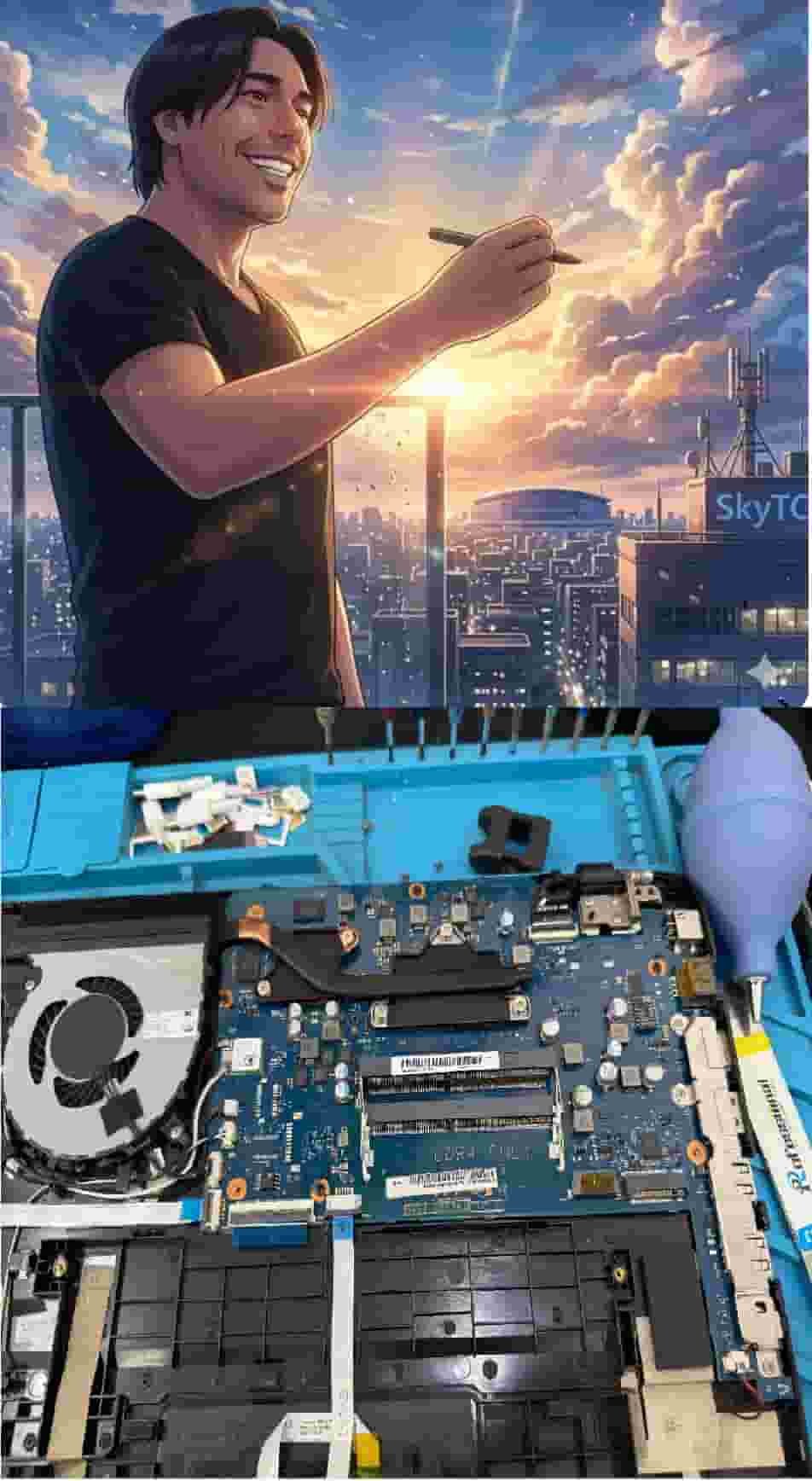
Technical Bio: Hardware & Laptops
“At SkyTC, technology is driven by engineering precision and real field experience. I am Valtersky, and I bring a unique background to the bench: from professional woodworking, the eye for structural integrity; from radiology, an absolute obsession with microscopic details.
As an ultra-endurance marathon runner, I don’t just browse store windows. I tear machines down, run intensive stress tests on thermal dissipation, and validate the actual build quality of every single component. My mission is to translate complex tech engineering and tech finances into smart decisions for your workflow.
Here, we speak straightforward, jargon-free English with the authority of someone who knows exactly what is inside the chassis.”
Read also: How to Safely Buy Refurbished Tech Tools for Business: The Hardware Engineer’s Teardown
Bench warning: Never ignore an uncalibrated hinge; shearing internal eDP display harnesses will bridge thirty-volt power directly into your CPU data lines, killing the entire board before your thermal sensors even wake up.