

Hunting down truly reliable reconditioned office gear often feels like navigating a toxic hardware landfill with your bare hands. You think you scored an insane workstation deal online, but when the parcel lands at your workstation, you open the packaging to discover a battered corporate reject filled with dust, rattling fan bearings, and a dying mainboard baked back to temporary life by a back-alley reseller with a heat gun.
At the Valtersky engineering lab, our dedicated support team and laptop hardware specialist crack open hundreds of these so-called renewed machines every single quarter. Most buyers get played by aggressive cosmetic wipe-downs and deceptive grading scales that mask deep structural fatigue, dying VRM power stages, and degraded battery cells on the verge of swelling.
You do not deserve the frustration of erratic display flickering, catastrophic kernel panics during client presentations, or burning your hard-earned setup funds on polished corporate scrap. When you learn how to source authentic commercial-grade machines through legitimate procurement channels, you secure aerospace-grade build quality for the cost of throwaway retail junk.
Mastering this hardware pipeline saves you endless troubleshooting hours, preserves your operating capital, and equips your daily workflow with rugged, serviceable platforms engineered to take absolute abuse for the next decade.
The Repair Shop Counter: The Intake Specification
Drop the slick marketing brochures and listen across the intake bench: if you buy consumer-tier refurbished laptops from big-box liquidators, you are purchasing planned obsolescence on layaway. Consumer gear uses paper-thin heatsinks, unreinforced chassis flex points, and soldered RAM that bricks the entire board the second a voltage spike jumps the memory controller.
Here is the intake verdict stripped down to pure copper:
- Tier-One Enterprise ITAD Liquidators: The absolute gold standard. ThinkPads, EliteBooks, and Latitude workhorses rotated out by corporate finance firms after three-year lease cycles. They feature modular daughterboards, serviceable thermal assemblies, and rigid internal cages.
- Direct Manufacturer Outlet Stores: The safest hardware bet on the market. You pay a slight margin over raw auction pallets, but you secure genuine factory component verification, fresh thermal pads, and legit board diagnostics.
- Government and University Surplus Depots: High technical risk with massive hardware upside. Industrial monitor arms, heavy-duty displays, and micro-tower desktops sold off in volume for budget-friendly fractions of their original value.
- Unverified Consumer Marketplaces: High-risk territory. Expect undisclosed liquid spills, third-party knockoff chargers spewing noisy ripple voltage into your charging ICs, and fake vinyl skins glued over cracked palmrests.
| Procurement Channel | Target Hardware Tier | Diagnostic Rigor | Component Failure Risk | Silicon Longevity |
|---|---|---|---|---|
| Enterprise ITAD Liquidators | Commercial Workstations / Laptops | Automated Component Flashing | Low to Moderate | High (Enterprise Silicon) |
| Direct OEM Refurbished Hubs | Factory Certified Tier-1 Gear | Full Motherboard Validation | Extremely Low | Maximum Factory Life |
| University Surplus Auctions | SFF Desktops & Heavy Monitors | Minimal (Power-On Test Only) | Moderate to High | Varies by Model |
| Local E-Waste B2B Recyclers | Enterprise Core Rigs & Peripherals | Bench Triage & Visual Audit | Moderate | High (Cleaned Silicon) |
| Open Peer-to-Peer Portals | Consumer & Mixed Commercial | Unreported / Seller Word | Severe Risk | Unreported / Gamble |
The Bare-Metal Trial: Pros, Cons, and Real-World Wear
Tier-1 Enterprise Laptops (ThinkPad, EliteBook, Latitude)
The Good: Built around magnesium-alloy roll cages and spill-resistant keyboards, these machines handle drops, liquid splashes, and heavy daily transport without flexing the motherboard traces.
The Bad: Corporate field units often arrive with heavily degraded lithium batteries that drop off a cliff after thirty minutes of unplugged compilation, and trackpads often sport disgusting shiny spots from years of continuous wear.
Commercial High-End IPS Displays
The Good: Industrial panels feature heavy-duty internal power supplies and internal steel mounting plates that outlast flimsy consumer monitors by half a decade.
The Bad: Sourcing from non-certified liquidators exposes you to edge-lit CCFL or early LED backlight bleed, micro-scratched anti-glare polarization films, and high-voltage inverter whine that drives you insane in a quiet home office.
Modular Small Form Factor (SFF) Micro-Desktops
The Good: Incredible compute density in a lunchbox footprint with enterprise-grade copper fin stacks, standardized desktop sockets, and whisper-quiet delta blower fans.
The Bad: Proprietary front-panel headers, custom power supply pinouts, and custom motherboard form factors make aftermarket component swaps an absolute headache if a proprietary circuit pops.
Enterprise Thunderbolt & USB-C Docks
The Good: Robust aluminum shielding, independent display controllers, and massive power delivery rails that drive triple displays while feeding steady wattage to your workstation.
The Bad: Binned corporate docks often possess worn-out receptacle ports with loose retention clips, causing annoying peripheral disconnect loops every time your knee bumps the desk leg.
Scratch Risk: Chassis and Hinge Durability
Enterprise hardware earned its legendary reputation through structural carbon fiber composites and thick aluminum top covers, but physics always wins against careless former owners. High-end business laptops survive drops that shatter consumer plastic into fragments; however, repeated torque cycles on unlubricated zinc-alloy hinge barrels will eventually seize up, tearing the steel hinge brackets straight out of their magnesium retention plates.
Budget-friendly options cut massive production corners by pressing brass threaded inserts directly into thin ABS plastic bosses. Over several years of thermal heating and cooling, the brittle plastic fractures silently until one morning you open the display lid and hear a sickening crunch as the hinge assembly punches right through the chassis wall. Inspecting hinge resistance before laying down your capital is the ultimate tactical cheat code to avoiding an unfixable structural nightmare.
Hypothetical Failure Scenario: The Swollen Pouch Surprise
Consider the classic office liquidator trap: you buy an ultra-clean corporate laptop listed as “Grade A Pristine Condition” from an unvetted marketplace vendor. The machine boots fine, the screen looks vibrant, and the seller applied fresh silicone oil to make the outer shell shine like a showroom floor model.
Two months later, the trackpad stops clicking, cursor tracking drifts erratically, and the aluminum bottom panel bows outward like an overinflated tire. You unscrew the bottom chassis screws under the microscope, and the internal lithium-polymer battery pouch is swollen like a baked potato, pressing straight against the fragile circuit traces of your primary touch controller. The seller never ran a battery health load cycle—they simply cleared the BIOS error logs and passed off a hazardous chemical reaction to your workspace desk.
Where to Source Reliable Reconditioned Office Gear Without Getting Burned
Locating true commercial-grade machines requires bypassing the shiny consumer algorithms and zeroing in on dedicated IT Asset Disposition (ITAD) firms and certified factory refurbishment outlets. These operations cater directly to enterprise fleet swaps where entire enterprise departments ditch pristine machinery simply because an administrative calendar crossed a thirty-six-month depreciation threshold.
When you purchase from legitimate ITAD channels, you are acquiring machines designed by enterprise systems architects who prioritize thermal airflow channels, socketed Wi-Fi cards, and user-accessible drive bays. This hardware is built from day one to be torn down, repaired, and deployed for extended tours of duty without requiring specialized micro-soldering gear for simple storage upgrades.
Guides for Your Next Workspace
Practical laptop guides covering performance, hardware, troubleshooting, care, and everyday productivity.
Professional Laptops
The definitive blueprint to selecting high-performance, enterprise-grade workstations engineered to scale your productivity.
Budget Tech Tools
Practical strategies and low-cost digital tools engineered to maximize office performance without breaking your budget.
Power User Gadgets
Advanced hardware, desk automation tools, and elite tech ecosystems built to eliminate workflow bottlenecks.
Diagnose Laptop Hardware Faults
The official bench guide for identifying, testing, and diagnosing common laptop hardware faults with practical troubleshooting methods.
Maximize Laptop Performance
An ultimate tuning guide for improving laptop speed, efficiency, responsiveness, and overall performance.
Extend Laptop Lifespan
The ultimate care guide for protecting laptop hardware, preventing premature wear, and extending device longevity.
The Assembly Line: High-Yield Deployment Checklist
- Acquire reliable reconditioned office gear through certified ITAD channels.
Expert Tip: Enterprise liquidators use automated diagnostic software to verify individual memory banks and CPU logic lanes instead of relying on superficial exterior visual checks. - Inspect all motherboard capacitor caps for electrolyte doming immediately.
Expert Tip: Bulging capacitor tops or crusty brown residue around lead legs signal imminent voltage breakdown that will shut down the board under heavy processing loads. - Repaste CPU and GPU silicon with dense viscous compound.
Expert Tip: Factory thermal paste on off-lease machines dries into brittle chalk after three years, causing rapid thermal throttling the second you spin up a compile cycle. - Run deep battery calibration sweeps to evaluate internal resistance.
Expert Tip: A battery reporting high capacity in the operating system can drop instantly under peak load if high internal cell resistance triggers an internal shutdown. - Verify display panel uniformity against a pure white background.
Expert Tip: Check panel corners under full brightness to spot light-guide diffusion damage, pressure bruising, or edge-lit LED discoloration caused by rough transport. - Toss unbranded replacement power bricks into the electronic waste.
Expert Tip: Low-grade aftermarket chargers lack transient suppression chokes and spike dangerous electrical noise into fragile surface-mount battery charging ICs. - Flash BIOS and firmware straight to the latest patch.
Expert Tip: Enterprise manufacturers push critical microcode security updates and thermal fan curve optimizations that solve chronic stability flaws on older board revisions. - Test every single physical port using high-draw external devices.
Expert Tip: Strained USB and display ports frequently develop cracked solder joints on their surface-mount pins that disconnect intermittently under high mechanical vibration. - Strip down cooling fans to clean hidden lint blankets.
Expert Tip: Dust felt packs tightly against the inside face of the copper heatsink fins, blocking airflow completely even if the spinning fan blades look clean from the outside. - Run continuous memory torture tests for at least two hours.
Expert Tip: Intermittent BGA memory errors only reveal themselves once the motherboard PCB heats up to full operational temperature and expands physically. - Secure modular expansion brackets using non-permanent blue threadlocker.
Expert Tip: Fan vibration backs loose steel screws out over time, allowing them to drop onto live motherboard traces and short out high-voltage power rails.
Forensic Breakdown: Microscopic Hardware Answers
Is enterprise refurbished gear actually better than a new cheap laptop?
Yes, by an absolute mile. A three-year-old enterprise workstation features thicker copper PCB traces, magnesium frame reinforcement, and dual cooling pipes. A bargain-bin new consumer laptop is made of brittle flexy plastic with a single tiny heatsink designed to cook itself to death the month its warranty expires.
What is the biggest scam to avoid when shopping reconditioned gear?
Sellers applying decorative vinyl skins over top covers and palmrests. Shady refurbishers use thick textured stickers to mask deep chassis gouges, dropped corners, and hair-line stress fractures around the hinge mountings. If it comes wrapped in fake carbon fiber vinyl, send it straight back.
How do I verify if an off-lease battery is genuinely safe?
Generate a native hardware battery report via your terminal or BIOS diagnostics. Compare the original factory design capacity against the current full charge capacity. If degradation exceeds thirty percent, or if the bottom panel exhibits any bowing or pressure resistance, replace the pack immediately.
Why do some refurbished office monitors emit an annoying high-pitch buzz?
Failing switch-mode power supply transformers and drying electrolytic capacitors inside the internal AC-to-DC inverter board. When those internal components degrade from years of continuous office use, they vibrate at audible frequencies under high backlight brightness levels.
Can micro-form-factor desktop PCs handle intense full-day workloads?
Yes, provided you clean out the heat exchanger and replace the old thermal interface paste. These compact micro-boxes utilize high-efficiency enterprise laptop blower fans paired with full desktop socket processors, delivering stellar stability within a tiny desk footprint.
Do cosmetic grades like Grade A, B, and C actually mean anything?
Not across different sellers. One liquidator’s Grade B is another reseller’s Grade A because cosmetic grading is completely subjective. Always skip the cosmetic label and look strictly at the hardware warranty terms, return policy, and component testing documentation.
Why should I avoid using generic replacement power adapters?
Cheap power bricks skip internal isolation transformers, thermal fuses, and RF filtering chokes. They spew dirty AC ripple voltage directly into your laptop’s charging circuitry, blowing the primary buck converter MOSFETs and turning your board into an instant repair bench project.
What is the quickest way to spot a failing motherboard component?
Smell the exhaust vents and scan the bare motherboard under magnification for flux residue or discolored PCB solder mask around the power stages. If you see darkened copper near the inductors or smell burnt fishy electrolyte, that board took severe heat stress and will fail prematurely.
Why Trust SKYTC Curated Gear?
At SKYTC, we simplify technology for you. We aren’t just another deals site; we are hardware experts obsessively focused on elite performance.
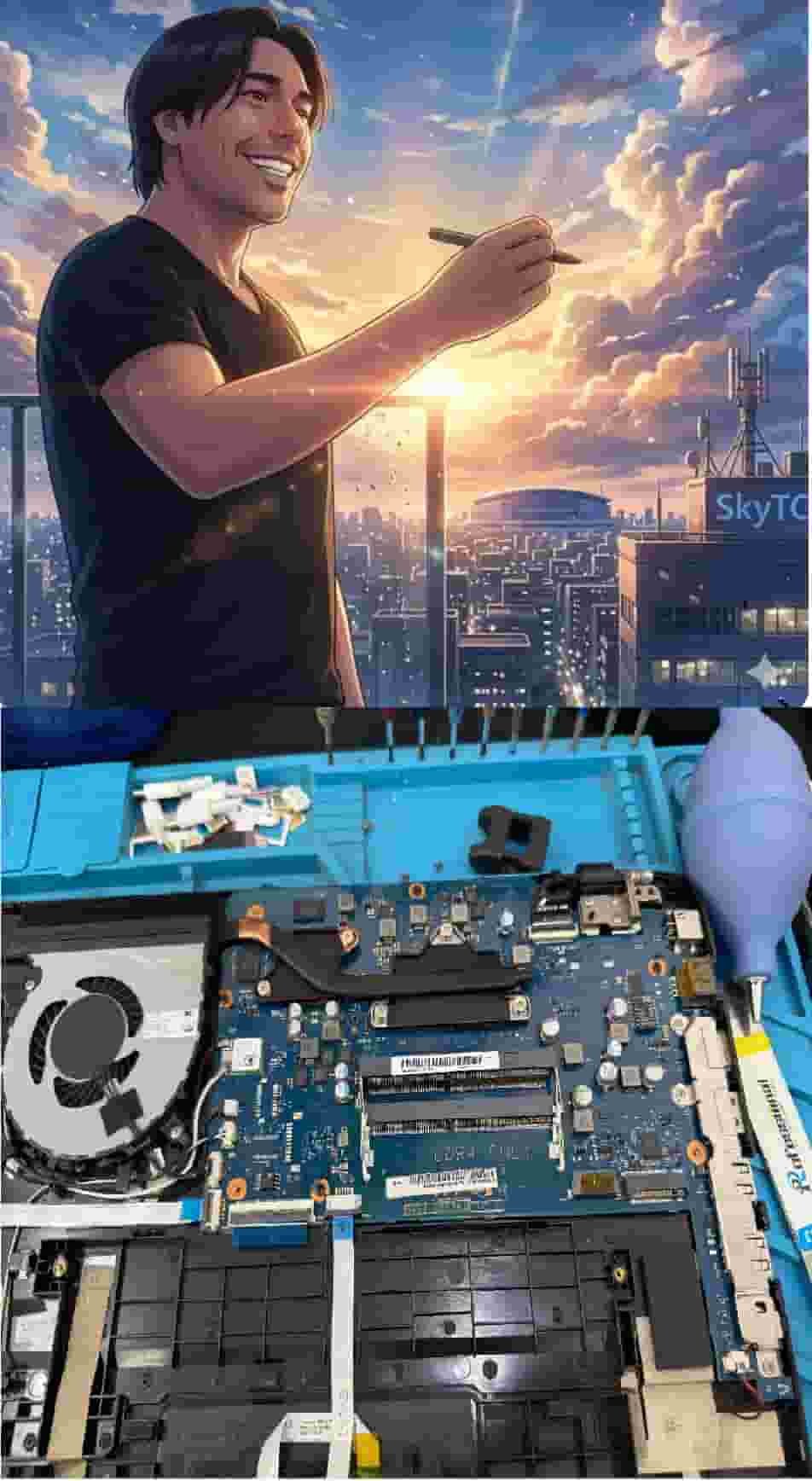
Technical Bio: Hardware & Laptops
“At SkyTC, technology is driven by engineering precision and real field experience. I am Valtersky, and I bring a unique background to the bench: from professional woodworking, the eye for structural integrity; from radiology, an absolute obsession with microscopic details.
As an ultra-endurance marathon runner, I don’t just browse store windows. I tear machines down, run intensive stress tests on thermal dissipation, and validate the actual build quality of every single component. My mission is to translate complex tech engineering and tech finances into smart decisions for your workflow.
Here, we speak straightforward, jargon-free English with the authority of someone who knows exactly what is inside the chassis.”
Read also: Best Used Tech Tools for Bootstrapping Modern Startups
BENCH WARNING: Check your internal LVDS and eDP display ribbon cables inside the hinge wells before deploying surplus rigs—pinched wiring harnesses short out the back-light high-voltage line into low-voltage logic pins, blowing T-Con boards, leaving subpixel blue-line dropouts, and frying southbridge silicon instantly.