

You are sitting at a wobbly desk past midnight, watching your runway evaporate while your sleek retail ultrabook screams like a jet engine preparing for catastrophic takeoff. Finding the best used tech tools for bootstrapping modern startups is not an admission of defeat; it is the ultimate survival maneuver in a predatory hardware market. Most early-stage founders torch their scarce investment capital buying shiny, glued-shut consumer laptops that begin thermal throttling the very second a Docker container spins up alongside local databases.
Every time you hear that tiny fan screech or smell hot circuit-board resin drifting out of an ultrabook exhaust vent, your stomach drops. You cannot afford a dead machine during an investor pitch, nor can you tolerate compile times that drag on because your thin laptop processor throttles down to base clock speeds to keep from melting its own chassis. You are one blown power delivery rail away from catastrophic downtime, missed deploy windows, and sleepless nights.
Here is the tactical cheat code: when you strip away the marketing hype and clean retail boxes, enterprise gear built three years ago consistently outperforms disposable consumer plastic. Locking down battle-tested corporate hardware preserves your cash reserves, stops thermal burnout dead in its tracks, and provides your engineering team with repairable platforms that simply refuse to die on the bench.
The Repair Shop Counter: The Intake Specification
Step up to my service counter and look at what is sitting under the stereomicroscope right now. We have three brand-new, ultra-thin lifestyle machines sitting in the scrap pile with fried charging controllers and warped motherboards, while five-year-old corporate fleet workhorses come in, get a fresh dab of thermal paste, and walk right back out the door ready for another decade of abuse. If you are bootstrapping a business, buying consumer-grade retail hardware is financial suicide.
Corporate IT departments dump off-lease hardware on a strict clock, regardless of whether the gear has seen actual heavy work. That equipment was engineered from day one with dedicated thermal headroom, modular daughterboards, standardized screw pitches, and accessible schematics. You bypass the devastating initial depreciation hit, escape the glued-together planned obsolescence trap, and put enterprise-grade silicon into your team’s hands for a fraction of what retail shoppers pay.
Selecting the Best Used Tech Tools for Bootstrapping Modern Startups
Navigating the secondary market requires an engineering mindset, not consumer wishful thinking. You are searching for platforms with modular components, socketed storage, easily swappable keyboards, and dual-channel memory slots that allow cheap post-purchase upgrades. When our dedicated support team and laptop hardware specialist audit second-hand inventory, we ignore cosmetic scuffs and inspect power rails, heat pipe integrity, and board-level solder quality.
| Hardware Class | Silicon / Spec Tier | Common Hardware Chokepoint | Repairability Index | Deployment Verdict |
|---|---|---|---|---|
| Off-Lease Corporate Laptops | Enterprise Quad/Octa-Core | Worn mechanical trackpad switches | High | Tier-one choice for mobile developers |
| Decommissioned Workstation Towers | Multi-Core Xeon / Threadripper | Degraded high-amperage power supply capacitors | Exceptional | Optimal local build and render servers |
| Enterprise Managed Switches | Gigabit / 10G SFP+ Line-Rate | Screaming 40mm sleeve-bearing fans | Moderate | Mandatory for stable local infrastructure |
| Commercial IPS UltraSharp Panels | Color-Accurate 1440p / 4K IPS | Failing external power delivery bricks | Moderate | Essential for ergonomic design workflows |
| Rackmount Network Storage Units | Low-Power Embedded x86 | Dry electrolytic capacitors in low-grade power supplies | High | Flawless secure on-premise staging repos |
The Bare-Metal Trial: Pros, Cons, and Real-World Wear
Corporate Fleet Laptops: The Good: Dual heat pipes, magnesium-alloy roll cages, and keyboard assemblies you can replace in under ten minutes with a simple screwdriver. The Bad: The factory display panels are often low-nit washed-out trash, and the original lithium batteries have almost certainly burned through their ideal charging cycles, requiring immediate bench replacement.
Off-Lease Precision Workstation Towers: The Good: Unstoppable cooling systems with massive copper heatsinks, spacious chassis layouts, and tool-free drive bays that let you drop in standard storage drives instantly. The Bad: They weigh as much as an engine block, pull serious power from the wall during heavy compiles, and look like industrial relics in a stylish modern office.
Decommissioned Managed Switches: The Good: Flawless packet routing, enterprise virtual LAN capabilities, and military-grade metal enclosures that laugh at power spikes. The Bad: Their high-RPM cooling fans sound like a commercial hair dryer running non-stop, requiring either a soundproof networking closet or an aftermarket fan mod before your team loses its mind.
Refurbished Studio Displays: The Good: Exceptional color gamut coverage, sturdy height-adjustable metal pivot stands, and factory anti-glare coatings that prevent daytime eye strain. The Bad: Second-hand panels often arrive with minor bezel scuffs or scratched plastic housings, and internal power supply boards can develop high-frequency coil whine over extended duty cycles.
Scratch Risk: Chassis and Hinge Durability
Consumer laptops rely on razor-thin stamped aluminum shells held together by micro-droplets of structural adhesive and tiny plastic clips that snap the moment you bump your backpack against a door frame. Engineers praise their clean lines on social media, but the brutal mechanical reality is that their screen hinges are anchored directly into brittle plastic standoffs. Within eighteen months of regular travel, torsional fatigue rips those brass inserts out of the deck, shattering the display casing from the inside out.
True enterprise chassis utilize structural magnesium sub-frames and beefy steel hinge brackets bolted straight through the core frame with substantial machine screws. They will survive being slammed into airport security bins and tossed onto desks without binding up or cracking the motherboard substrate. You trade off paper-thin novelty dimensions for absolute mechanical survivability that keeps your team operational in real-world conditions.
The Dead Rail Trap: A Bootstrapper’s Hardware Autopsy
Let me paint a picture of a disaster that lands on my repair bench at least twice every week. An energetic founder buys a bargain-bin multi-port adapter from an online clearinghouse, plugs it into their fragile lifestyle ultrabook, and daisy-chains a cheap non-certified charging block into the auxiliary port. While running high-demand database migrations on a soft sofa, the system gets baking hot, choking off its tiny bottom air intakes.
Suddenly, the unbranded charging block experiences a thermal surge, bypassing its bargain-basement smoothing capacitors and dumping unstable voltage straight into the machine’s power delivery management controller. The chip instantly vaporizes, bridging the high-voltage input rail straight into the central processor logic lanes. In less than a millisecond, the entire unified processor and soldered memory array turn into worthless silica, permanently taking weeks of uncommitted code down with it.
Guides for Your Next Workspace
Practical laptop guides covering performance, hardware, troubleshooting, care, and everyday productivity.
Professional Laptops
The definitive blueprint to selecting high-performance, enterprise-grade workstations engineered to scale your productivity.
Budget Tech Tools
Practical strategies and low-cost digital tools engineered to maximize office performance without breaking your budget.
Power User Gadgets
Advanced hardware, desk automation tools, and elite tech ecosystems built to eliminate workflow bottlenecks.
Diagnose Laptop Hardware Faults
The official bench guide for identifying, testing, and diagnosing common laptop hardware faults with practical troubleshooting methods.
Maximize Laptop Performance
An ultimate tuning guide for improving laptop speed, efficiency, responsiveness, and overall performance.
Extend Laptop Lifespan
The ultimate care guide for protecting laptop hardware, preventing premature wear, and extending device longevity.
The Assembly Line: High-Yield Deployment Checklist
- Deploy the best used tech tools for bootstrapping modern startups.
Expert Tip: Avoid shiny consumer-grade glass traps and focus strictly on off-lease corporate workhorses built with modular daughterboards, standardized schematics, and accessible thermal assemblies. - Disassemble and renew crusty factory thermal interface material.
Expert Tip: Decommissioned enterprise machines carry dried-up thermal paste that has turned into chalk, making a teardown and fresh application of thick, non-conductive compound mandatory before running production loads. - Inspect internal copper heat pipes for vapor seal failures.
Expert Tip: A cracked or depressurized copper sintered heat pipe will cause immediate thermal throttling within thirty seconds of bootup even if the cooling fan is spinning at maximum velocity. - Verify the battery management health metrics via hardware reporting.
Expert Tip: Reject used portable machines showing degraded cell capacities below eighty percent of original design limits to avoid unexpected system shutdowns during voltage drops. - Upgrade storage configurations to verified enterprise-grade solid-state drives.
Expert Tip: Swap out mystery second-hand boot drives for new components possessing dedicated power-loss protection capacitors and high write-endurance ratings to prevent silent corruption. - Perform rigorous memory stress testing across all populated channels.
Expert Tip: Run a bootable diagnostic suite across multiple passes overnight to detect intermittent solder fatigue cracks inside surface-mount memory traces before trusting the machine with mission-critical compiling. - Clean cooling fan bearings and clear heatsink fin arrays.
Expert Tip: Use compressed air while mechanically holding fan blades stationary, preventing the motor from acting as an electrical generator and dumping back-EMF voltage into the fan header circuit. - Examine display panels under high-brightness backlight inspection angles.
Expert Tip: Hunt for subtle pressure bruising, micro-fractured light guide plates, and loose display cable routing through the hinge channels that could short the backlight circuit. - Check internal screw posts and hinge anchoring chassis mounts.
Expert Tip: Tighten loose structural Torx screws and ensure the brass threaded inserts have not detached from the internal frame reinforcements before deploying the hardware to mobile team members. - Flash internal system firmware to the latest security updates.
Expert Tip: Overwrite outdated management engine revisions and patch vulnerabilities directly through verified vendor binary packages while running on isolated bench networks. - Standardize charging peripherals around certified high-output power supplies.
Expert Tip: Discard unbranded aftermarket power bricks lacking legitimate electrical safety certifications to prevent dirty alternating current ripple from degrading your motherboard voltage regulation modules.
Forensic Breakdown: Microscopic Hardware Answers
Why do corporate off-lease laptops outlast brand-new retail laptops?
Enterprise machines are engineered for three-to-five-year enterprise leasing cycles where field downtime costs corporate IT real money. They feature heavier copper heatsinks, modular ports on separate daughterboards, and rigid magnesium roll cages. Consumer laptops are engineered to hit attractive retail price points on showroom shelves, sacrificing cooling surface area and mechanical durability for paper-thin styling.
Should our startup buy used enterprise networking switches or consumer mesh routers?
Buy the decommissioned enterprise switch every single time. A used managed gigabit switch gives you non-blocking backplanes, isolated VLAN functionality, and bulletproof packet routing that never locks up under massive network strain. Consumer mesh nodes overheat, drop packets under high concurrent connection loads, and lack basic hardware diagnostics.
How can we verify that a used workstation motherboard hasn’t suffered thermal degradation?
Pop the side panel and inspect the voltage regulation modules surrounding the processor socket. Look for discolored PCB masking, blistering around the choke coils, or bulging electrolytic capacitors. If the circuit board around the main power delivery stage looks darker than the surrounding substrate, that board has been baked continuously under poor airflow and should be skipped.
Is buying used enterprise-grade NVMe drives a massive operational hazard?
No, provided you pull the drive’s health telemetry via SMART reporting tools before putting it into service. Enterprise-grade solid-state drives possess monumental endurance ratings compared to retail consumer drives. A used data-center drive with ten percent of its written lifespan consumed will easily outlast a brand-new bargain-bin drive purchased at retail.
What is the real danger of buying used laptops with soldered LPDDR RAM?
It is a total repair and upgrade dead end. If a single surface-mount memory package develops a micro-fractured solder ball from thermal cycling, the entire motherboard becomes e-waste unless you possess high-end micro-soldering rework stations. Always prioritize hardware with socketed dual-channel slots so a failed stick can be pulled and replaced in seconds.
Why do used office monitors make vastly more sense than cheap gaming panels?
Office-grade commercial monitors prioritize color uniformity, wide viewing angles, robust power supplies, and ergonomic stands designed for eight-hour workdays. Cheap consumer gaming panels cut costs on panel coating quality, introduce eye-straining pixel inversion, and utilize flimsy plastic stands that transmit every desk vibration directly to your eyes.
Can our technical team rely on second-hand enterprise power supplies?
Yes, but stick exclusively to tier-one enterprise units from reputable original equipment manufacturers. Commercial workstation power supplies feature Japanese capacitors, robust input filtering, and thick modular wiring harnesses. Avoid no-name secondary market power supplies entirely; an unstable power supply can wipe out every component downstream.
How do we test a second-hand business machine before deploying it to production?
Run a combined hardware torture test: max out processor threads and the graphics engine simultaneously while monitoring thermal logging curves for thirty minutes. If the hardware maintains safe operational temperatures without thermal throttling, random kernel panics, or sudden reboots, the voltage regulation modules and heat pipes are rock solid.
Why Trust SKYTC Curated Gear?
At SKYTC, we simplify technology for you. We aren’t just another deals site; we are hardware experts obsessively focused on elite performance.
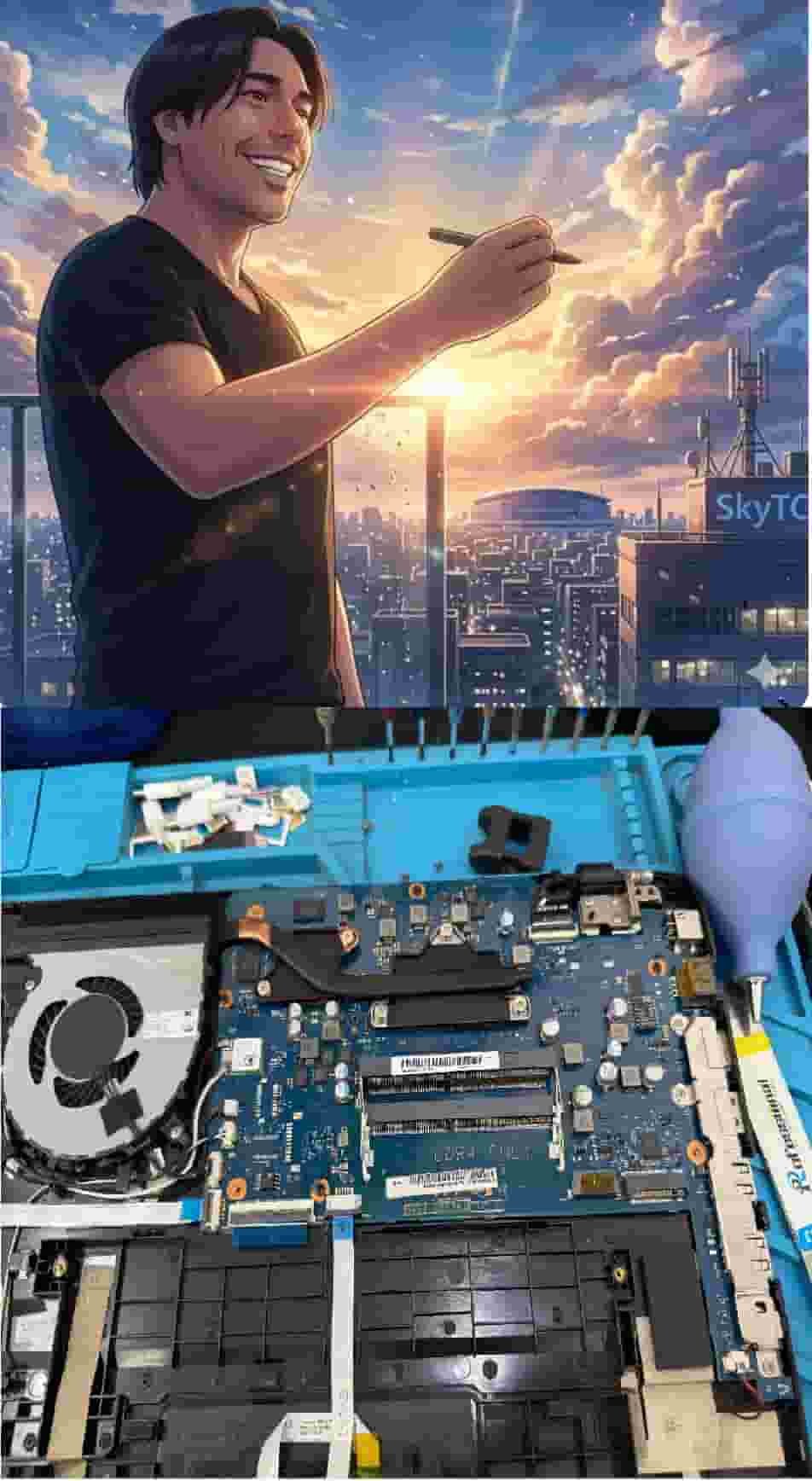
Technical Bio: Hardware & Laptops
“At SkyTC, technology is driven by engineering precision and real field experience. I am Valtersky, and I bring a unique background to the bench: from professional woodworking, the eye for structural integrity; from radiology, an absolute obsession with microscopic details.
As an ultra-endurance marathon runner, I don’t just browse store windows. I tear machines down, run intensive stress tests on thermal dissipation, and validate the actual build quality of every single component. My mission is to translate complex tech engineering and tech finances into smart decisions for your workflow.
Here, we speak straightforward, jargon-free English with the authority of someone who knows exactly what is inside the chassis.”
Read also: Why Certified Refurbished Hardware Saves Tech Budgets: The Bench Engineer’s Reality Check
Micro-fractured BGA solder balls under the processor and sheared eDP display ribbon cables inside worn hinges will murder your hardware runway faster than any software bug ever could.